
Save audit data
After performing the global update of orders to ensure that the orders/fines registered in the documents have the updated economic index, it is possible to save an updated summary of the order/fine amounts by document type.
To save the summary in each document, open the main menu, select the Legal module, Operations and click the Save audit data option.
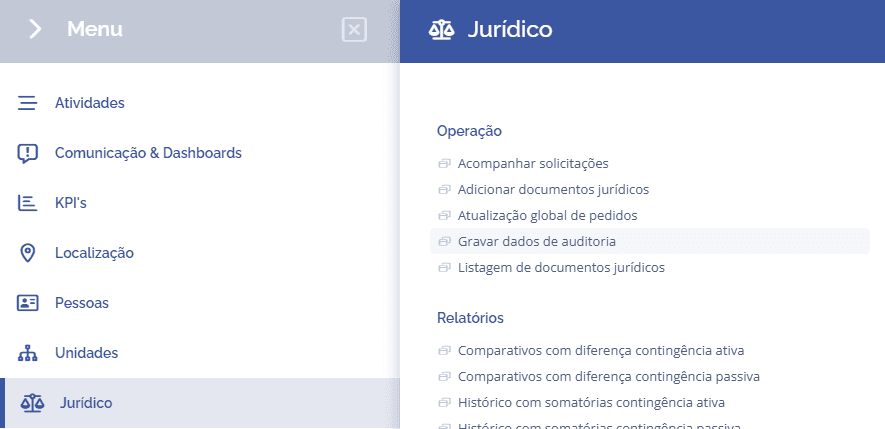
Next, a block will be displayed to select the configured audit cutoff:

When you select the audit cutoff and click the Show button, the system will list all requests to record the cutoff.
In the Observation column, you can check whether any economic index needs to be updated with the most recent value before performing the global update.
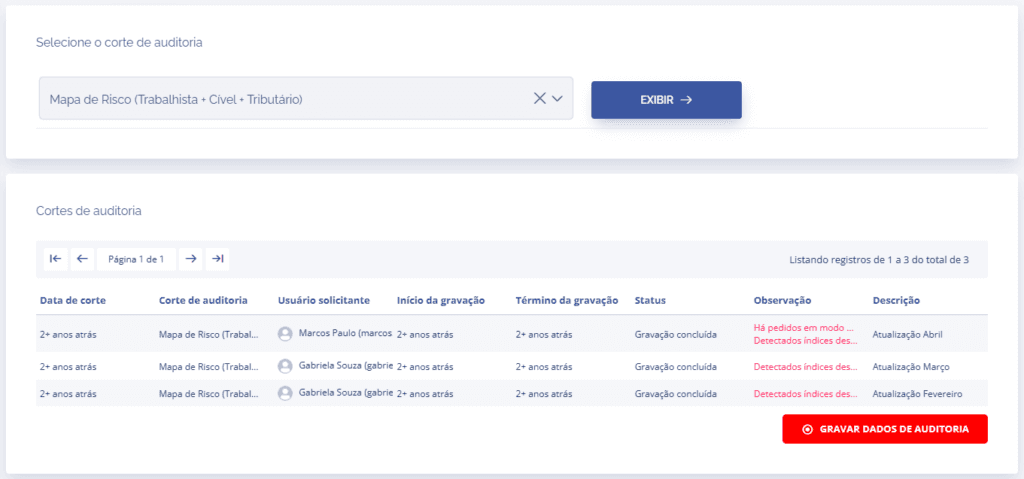
After confirming that the economic index is up to date, click the Execute Global Update button.
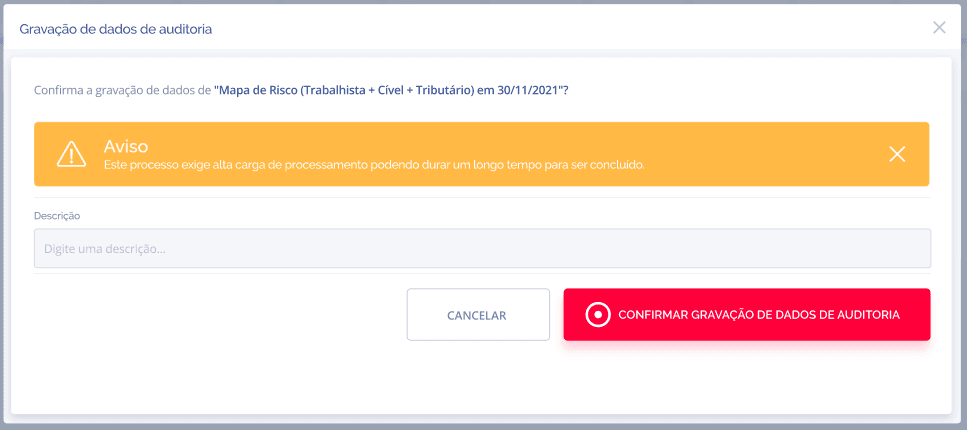
A floating window will be displayed indicating that the process may take some time to complete.
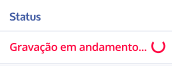
When you confirm the recording of audit data, the system will identify the document types registered in the selected audit cutoff and save the summary within the affected orders/fines.