Audit excerpts
Audit cuts are configurations used to define which data and legal documents will be considered at a given audit time. This process represents the point at which information is recorded and used to generate reports, such as the Risk Map.
Audit cuts function as a filter, where the user defines criteria such as document types and situations that should be included. Based on this configuration, it is possible to select a specific cut and record the data, creating a history with the information from that audit moment, allowing greater control and traceability of the information.
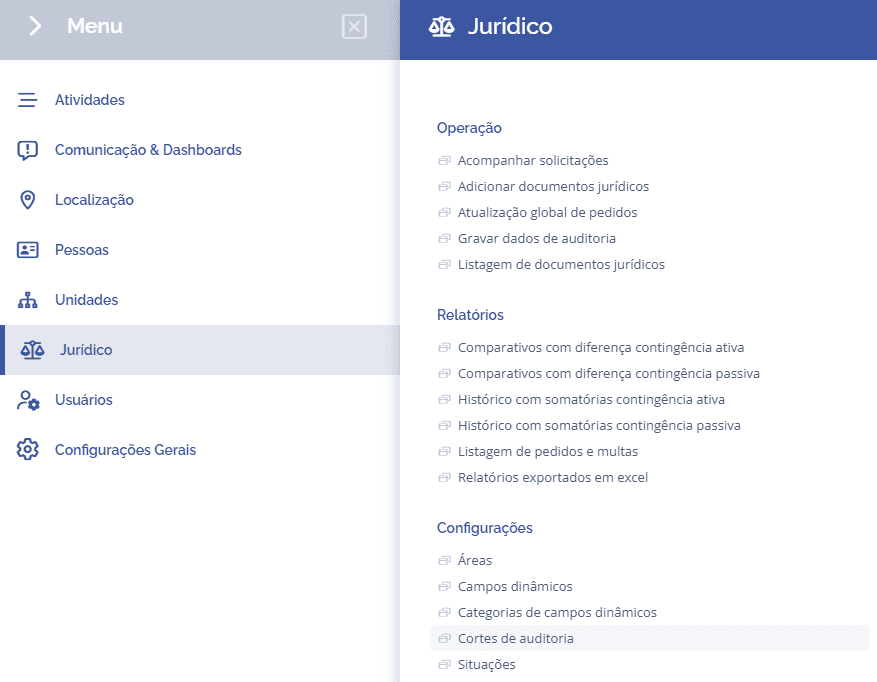
To create audit cuts, open the main menu, select the module Legal, Settings and click the Audit cuts option.
Then, the block (Dynamic field categories) will be displayed:
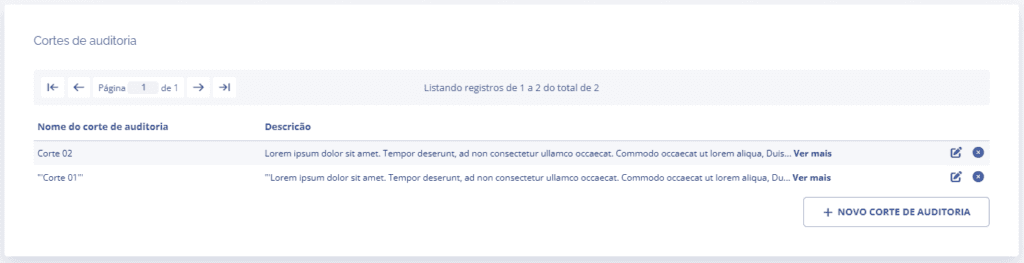
When clicking the New audit cut button, a new block will be displayed to add the cut:
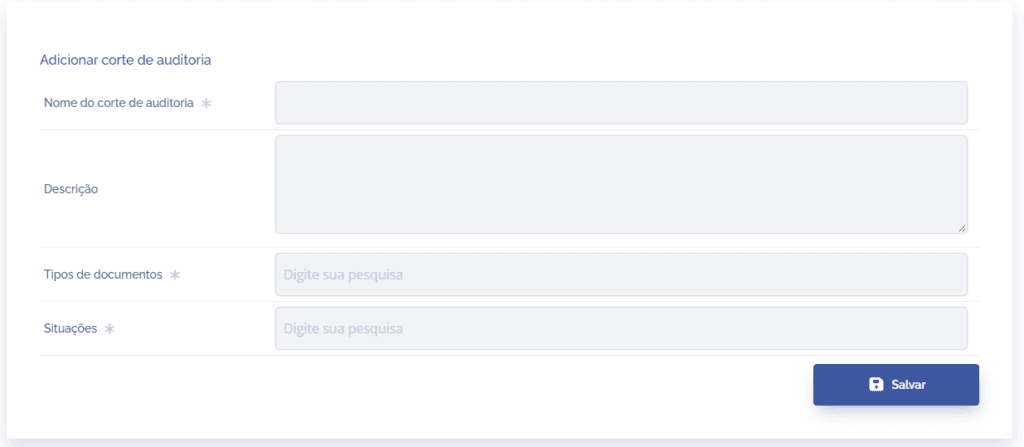
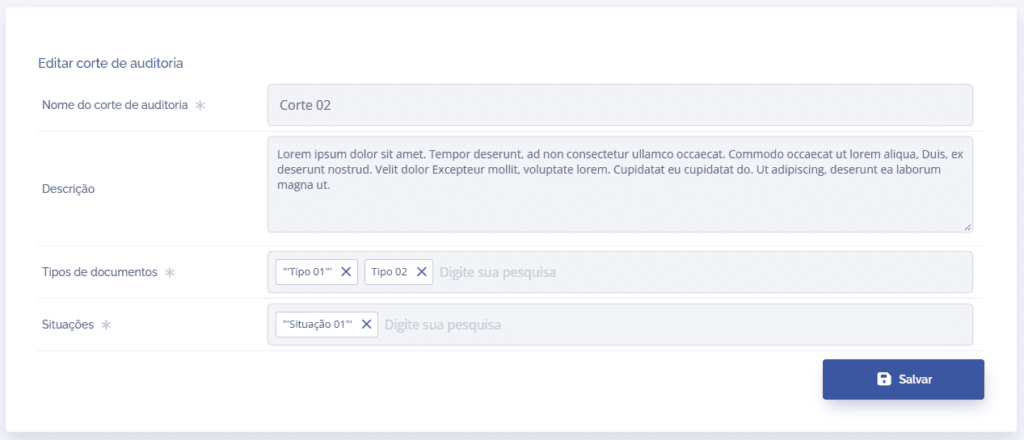
To proceed with creating the cut, the following items need to be filled in:
Audit cut name: Define the name of the cut.
Description: If necessary, add a description of the cut.
Document types: Select one or more document types that should be considered when saving the cut.
Situations: Select the situations that should be considered when saving the cut.
After filling in the fields, click the Save button to record it in the system.
Edit and remove
If necessary, the system allows you to edit the cut by clicking the Edit (pencil) icon.
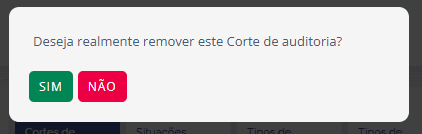
When removing an audit cut, a confirmation window will be displayed.