
Send email
Important: before proceeding, make sure you are familiar with the settings for Conditional triggers and Stage transition triggers.
In the Triggers and actions block, click the icon and a floating window will be displayed:
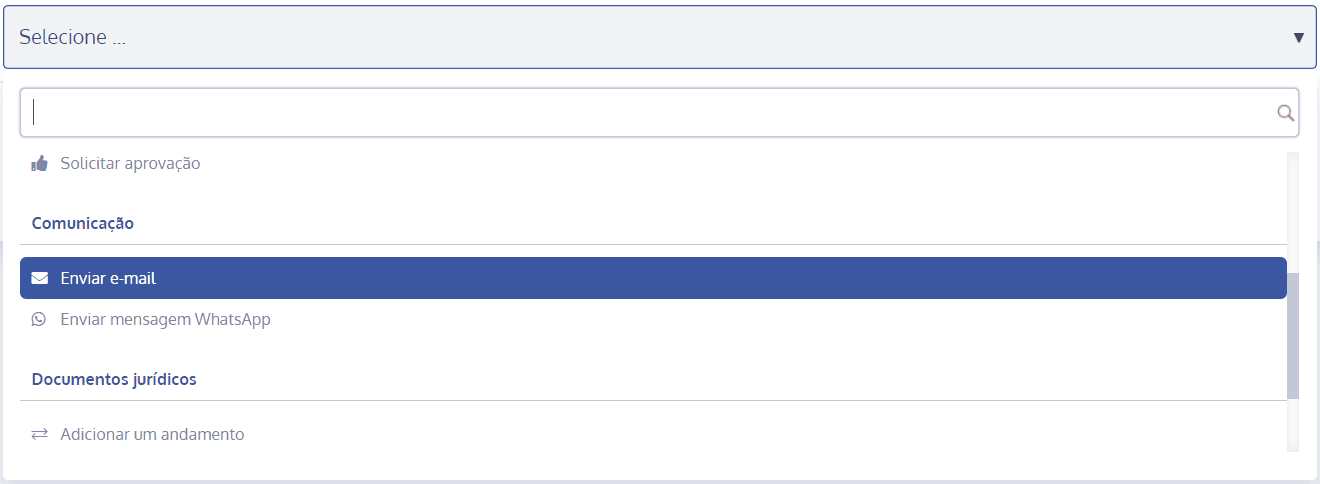
Click Select and choose the action type Send email:
A new section will open below:
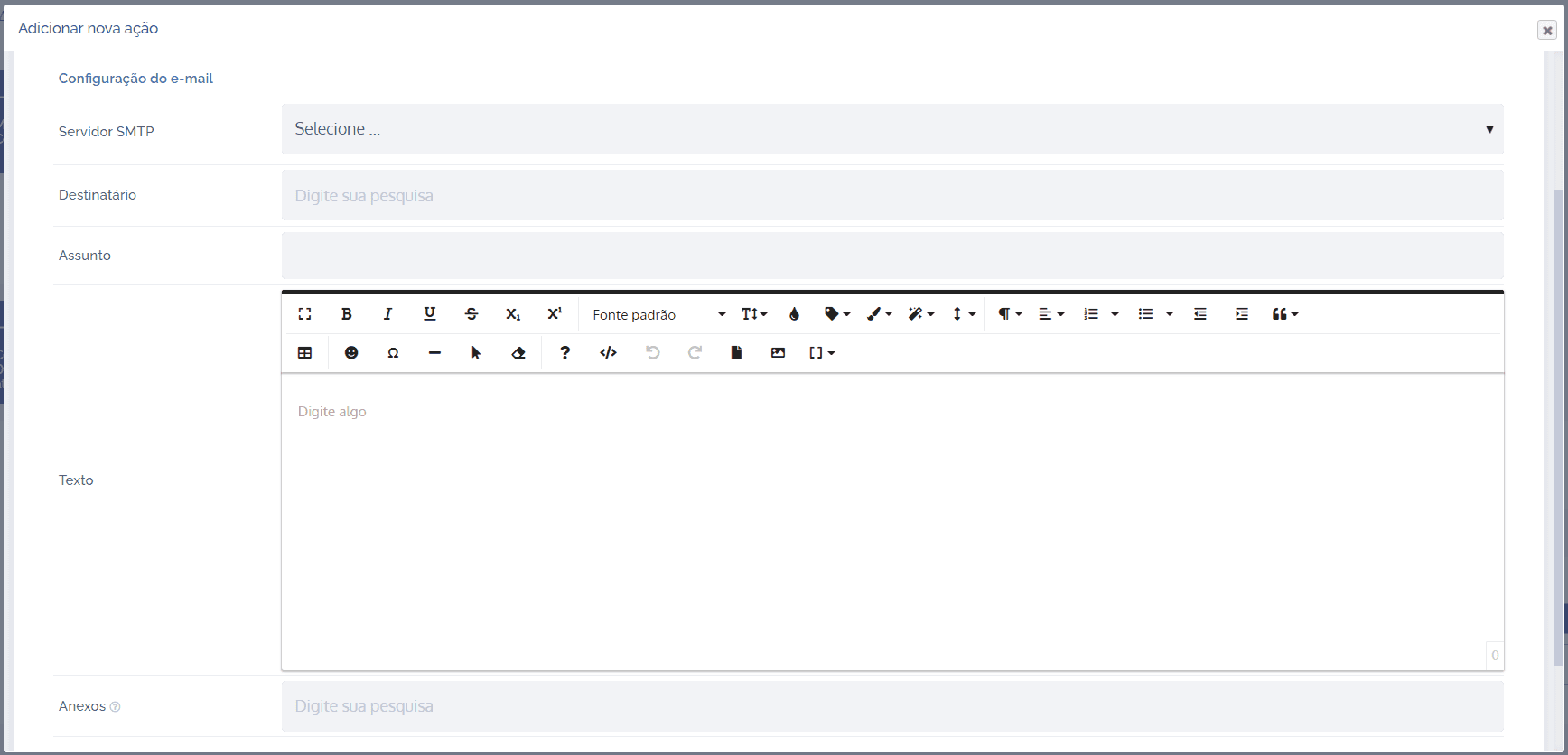
In the SMTP Server field, you can select a configured SMTP server.

Important: for a better understanding, see the topic Configuring the email sending server.
In the Recipient field, we have the following options:
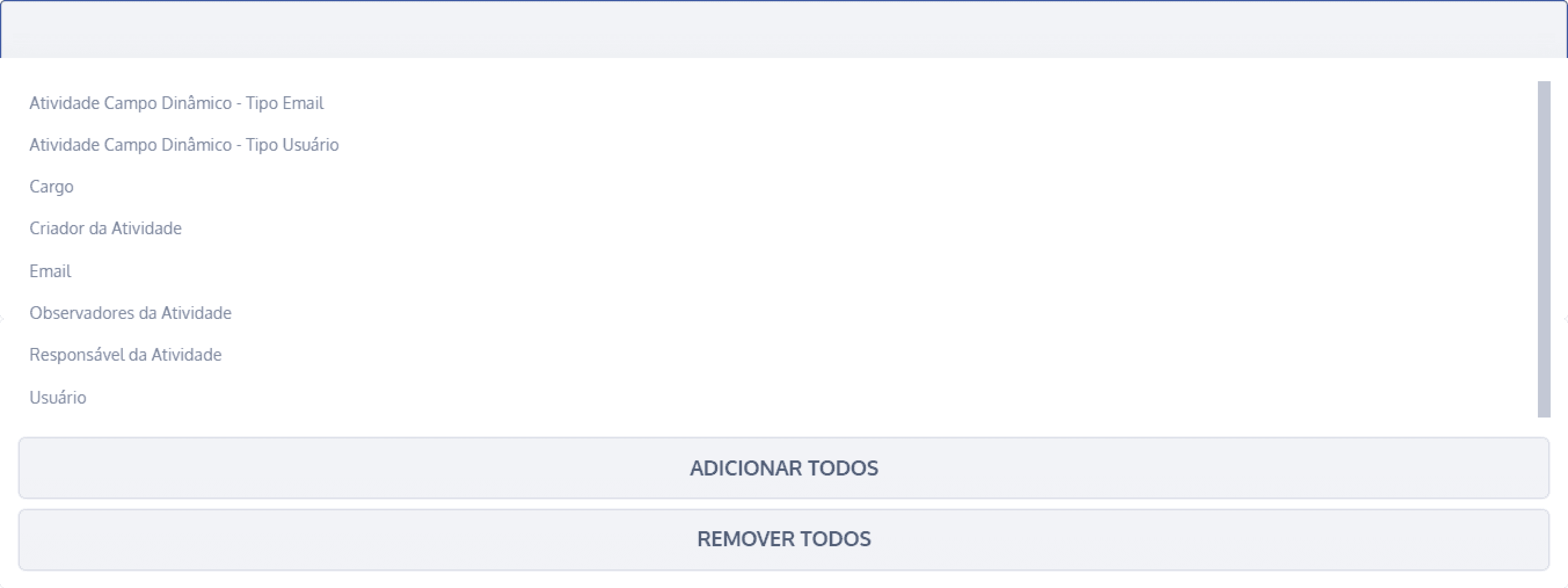
Activity dynamic field – email type: It will be sent to the email defined in this dynamic field.
Activity dynamic field – user: It will be sent to the email of the user defined in this dynamic field.
Role: It will be sent to the email of the user assigned to a specific role in a unit. Keep in mind that this action depends on a unit linked to the activity.
Activity creator: It will be sent to the email of the activity creator.
Email: You can define an email manually.
Activity watchers: It will be sent to the email of the activity watchers.
Activity assignee: It will be sent to the email of the activity assignee.
User: It will be sent to the selected user's email.
Important: you can select all or just a single option.
In the Subject field, you can define a subject for the email.

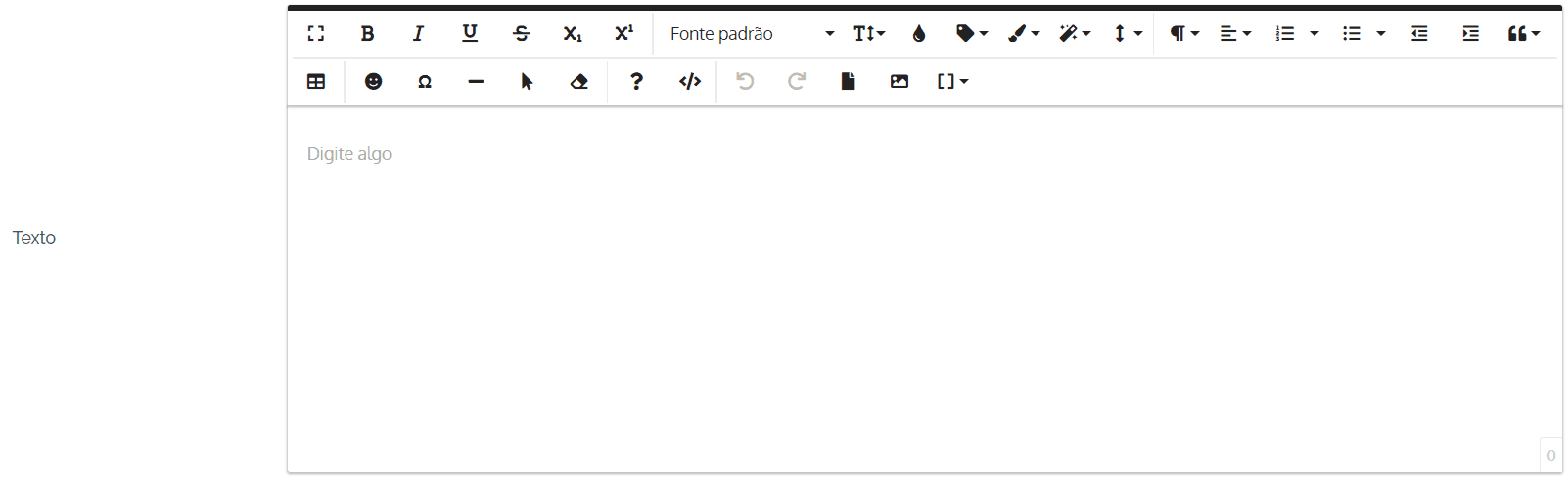
In the Text field, you can define the content for the email to be sent.
In the Attachments field, we have the following options:
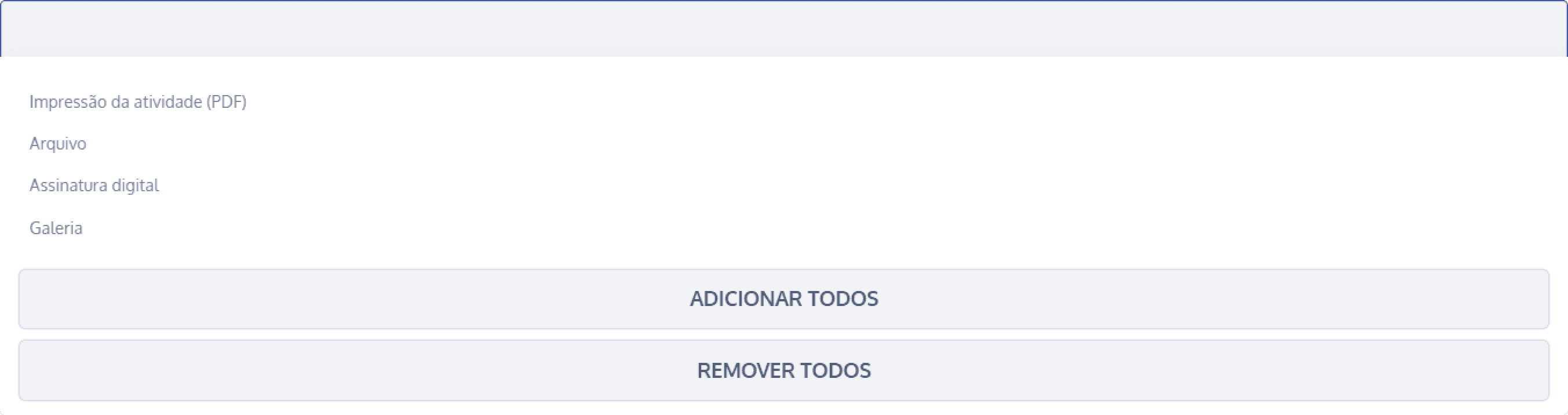
Activity printout (PDF): A PDF printout of the activity will be attached.
File: The activity files will be attached.
Digital signature: The activity's digital signature will be attached.
Gallery: The images from this dynamic field will be attached.
Important: you can select all or just a single option.
After configuring, click the Save button to save the settings. The action will be executed according to the logic of the configured trigger type. In this example, we used the conditional trigger type. As shown in the Events column, if the Simple alternative (dynamic field) is equal to Alternative A, the action is executed.
To see whether the trigger was fired, access the card Change logs in the activity details.