Overview of the activity
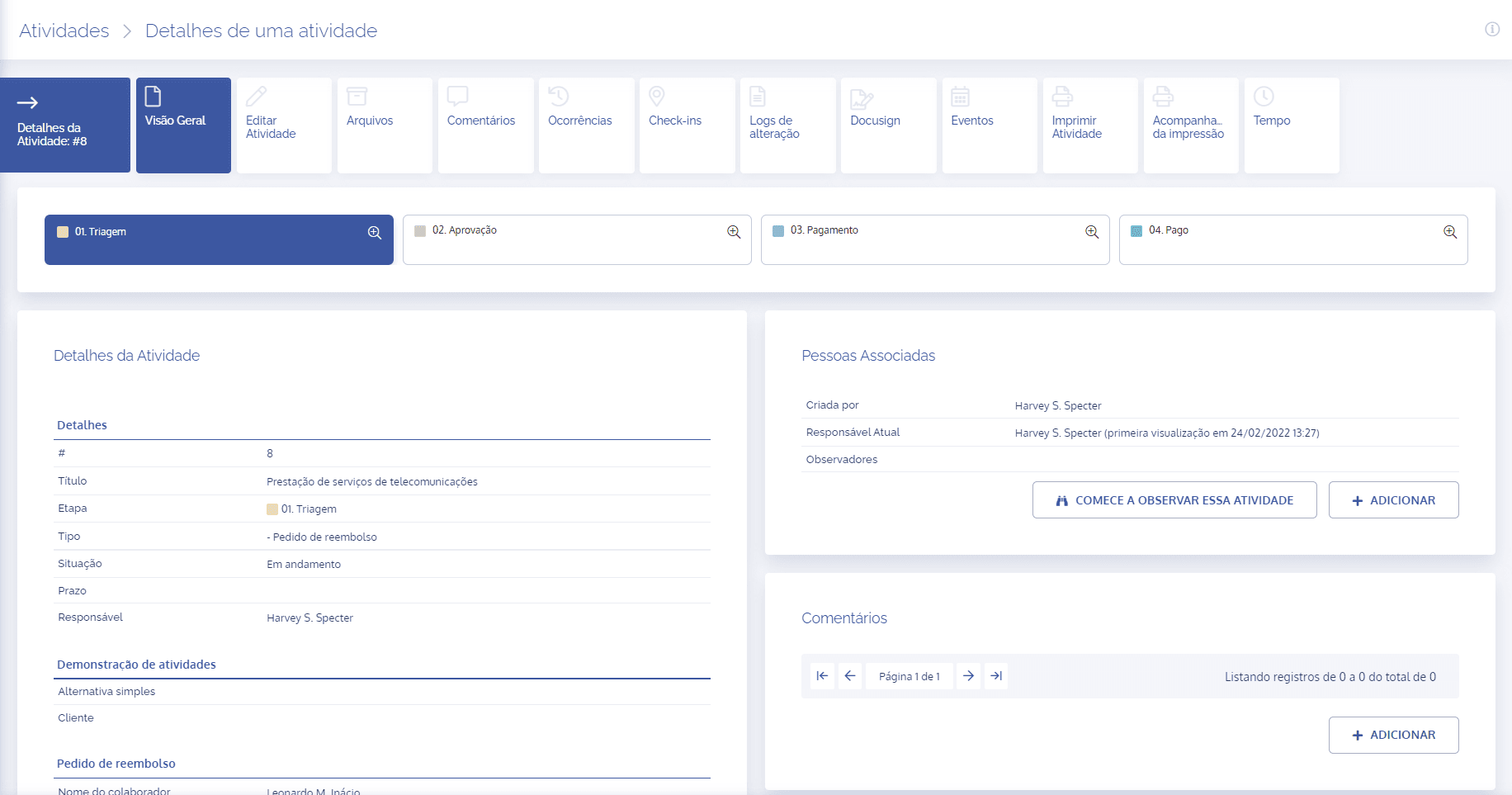
When accessing the details of a specific activity, the first screen displayed is the activity overview:
Step Diagram
In the “Step Diagram” there is a flowchart that shows the actions to be executed, as well as the stage the activity is currently in, highlighted in blue. In this activity, there are four processes to go through: Screening, Approval, Payment, and Paid.

Activity Metrics
In “Activity Metrics”, charts will be displayed providing metrics for Steps, Assignees, and Status of the selected activity, indicating factors such as time used in the activity, assignees (users) who were part of the activity, as well as indicating the current status of the activity and previous statuses.
For more details, go to: Activity Metrics

Activity Details
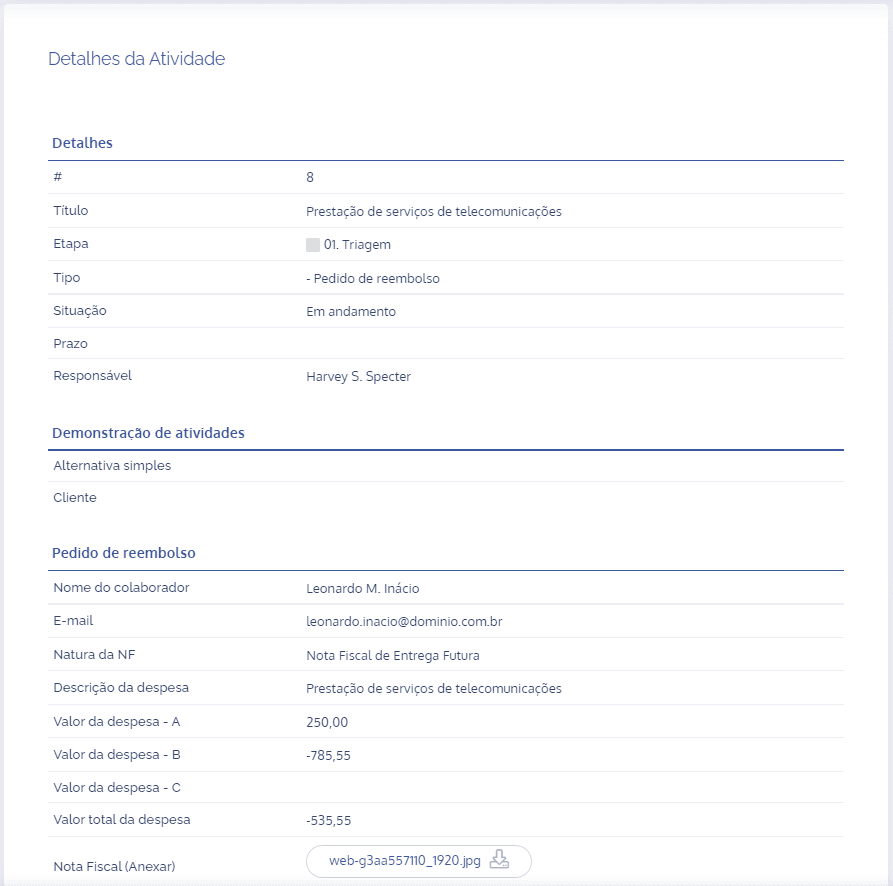
The “Activity Details” block contains all the information corresponding to the activity.
Associated People
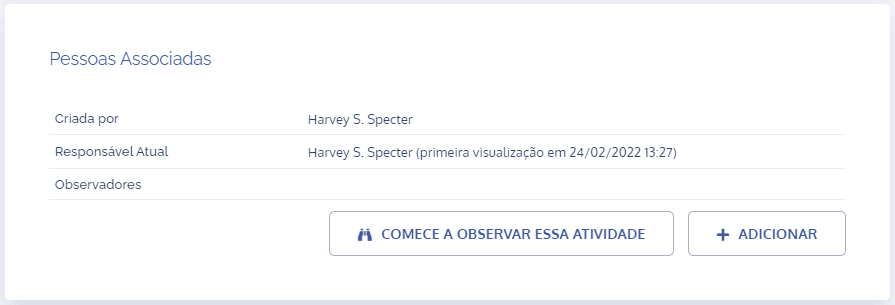
The “Associated People” block presents information about the activity creator, the current activity owner, and observers (if any). It is also possible to add other users as activity observers.
Comments
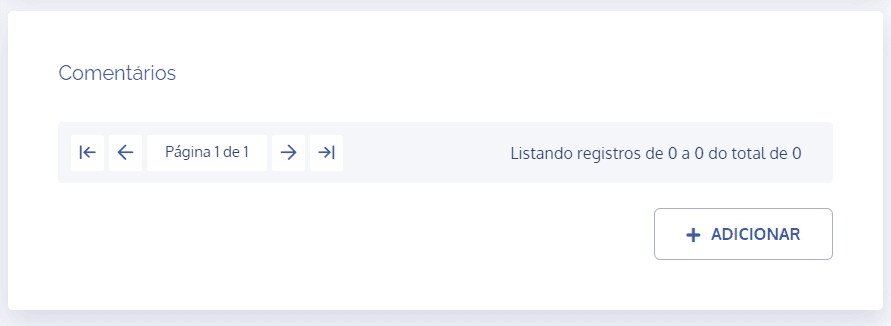
In the Comments block, it is possible to view comments and files added to the activity. To learn more about this feature, see the Activity Comments topic in the Help Center.
Sub-activities
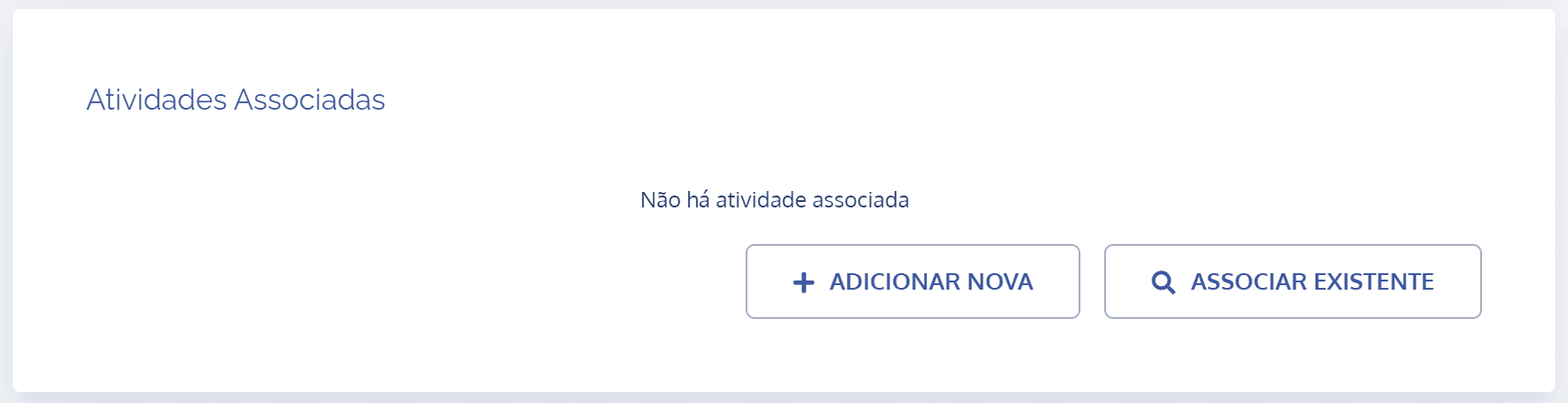
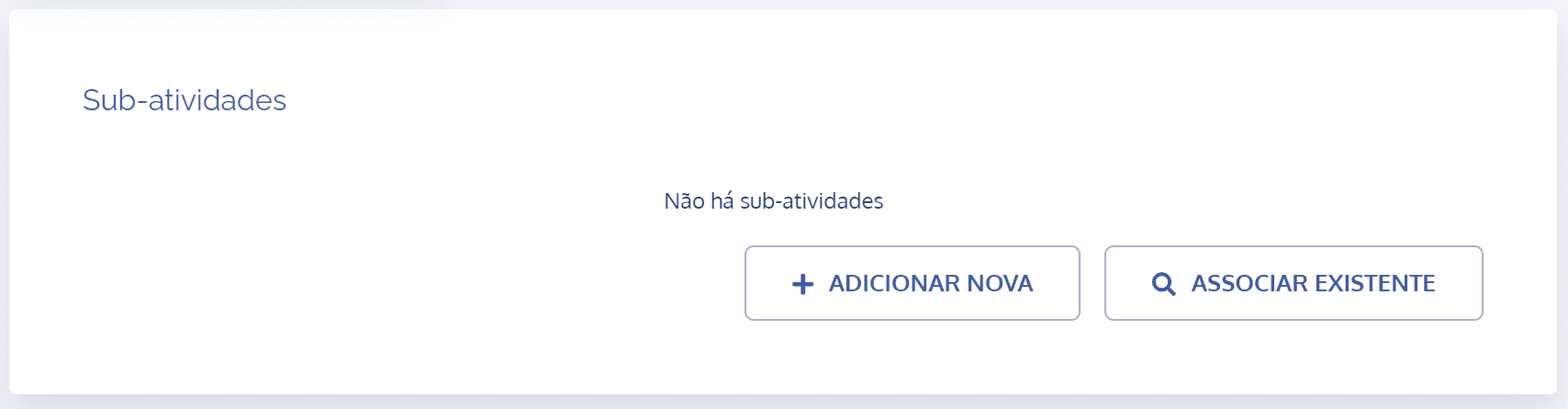
Add a new activity type or associate an existing activity type. In both cases, the new activities will be linked to the activity in question, that is, the one currently in progress.
Associated Activities
The process is similar to Sub-activity, but with the difference that there is one field: “Link Type”, where it will be possible to specify the way this association should occur.