
Batch activity creation
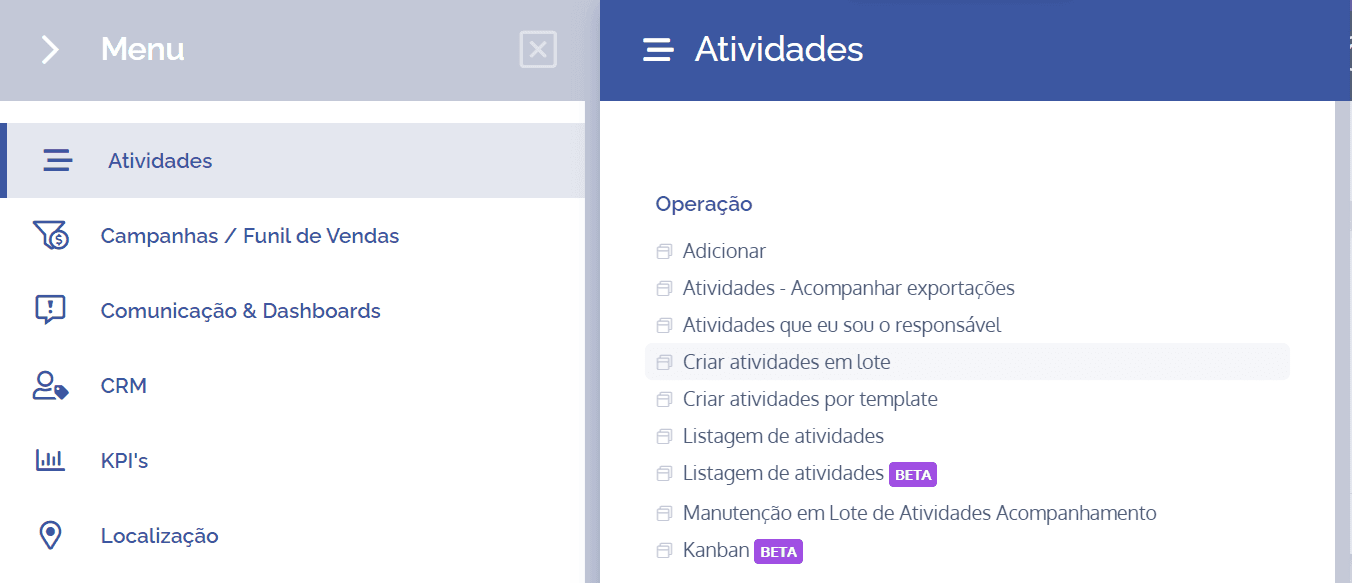
To create activities in bulk, open the main menu, select the module Activities, Operation, and click the option Create activities in bulk.
Selecting the activity type
On the next screen, you need to choose the desired activity type. To do this, click Select and choose it.

After clicking the desired type, the bulk activity creation form will be displayed:
Choose unit type
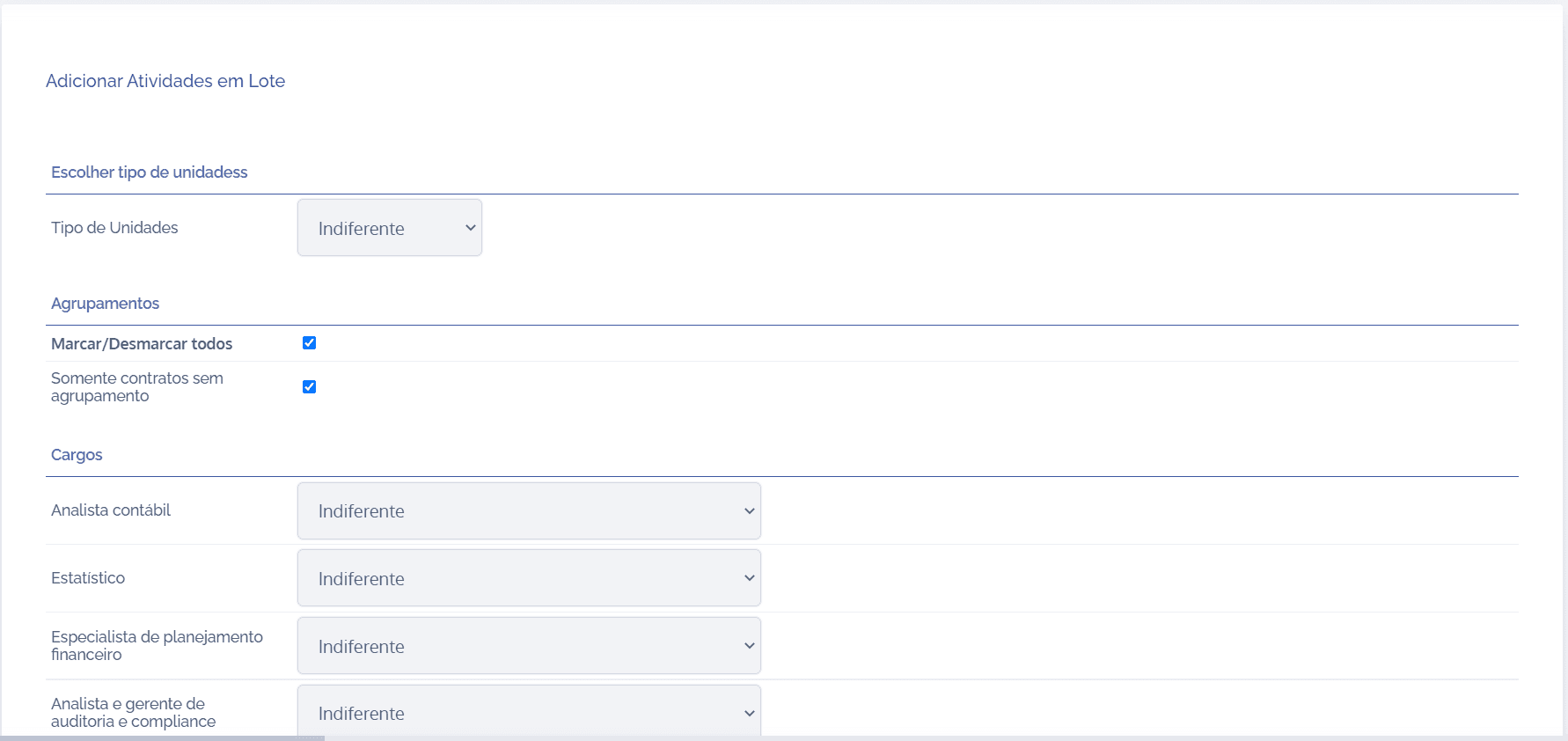
Unit type: When selecting this option, you can choose the type of unit that will be linked when creating activities in bulk; then, click the selection box and choose the desired unit.
Groupings
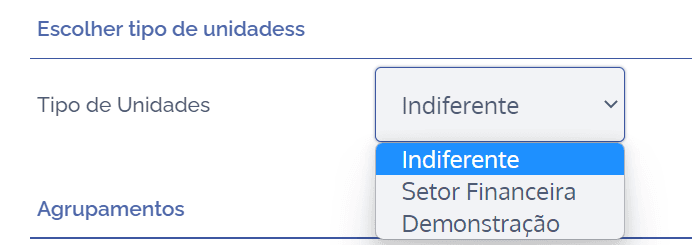
Select/Deselect all: When selecting this option, you can select or deselect all existing groupings that are part of the unit/contract type; then, click the selection box to select all, or leave it unselected if you want to deselect all.
Only contracts without grouping: When selecting this option, you can group units/contracts without grouping; then, click the selection box to configure contracts without grouping, or leave it unselected if you do not want to link contracts without grouping.
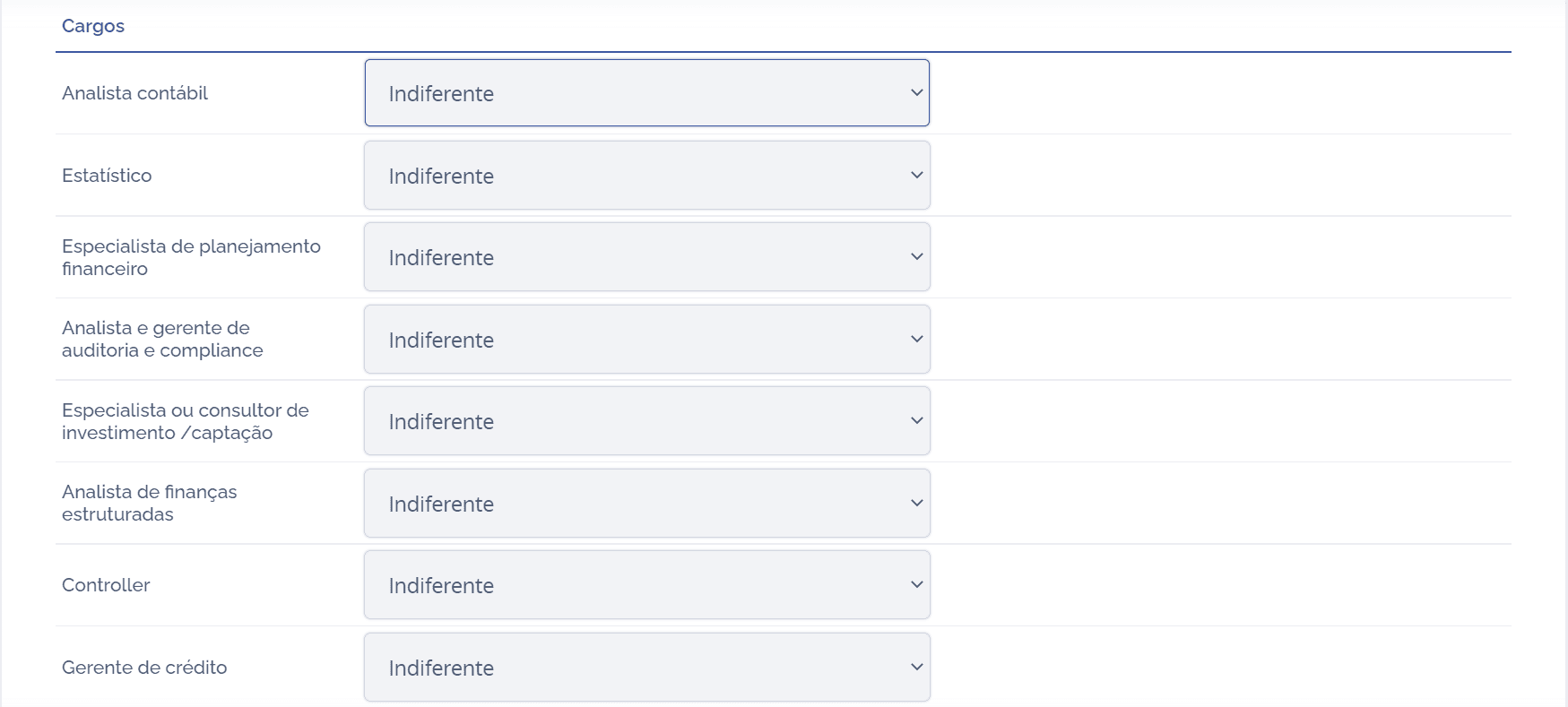
Roles
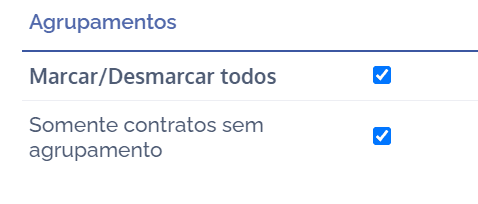
Role-type fields are dynamic and configured in the Units module under the topic Roles in units (users). After configuring roles (users) in units, click the selection box for each existing role and define the responsible user:
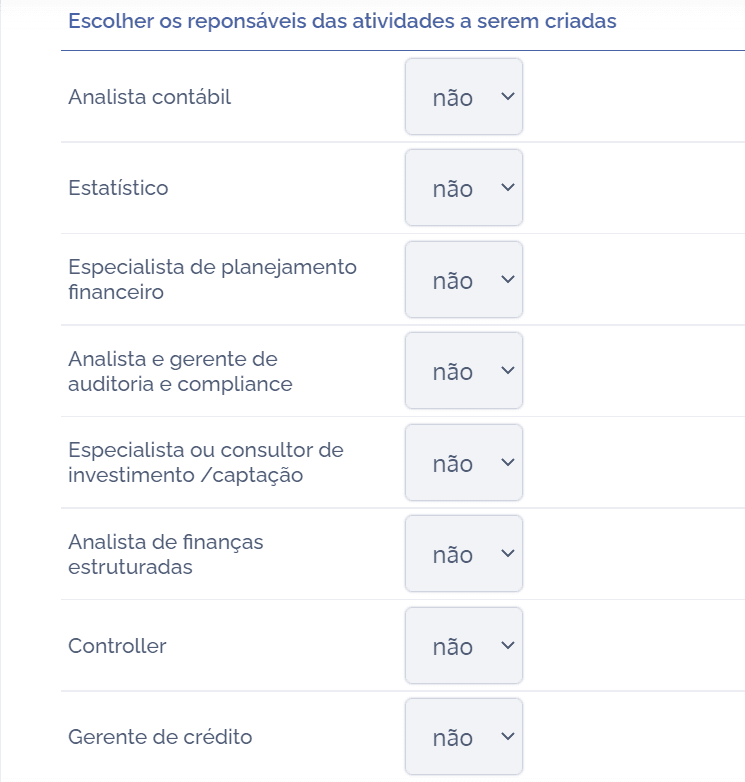
Choose the owners of the activities to be created
When choosing the owners of the activities to be created for each existing role, it will be possible to define, through the selection box, with YES or NO, whether the action in question can be performed:
Provide details of the activities to be created
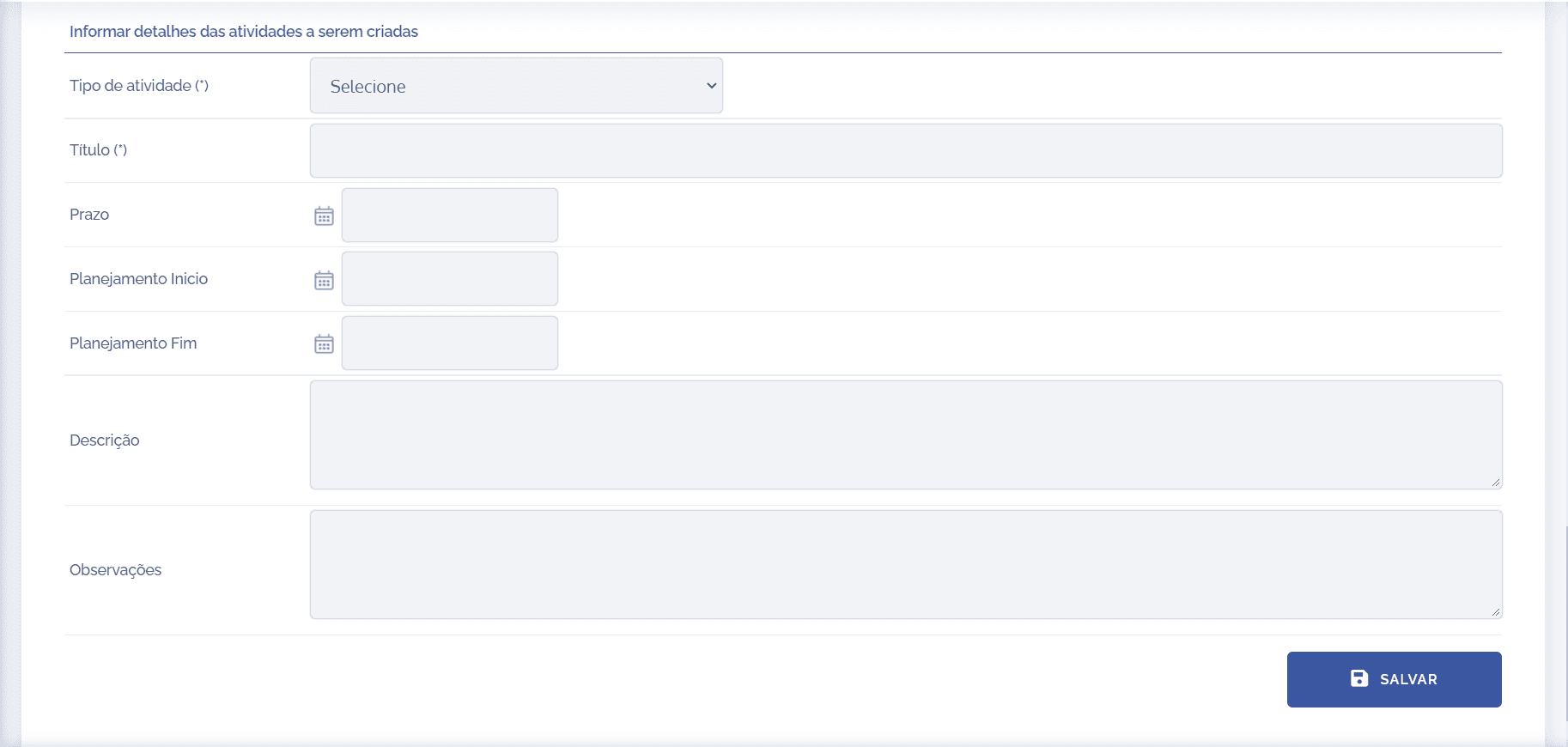
The following content presents all fixed activity fields and shows how each one should be filled in:
Activity Type
The activity type is the most important piece of information in the activity. It must be filled in from a list of pre-defined activity types, which represent the different business processes configured on the platform. When changing the activity type, the entire activity form is rebuilt on the screen, bringing the field structure, steps, rules, and conditions specific to that activity type.

Title/Subject
The title/subject field should be filled in with a brief description to differentiate it from others of the same type. For example, for activities of the type “Reimbursement Request”, a specific activity can be created with the title “Fuel Reimbursement”, which describes what will be carried out in that particular activity.

Due date
In the due date field, a deadline date for carrying out the activity must be provided.

Planning Start/End
In the planning start and end fields, it is possible to specify an execution period. This information is used only when there is a unit linked to the activity and when the Unit Annual Planning functionality is used.

Description
The description field is a text space where details of the activity execution can be provided.

Notes
Likewise, the notes field can be used for additional information and guidance.

After configuring the existing fields, click the Save button.