
Request approval (comments)
In the details of an activity, click the Comments card:
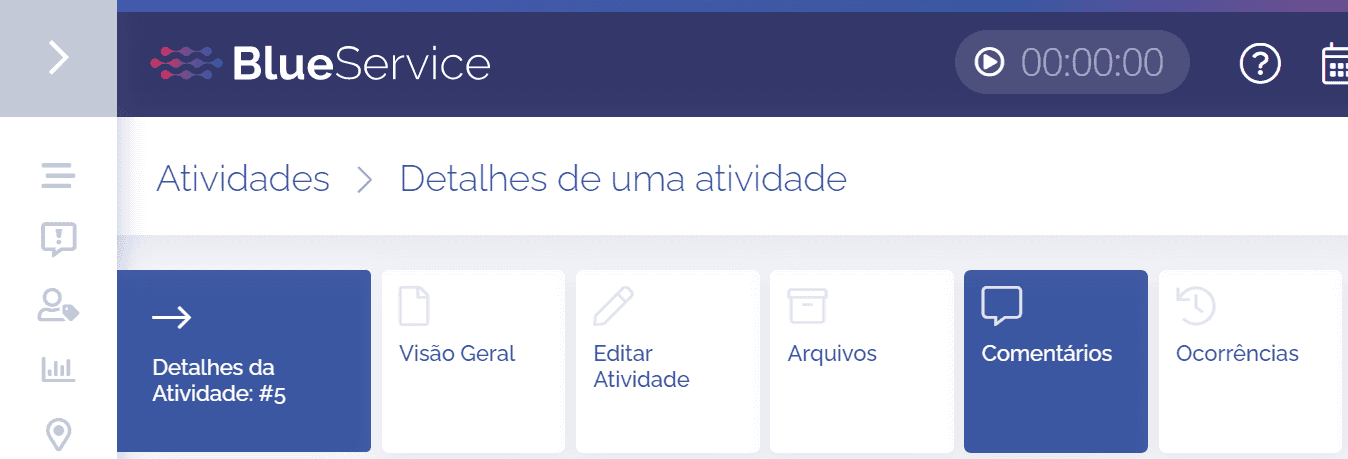
In the comments block, click the Add button

The Add comment block will be displayed:
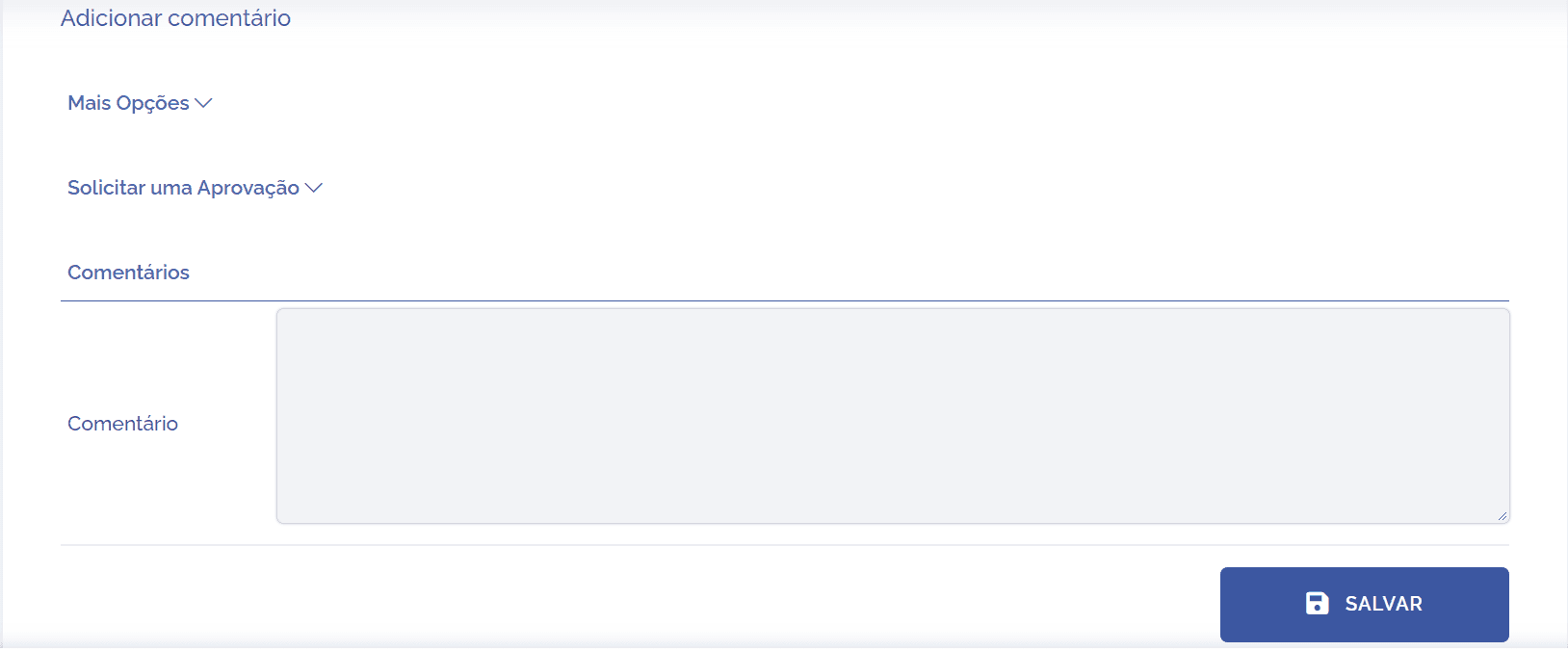
Click the Request an approval option:

Next, two fields will be displayed:
Approval Type: when clicking the approval type field, you can choose the desired approval type from those registered in the system.

After selecting the desired type, the Approver field is automatically filled in, because the request approval configuration, with its scenario and rules, has already been defined. To better understand this configuration, see the Configuring approvals topic.
Approver: depending on what was configured, the approver may follow different rules, such as an approver by user, role, unit, among others. The approver can be changed, as long as this suggestion is allowed. To better understand this configuration, see the Request an approval topic.
Responsible approver: if the checkbox is selected, the current configuration will be respected; otherwise, the responsible person will not be changed when proceeding with the request.
Suggested stage: if the checkbox is selected, the current configuration will be respected, that is, the stage will be changed to the suggested one. Otherwise, the stage will not be changed when proceeding with the request.
After completing the approval request, click the Save button.