
Setting up approvals
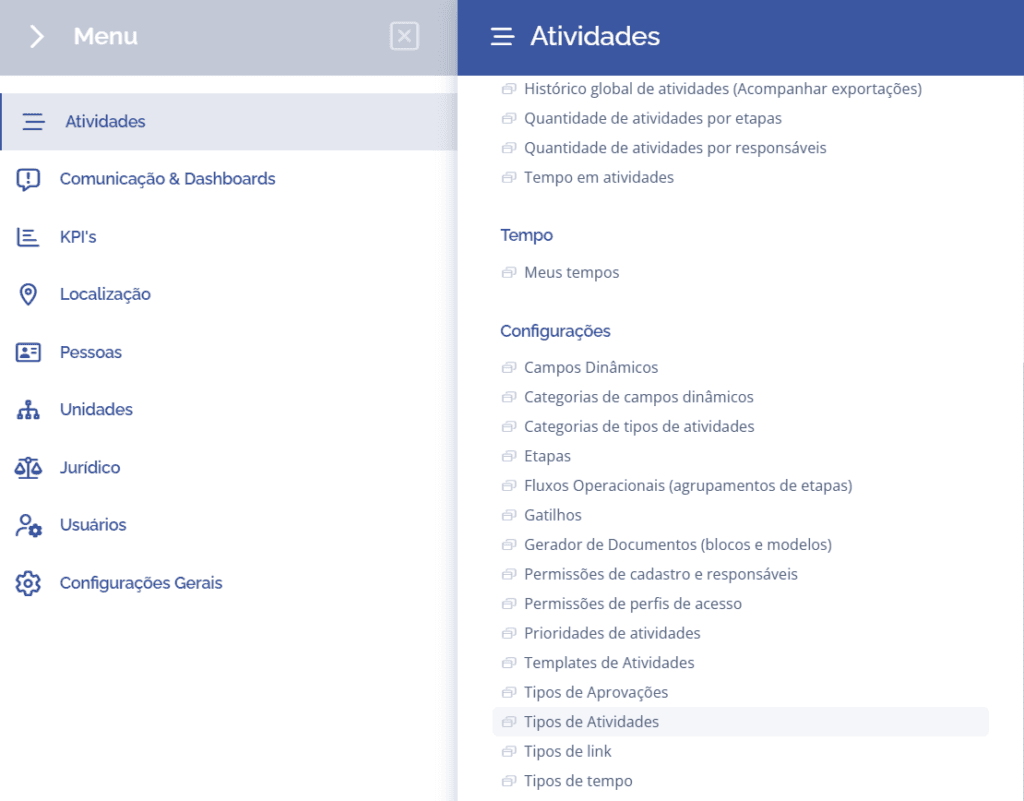
To add steps to an activity type, open the main menu, select the Activities module, Settings and click the Approvals option.
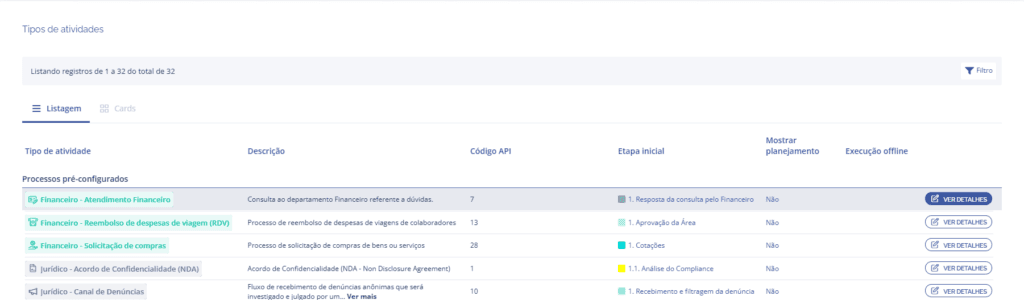
In the Activity types block, click the View details button to display the details of the desired activity:
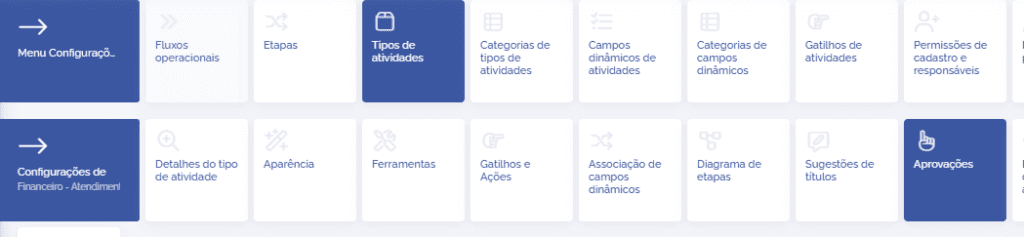
Then, click the Approvals card
In the Approvals block, click the Add configuration button:

A new block with fields to be configured will be displayed:
Approval type
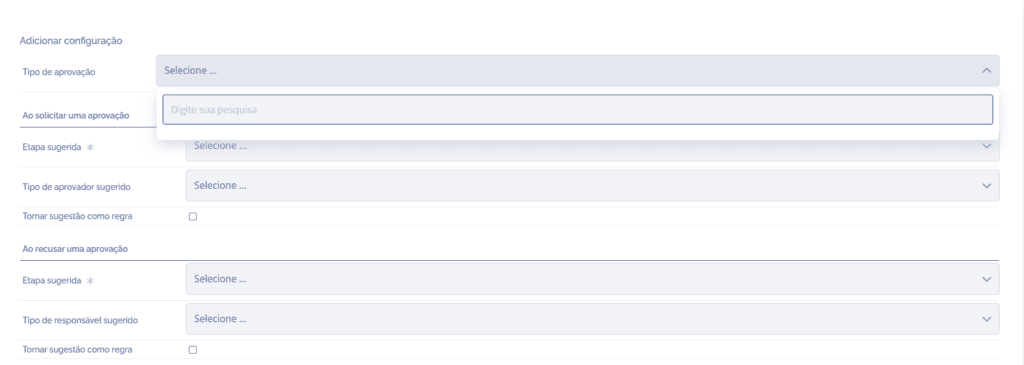
When selecting the Approval type field, the approvals created in the Approval types card will be listed. To better understand this configuration, see the Approval types topic.
The idea is that when choosing the approval type, scenarios are created with rules that generate specific behaviors in order to proceed to the next steps.
The next fields will be presented in the following topics, since they contain content to be explored in greater detail.