
Comments
In an activity's details, click the Comments card:

Comments will be displayed in this block:

When you click the Add button, the Add comment block will open:
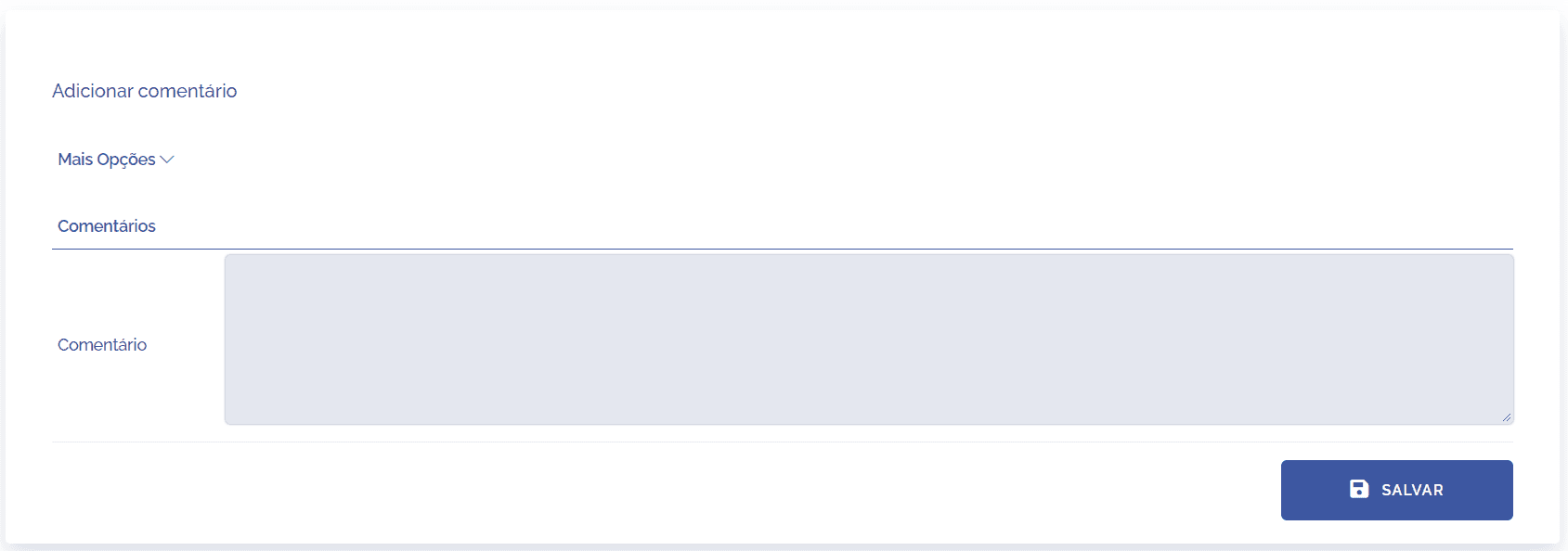
After filling in the fields and clicking the Save button to register it in the system.