
Permissions by user in legal areas
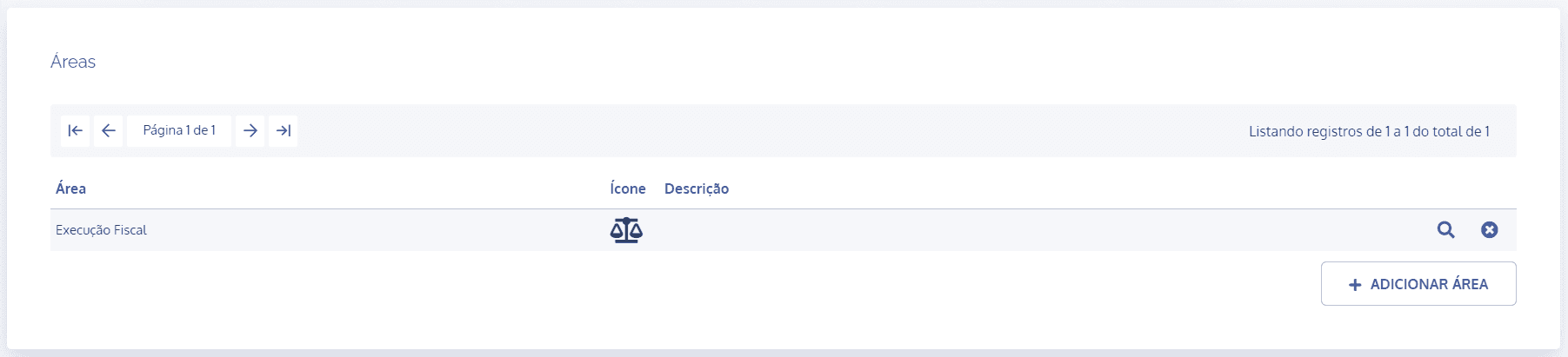
In the areas block, click the details icon of the desired area:
In the area details, click the Permissions by user card:
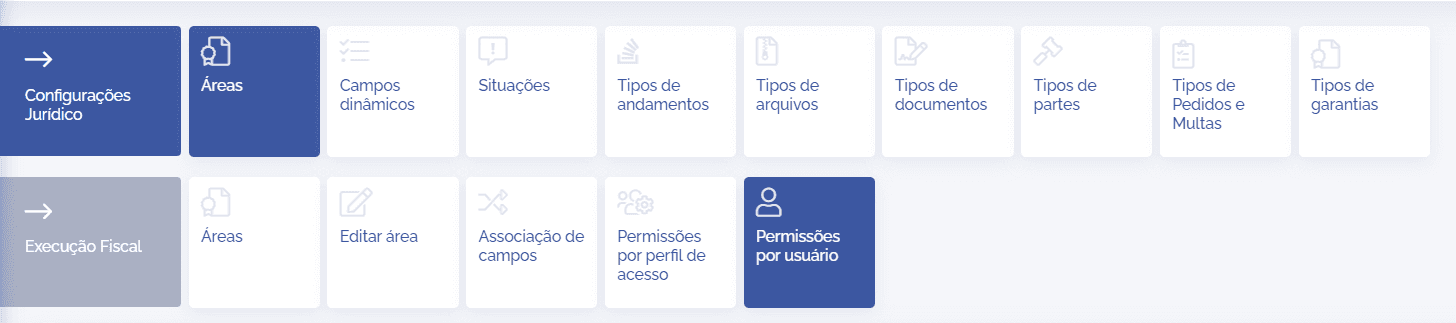
In the Permissions by user block, click the Add user button:

A new Add user block will be displayed; click the Users field:
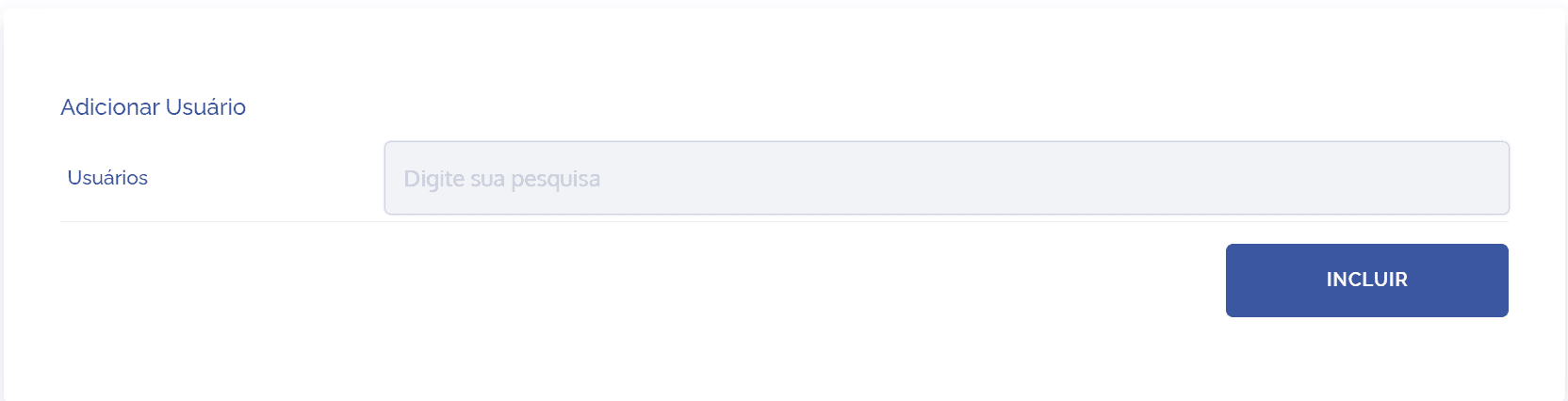
After clicking the field, it will be possible to search for registered users and associate them with the corresponding area. After adding the user(s), click the Add button.
After adding the user, it will be necessary to configure permission and view in order to grant the relevant access. After completing the configuration, click the Save button.
It is important to highlight that, in the Permissions by access profile card, the reference is restricted to the access profile; that is, it includes all users linked to the profile in question. In this topic, however, the user who will receive the permission, regardless of the profile they are linked to, is assigned individually.