
Permissions by access profile in areas of the legal department
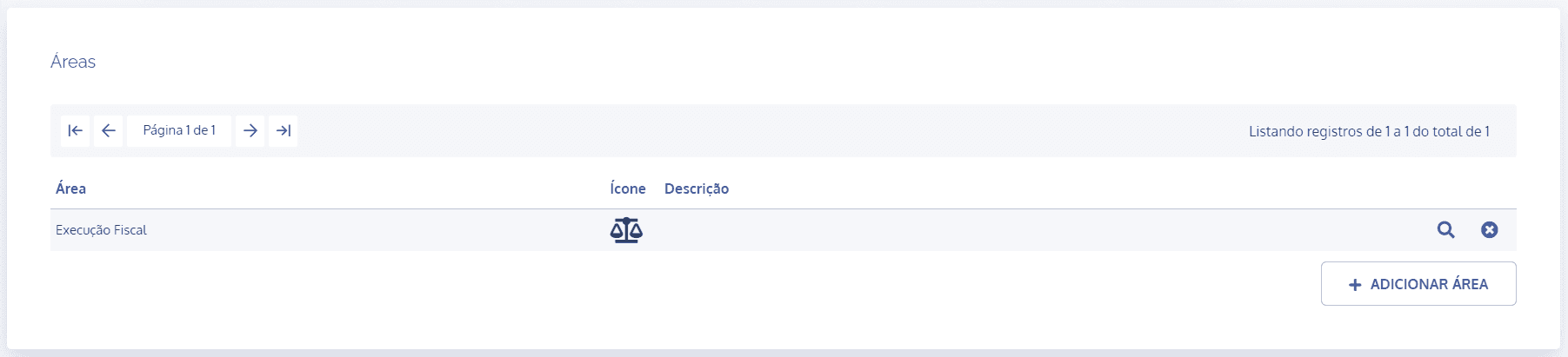
In the areas block, click the details icon of the desired area:
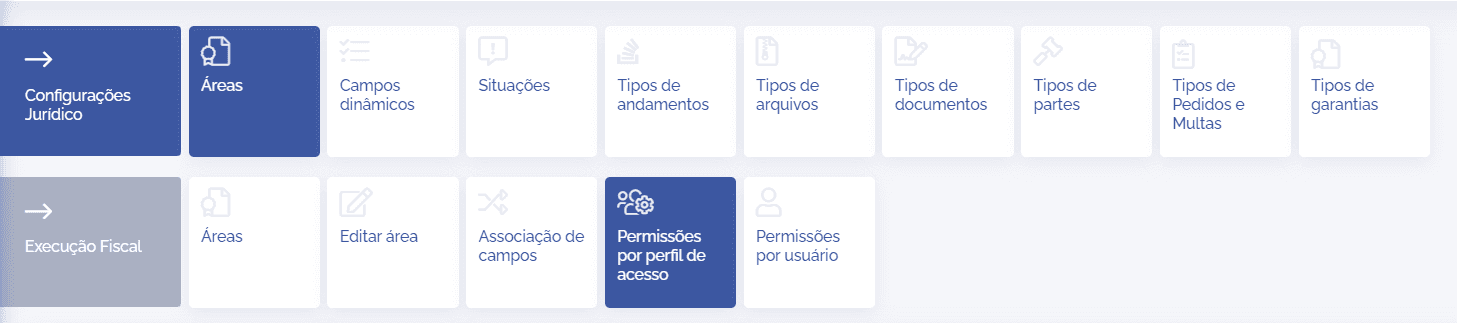
In the area details, click the Permissions by access profile card:
Below, we have the Permissions by access profile block:
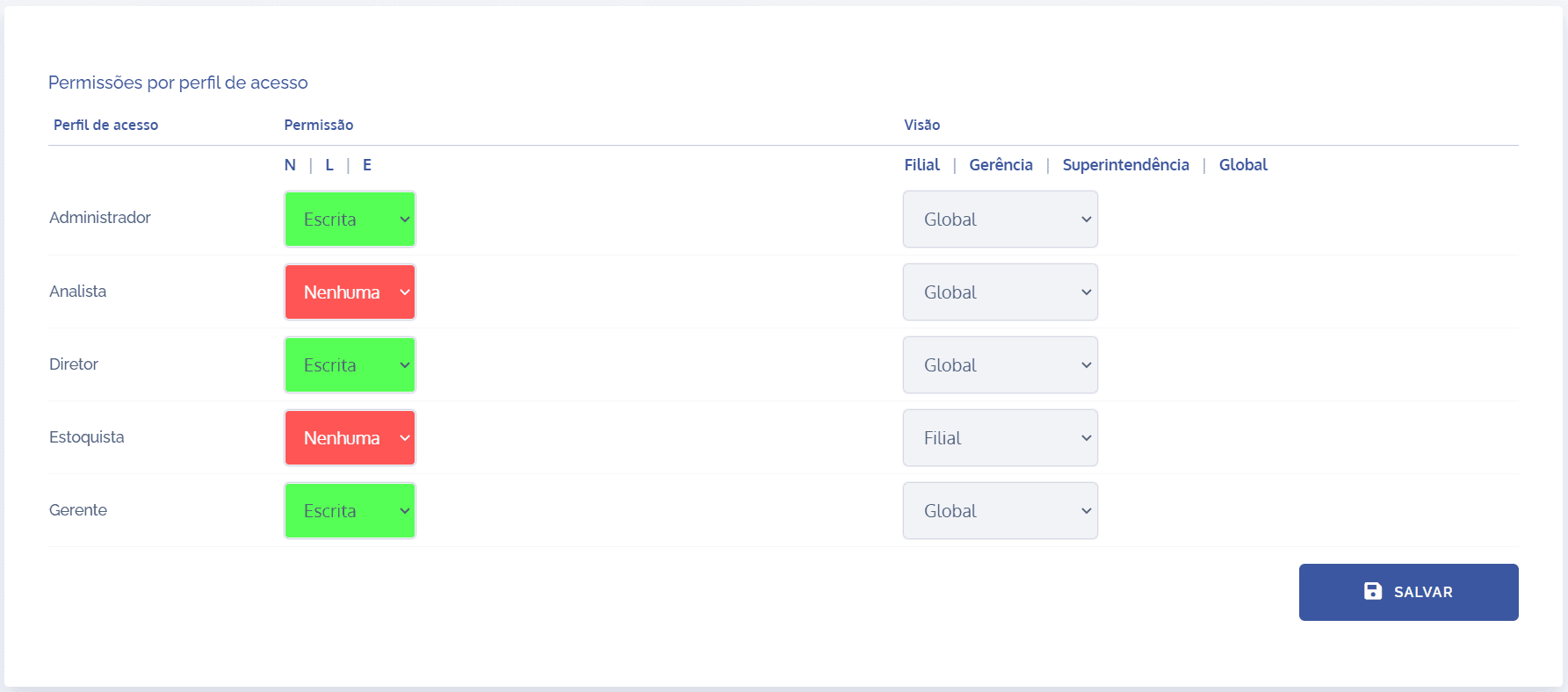
In this block, it is necessary to configure access permissions for each configured profile. Note that in the first column, the existing profiles are listed, in the second, the permissions (none, read, and write), and lastly, the views (global, superintendencies, managements, and branches).
Important: For a better understanding of the concepts of permissions and views, see the topic Permission and view control in the Users module.
To configure an access profile with its permission and view, click the selection field in the Permissions column, and likewise, click the selection field in the View column, choosing the desired action, respectively.
Once the relevant settings have been made, click the Save button.