
List activities
In a person's details, when clicking the List activities card:

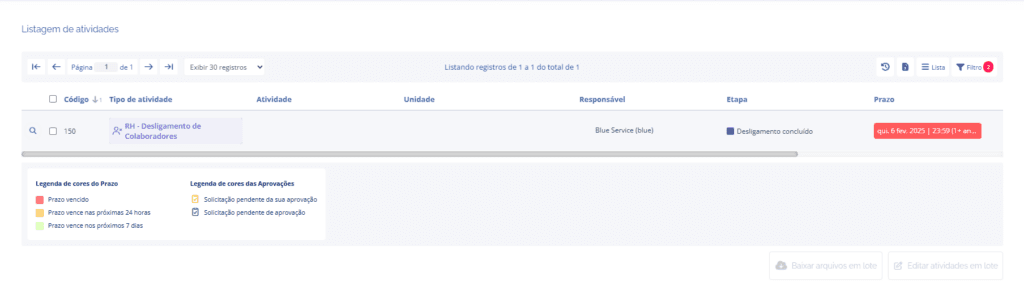
The user will be redirected to the Activity listing screen, where only the activities created with that person will be listed:
When clicking the Filter button, note that the listing is being filtered by the selected person:
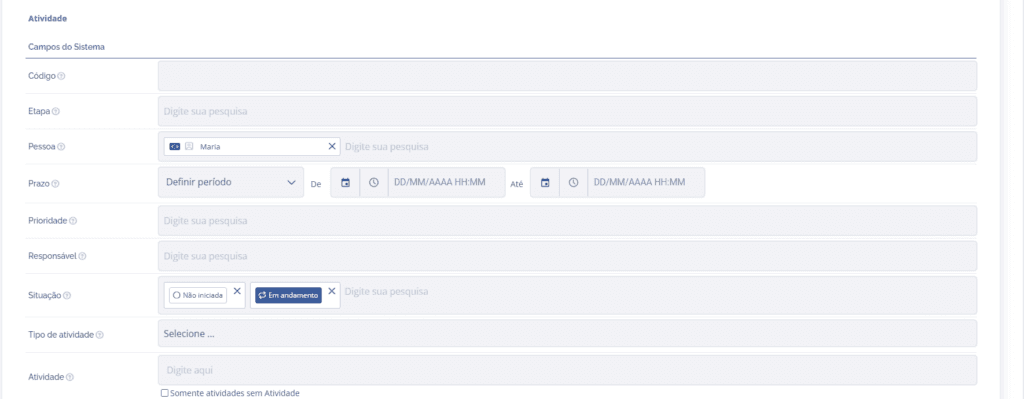
In other words, it is possible to change the filter settings to view other activities in the listing.