
Dynamic person fields
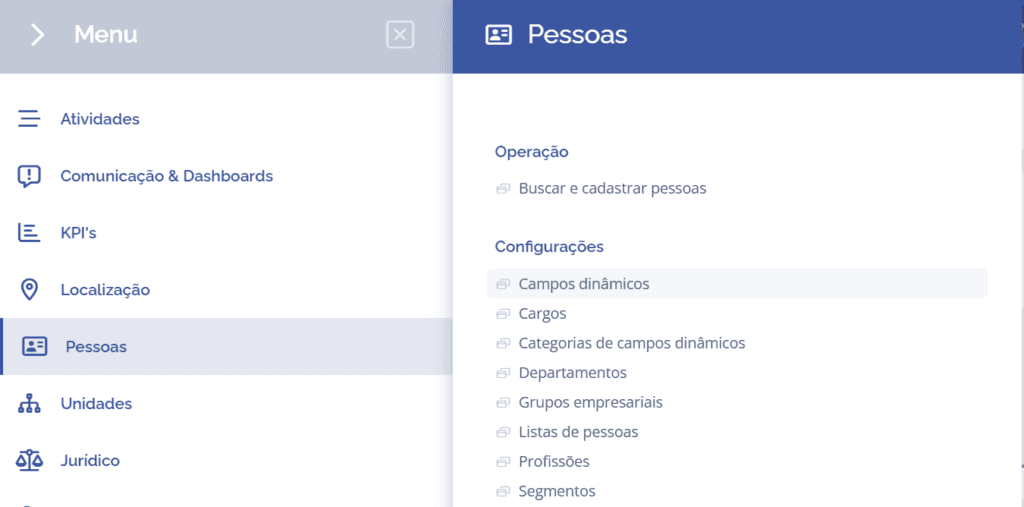
To create dynamic fields, open the main menu, select the People module, Settings, and click the Dynamic fields option.
On the next screen, click the Add button:
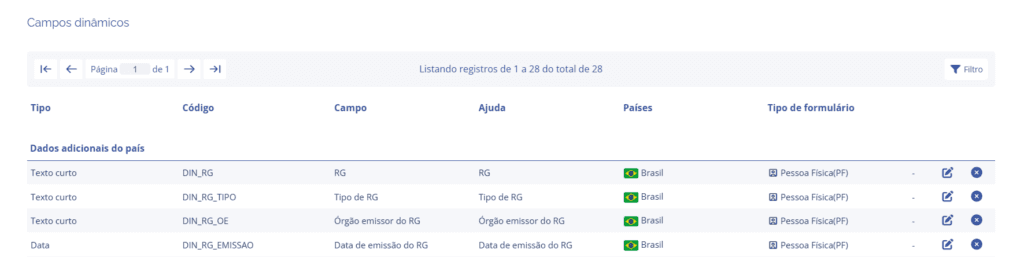

A new Add category block will be displayed:
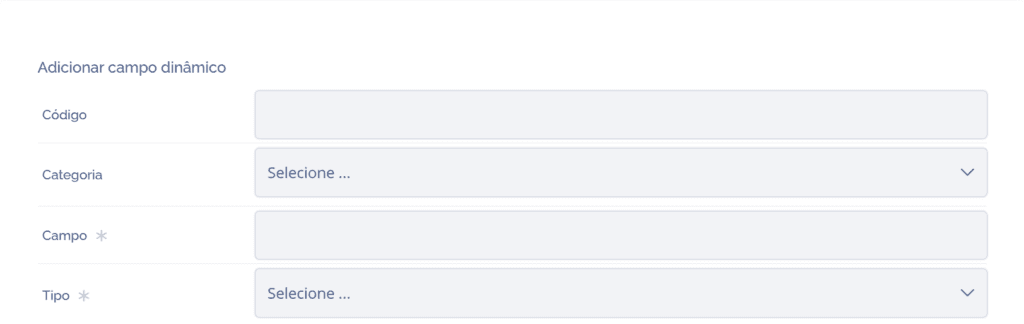
To proceed with creating dynamic fields, the following items must be filled in:
Code: When selecting this option, it is possible to uniquely define the field, so fill it in with the desired code.
Category: When selecting this option, it is possible to link one of the registration type(s) in Dynamic Field Categories, so click: Select… – and choose it.
Field: When selecting this option, it is possible to define a title for the field, so fill it in with the desired name.
Type: When selecting this option, it is possible to choose what the dynamic field type will be, so click: Select… – and choose it. The only type to be registered is single choice.
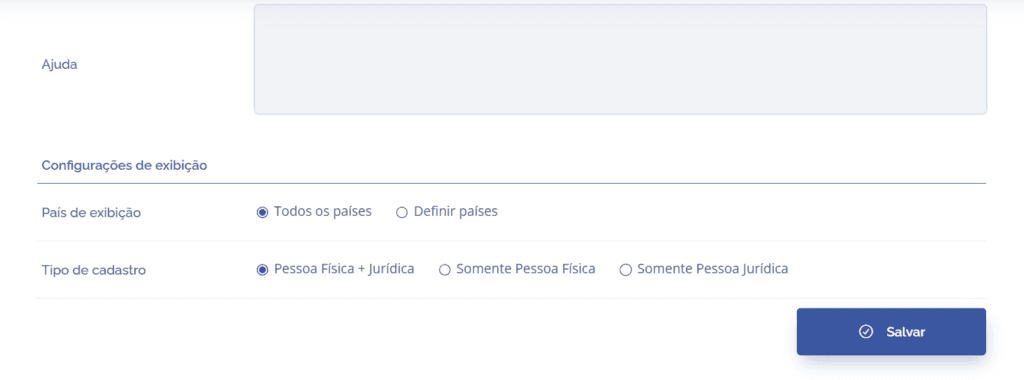
Help: When selecting this option, it is possible to provide a brief description regarding the field's function, so fill it in with the desired description.
Display settings:
Display country: It will be possible to configure display for all countries or select only some.
Registration type: It will be possible to configure the type of person that will be part of the dynamic field.
After configuring the Add dynamic field fields, click the Save button.