
Add activity
In a person's details, when clicking the Add activity card:

In the Add activity block, when selecting an activity type:

By default, the Client field is already filled in with the person (if it is present in the configuration of the activity in question):
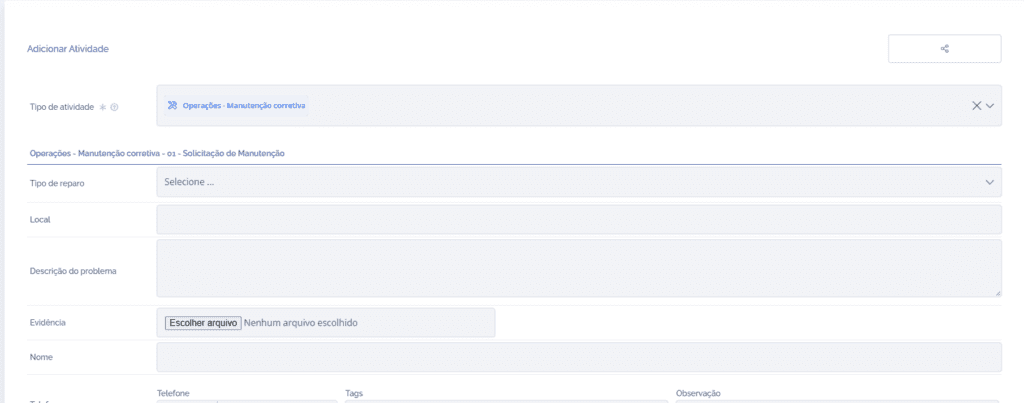
After filling in the fields and clicking the Save button at the end of the block, the user will be redirected to the details of the created activity.