
Legal situations
In general, situations involve the statuses of a given process. Imagine, for example, that a municipality's attorney filed a petition with the trial court judge (first instance). As a result, the process may receive the status of started, awaiting the judge's decision, granted, denied—ultimately, everything will depend on the progress in question; that is, the situation status is linked from the beginning to the completion of the judicial process.
Add Situation
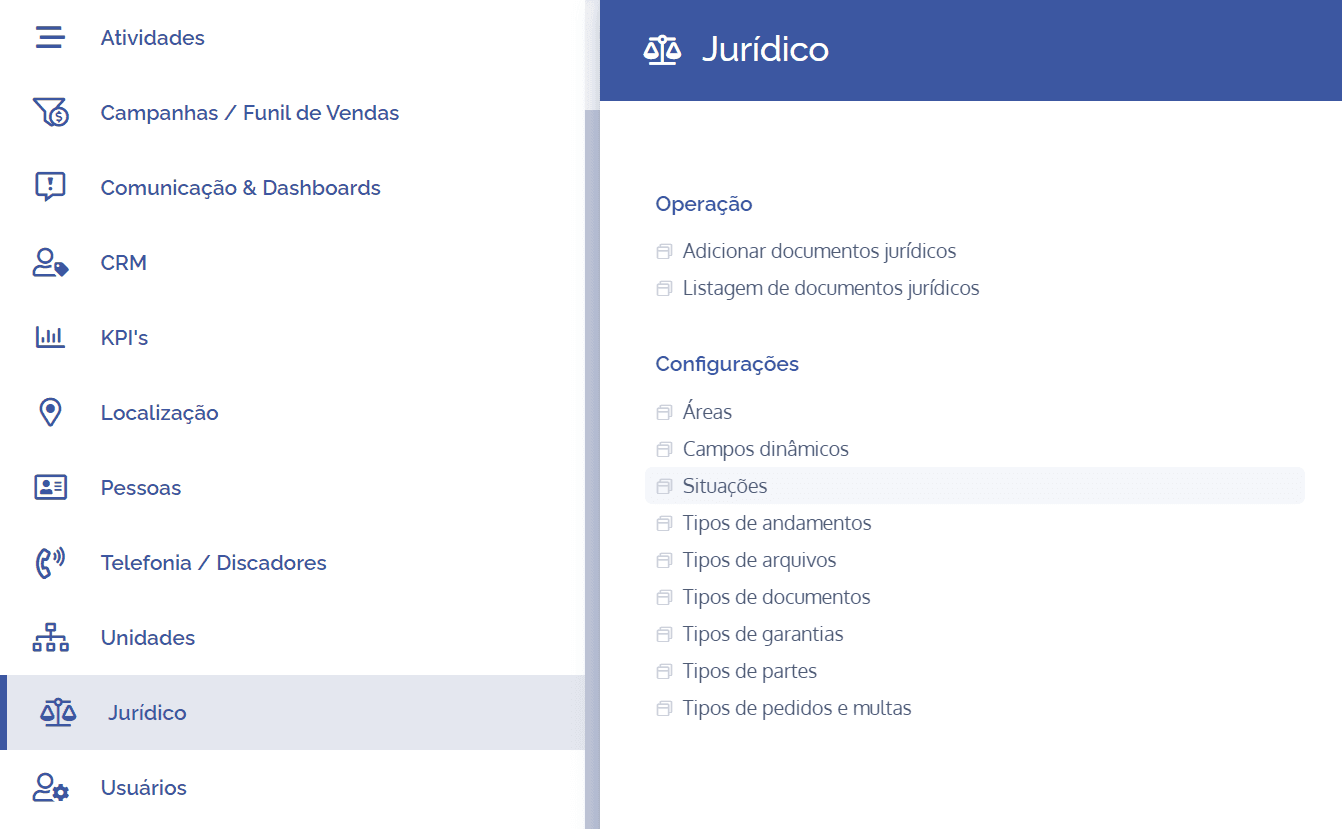
To create/add situations, open the main menu, select the Legal module, Settings and click the Situations option.
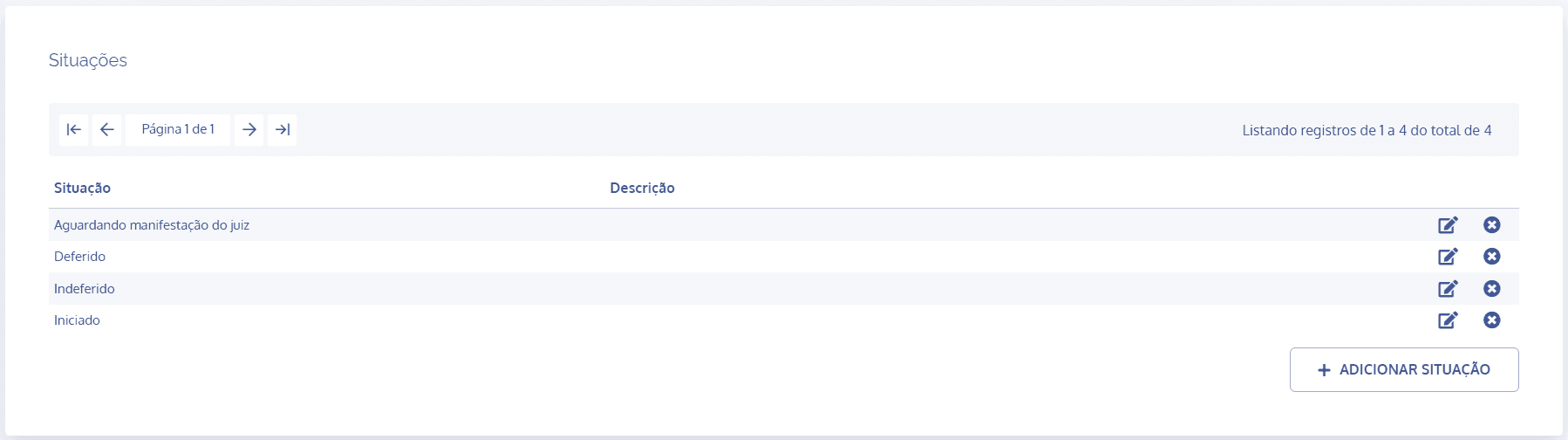
On the next screen, click the Add situation button:
A new Add situation block will be displayed:
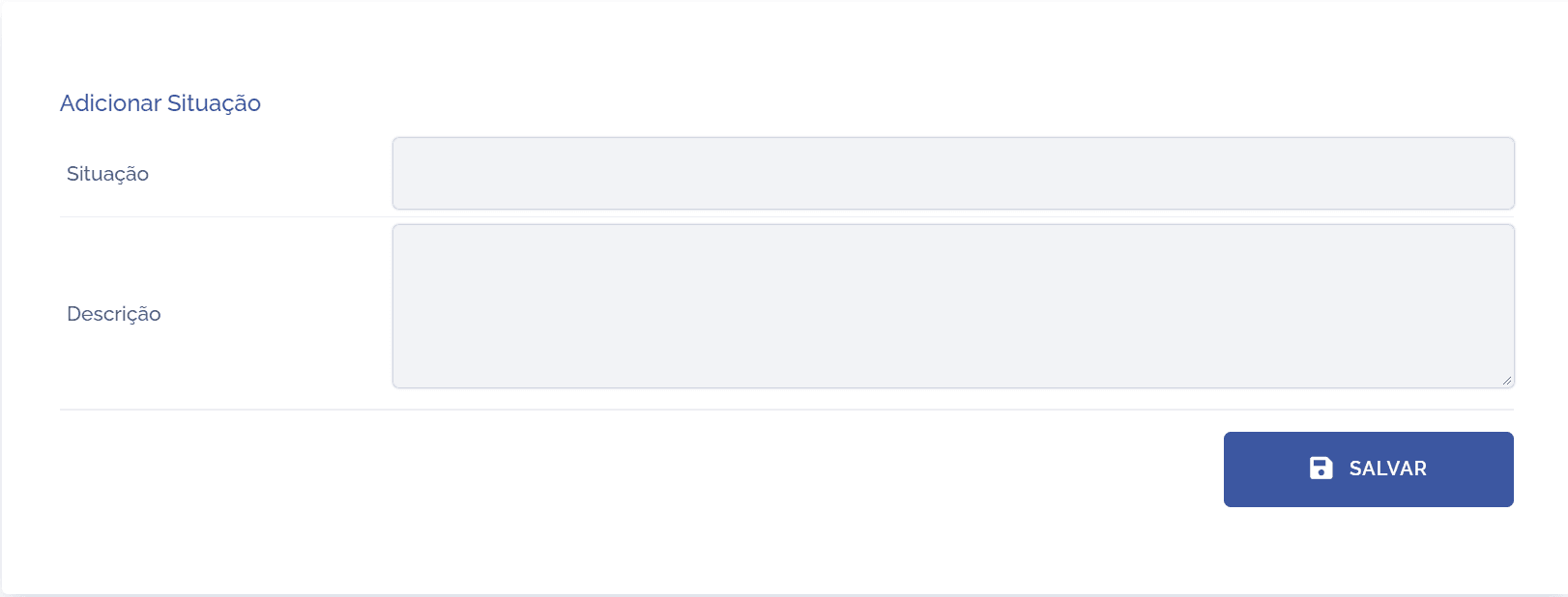
To proceed with creating situations, the following items must be filled in:
Situation: By selecting this option, you can define a title for the situation.
Description: By selecting this option, you can provide a brief description regarding the purpose of the situation.
After filling in the fields, click the Save button to register it in the system.