Association of dynamic fields in document types
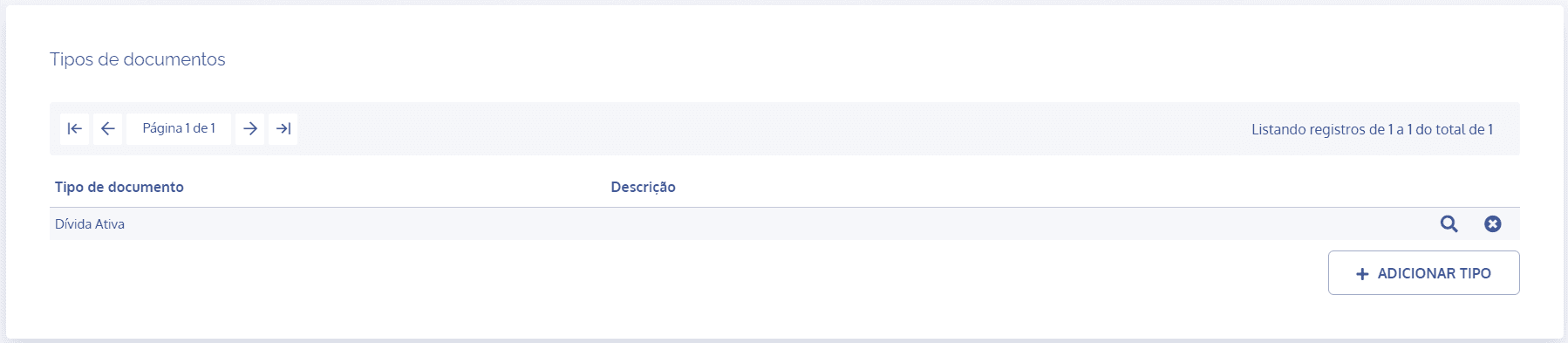
In the Document types section, click the details icon of the desired type:
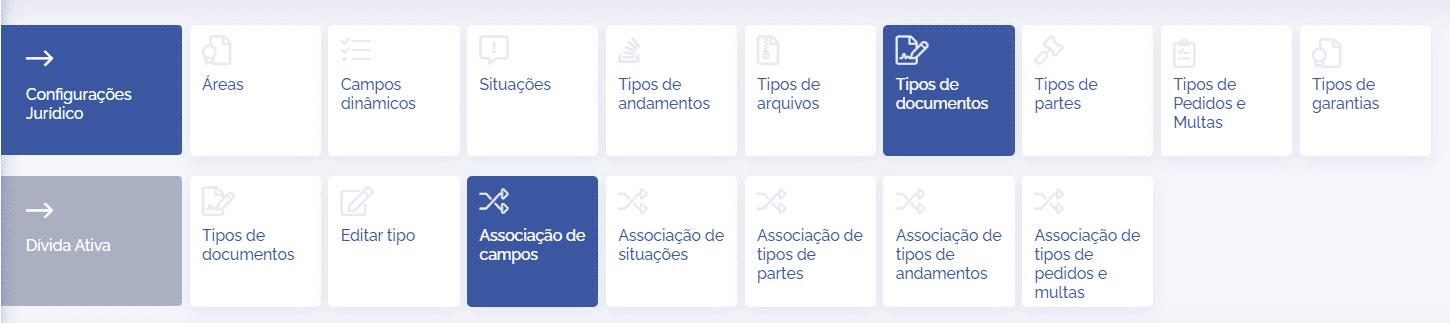
In the type details, click the Field association: card
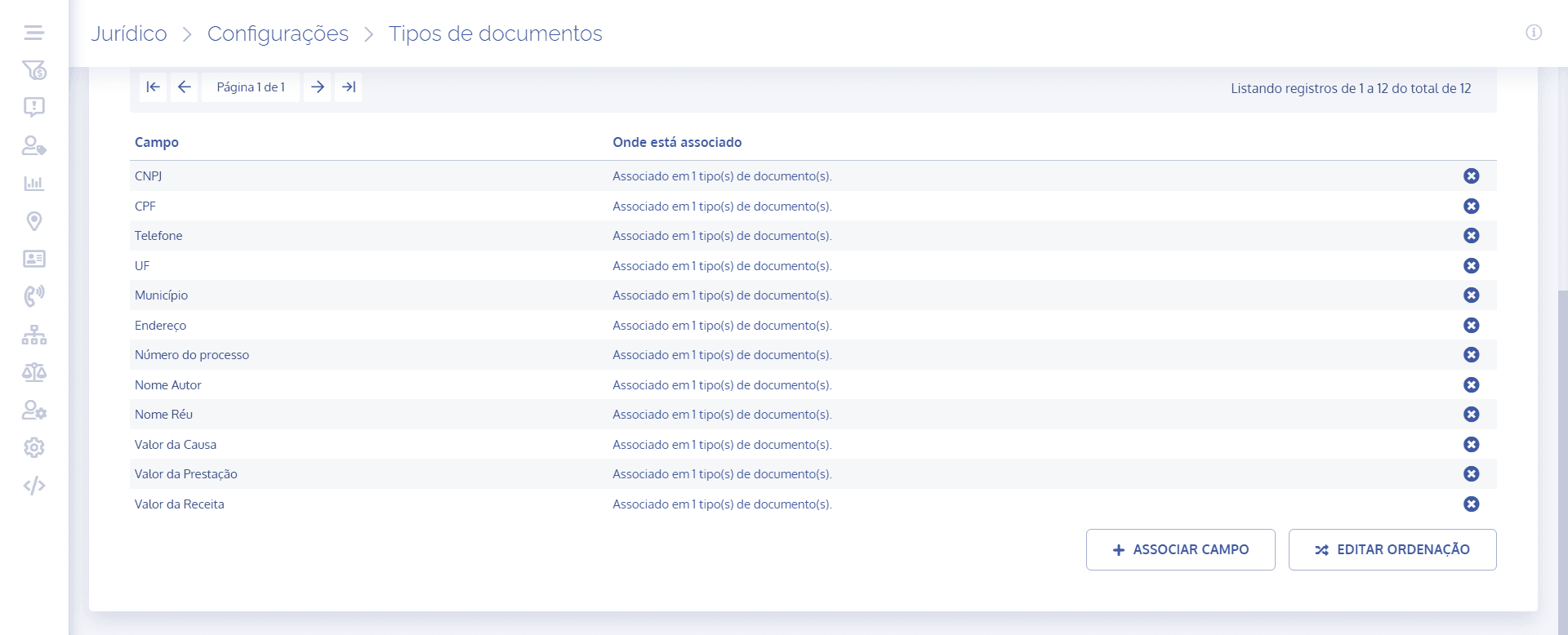
Next, click the Associate field button:
A new section will be displayed, and by clicking on the field, it will be possible to search for the registered fields and associate them with the corresponding type:
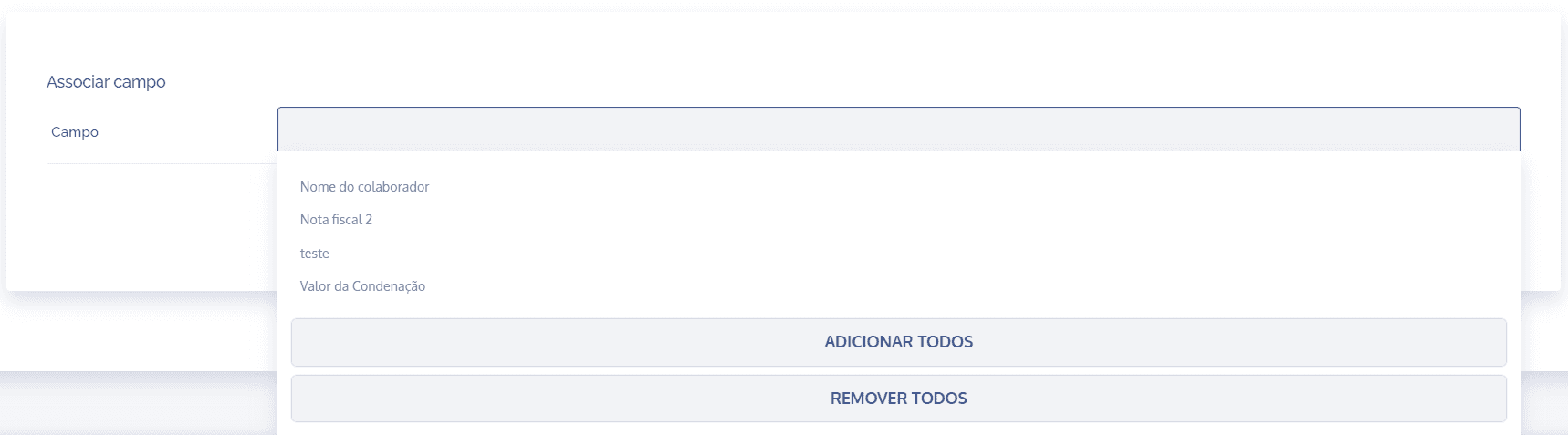
Remember that you can register all at once (Add all) or select one by one. Likewise, it is also possible to remove all selected (Remove all).
After configuring the field association, click Save.
Edit sorting
When clicking the Edit sorting button, a floating screen will be displayed to reorder field priority:
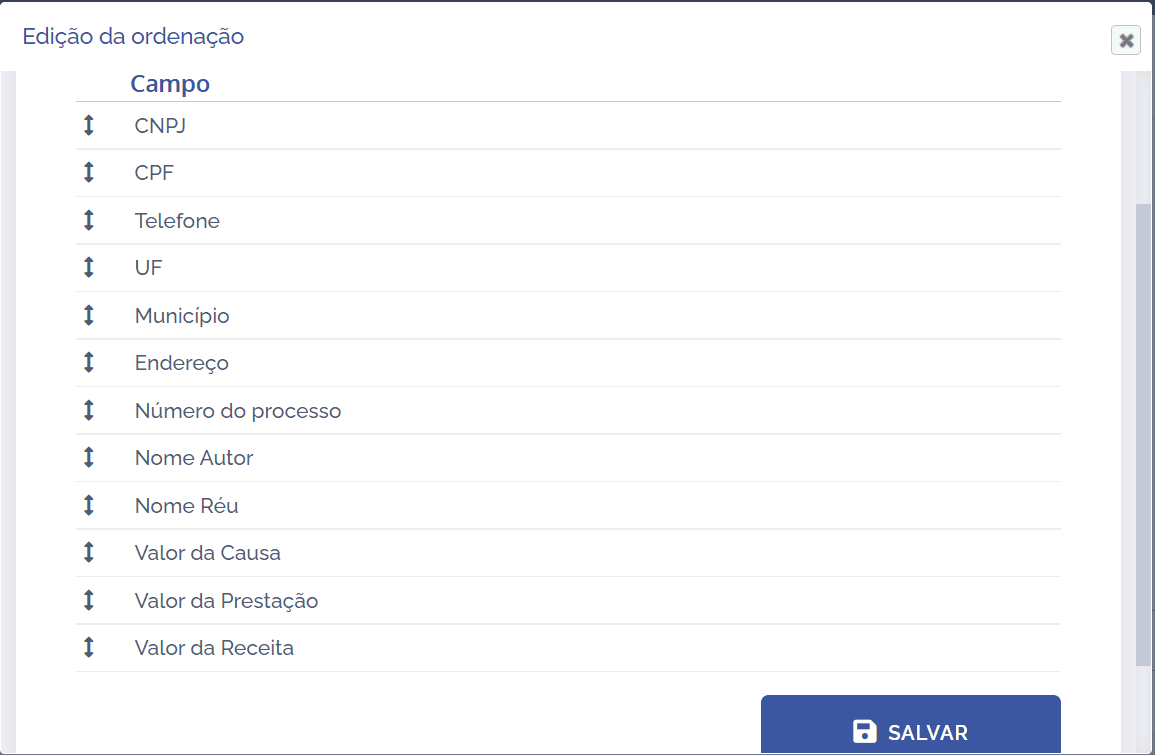
To change the order of the fields, select the desired field by dragging it up or down and dropping it in the desired position; after reordering, click Save.
Remove field
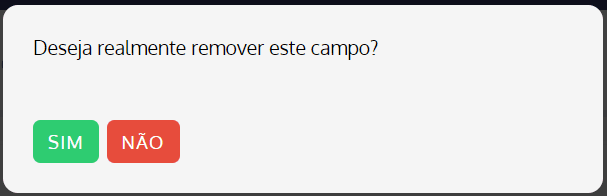
When clicking the remove icon, a confirmation dialog for field removal will be displayed: