Logged-in users
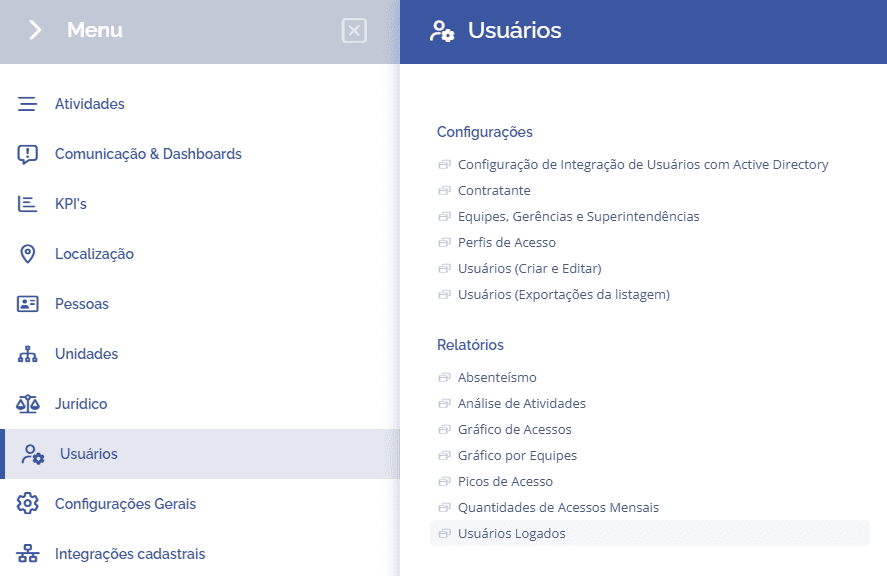
To check the report of users logged into the system, you need to access Users > Reports > Logged Users:
When accessing the report, the block will filter the users logged into the system, and access can be terminated by clicking Logout in red.
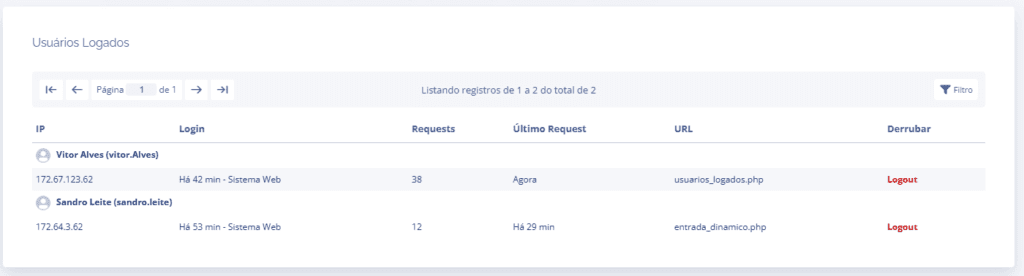
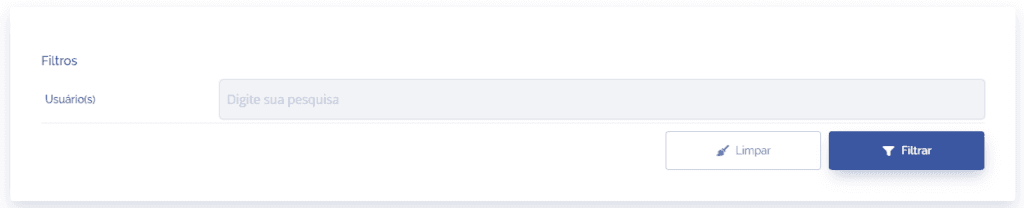
If you need to filter by a specific user, click the Filter button in the list and search for the user.