
Edit user data
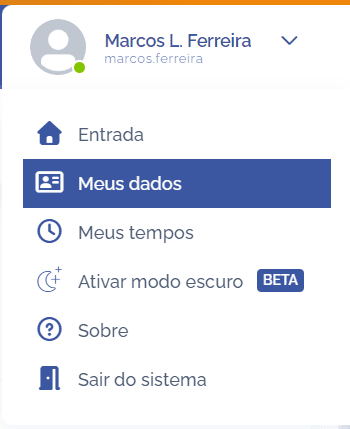
To edit user data, open the user menu in the upper right corner and click the My data option
In the Edit user data block, you can make the necessary changes:
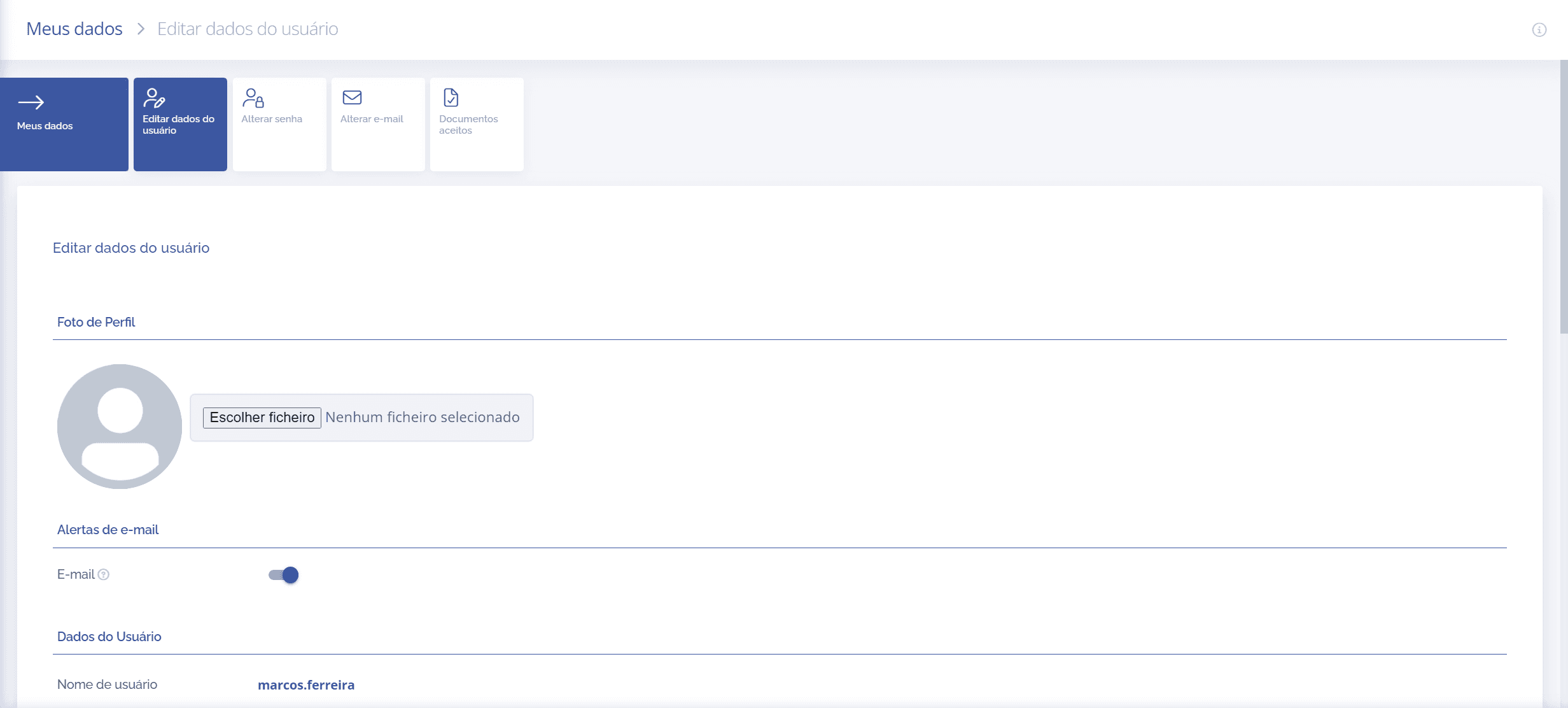
After making the changes, click the Save button at the end of the block to record them in the system.