
Types of legal files
Files in the process
These are image, audio, and video files to be attached to cases under review and consideration by the involved parties.
Add file type
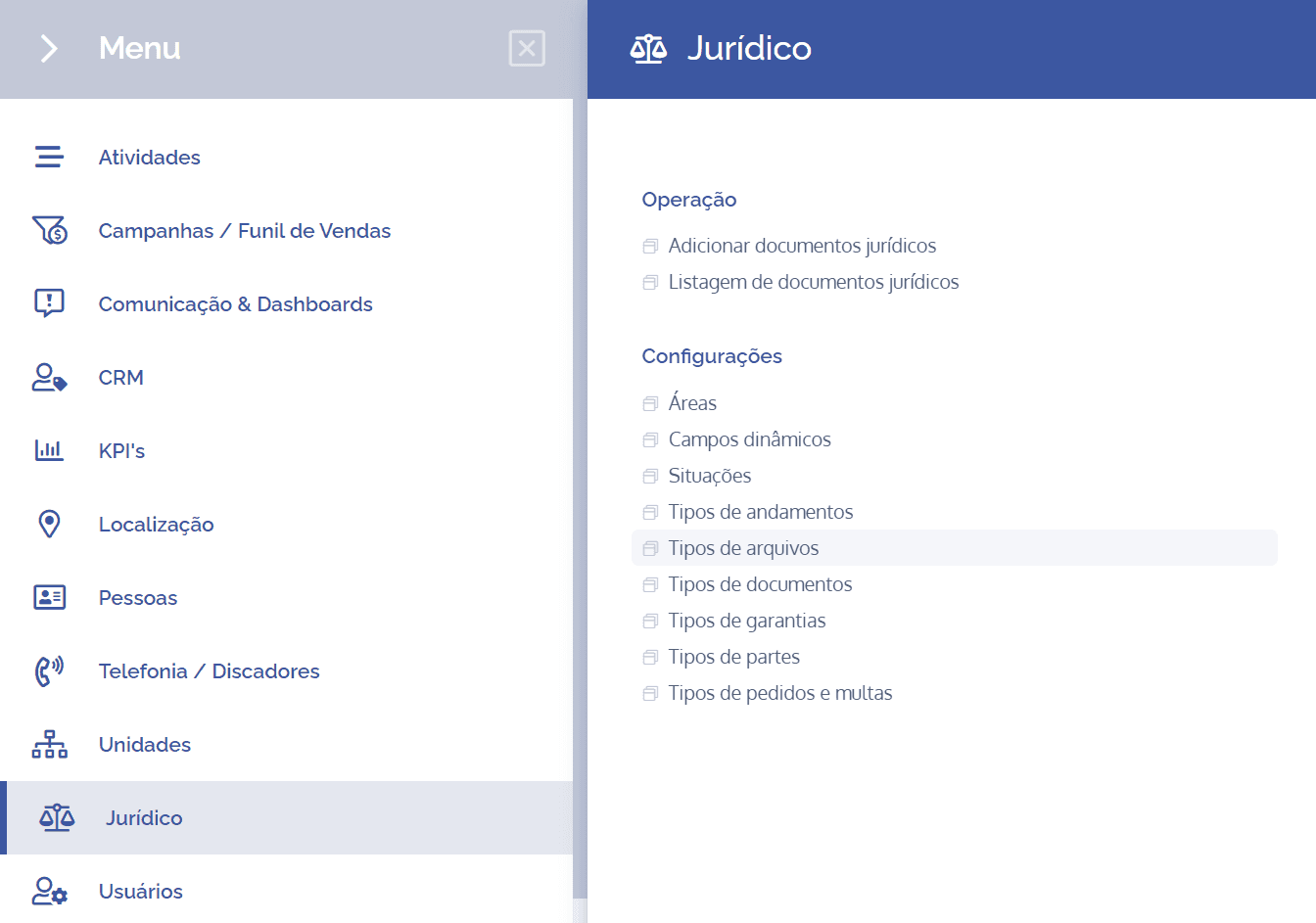
To create/add file types, open the main menu, select the Legal module, Settings and click the File types option.
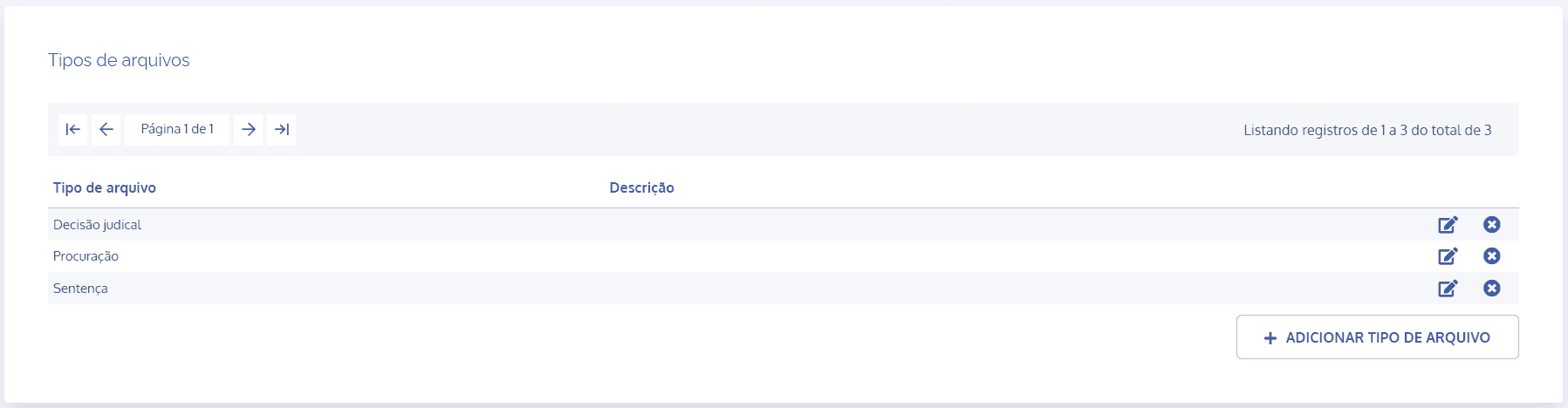
On the next screen, click the Add file type button:
A new Add file type block will be displayed:
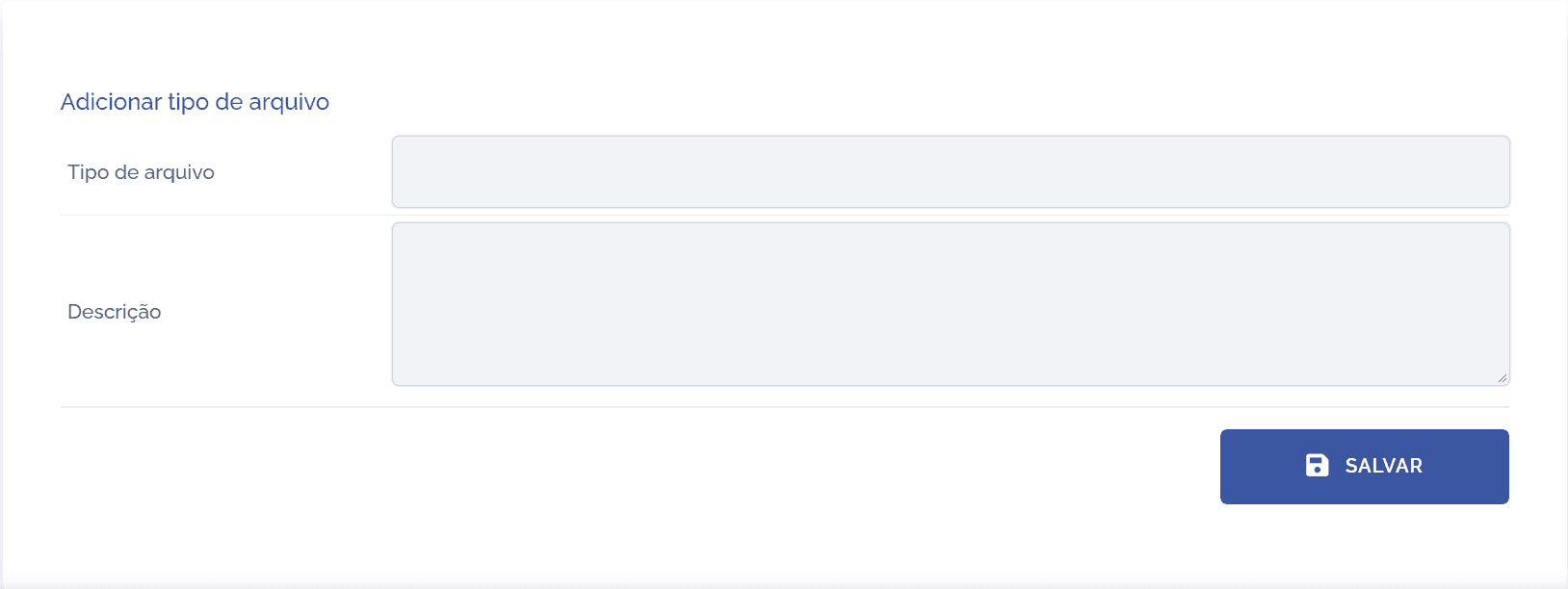
To proceed with creating a file type, the following items must be filled in:
File type: By selecting this option, you can define a title for the file that will be presented for review.
Description: By selecting this option, you can provide a brief description regarding the purpose of the file type.
After filling in the fields, click the Save button to register it in the system.