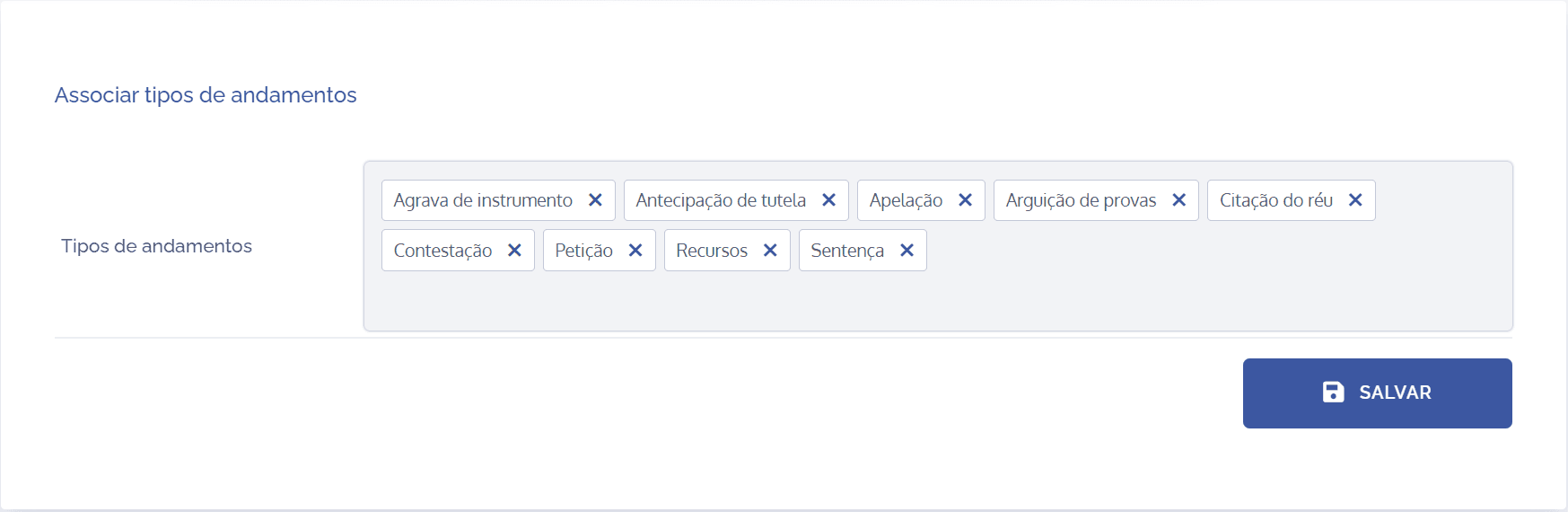
Association of types of proceedings in types of documents
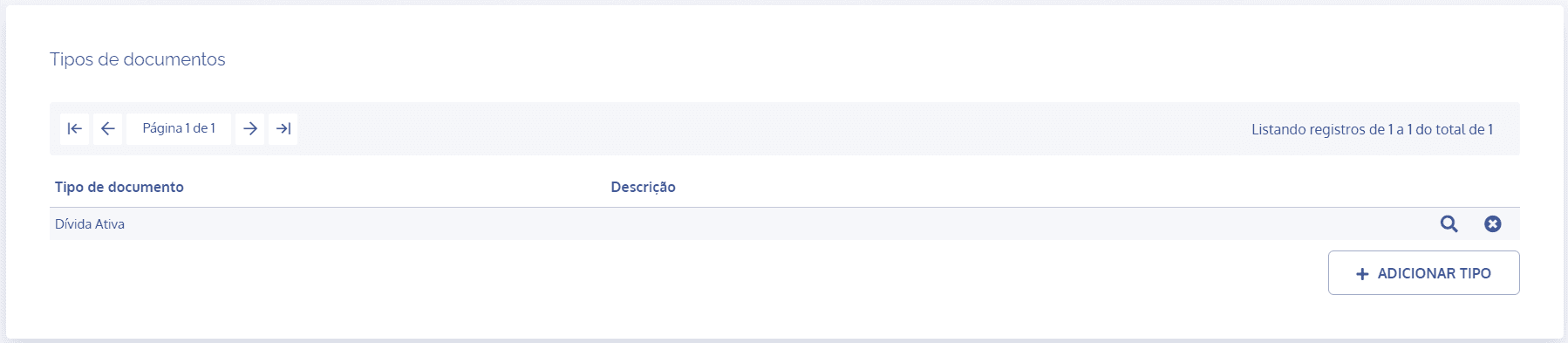
In the Document types block, click the details icon of the desired type:
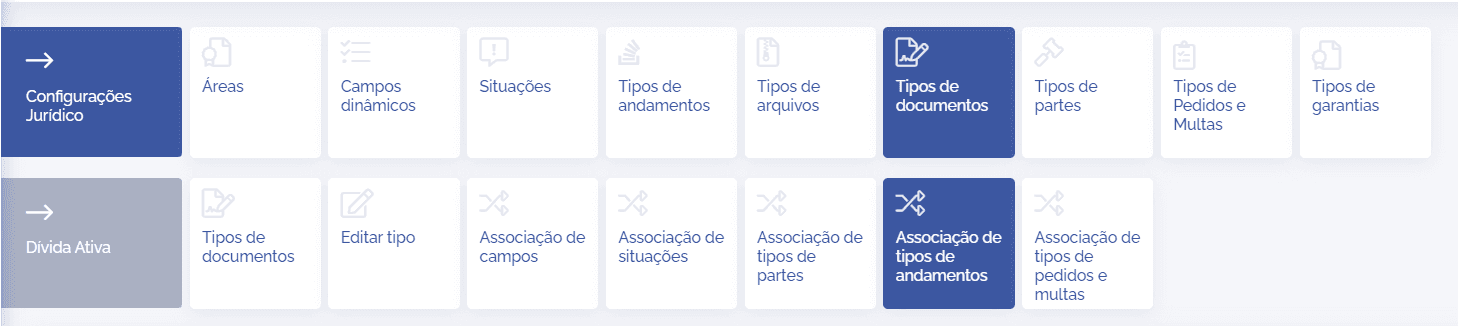
In the type details, click the Association of progress types card, and then in the Associate progress types block, click the Progress types field:
After clicking the field, it will be possible to search for the registered progress items and associate them with the corresponding type:
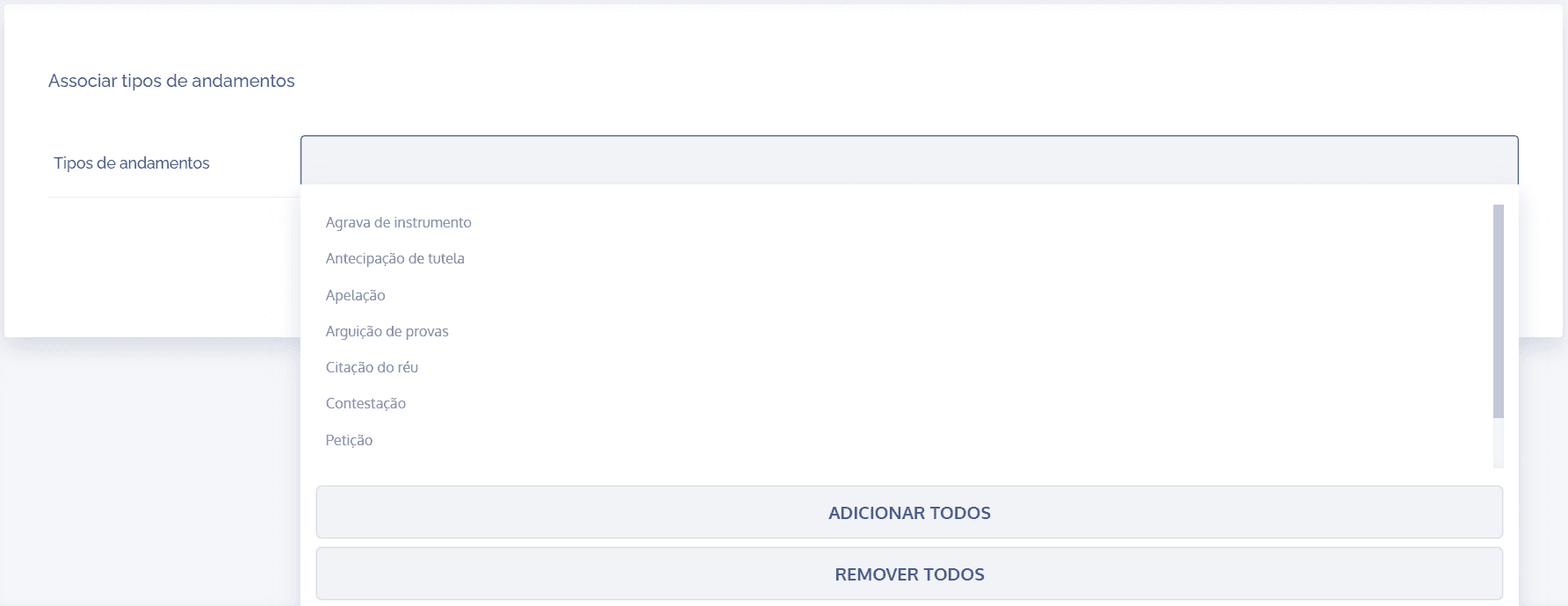
Remember that all can be registered at once (Add all) or selected one by one. Likewise, in the same way, it is possible to remove all selected items (Remove all).
After configuring the association of progress types, click Save.
Remove field
When clicking the remove icon, the intended item will be removed from the field, and to complete the action, click the Save button.