Activity templates
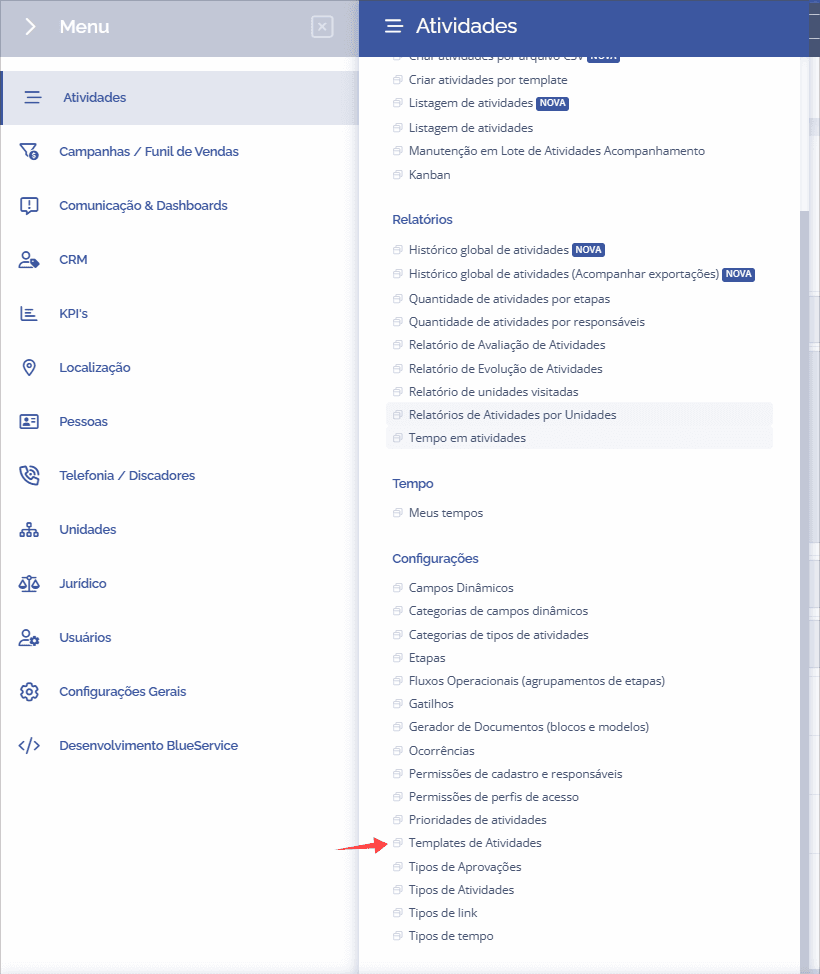
To create an activity template, you need to access the “Activity templates” item under Settings from the left menu.
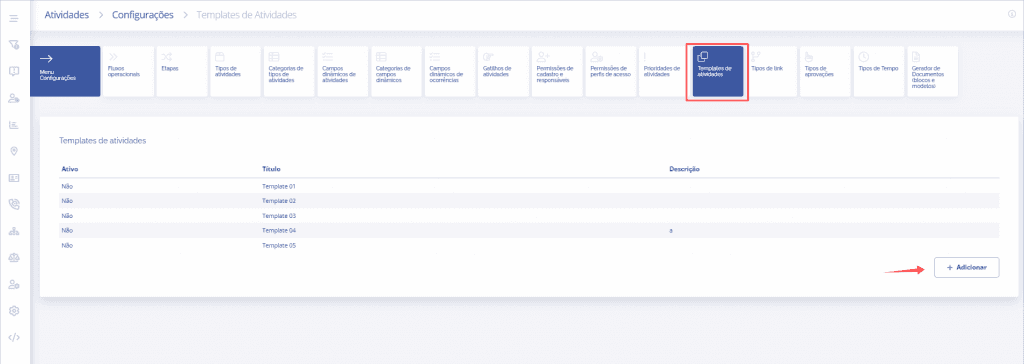
On the Activity templates screen, click “Add”.
Fill out the add activity template form and click save.
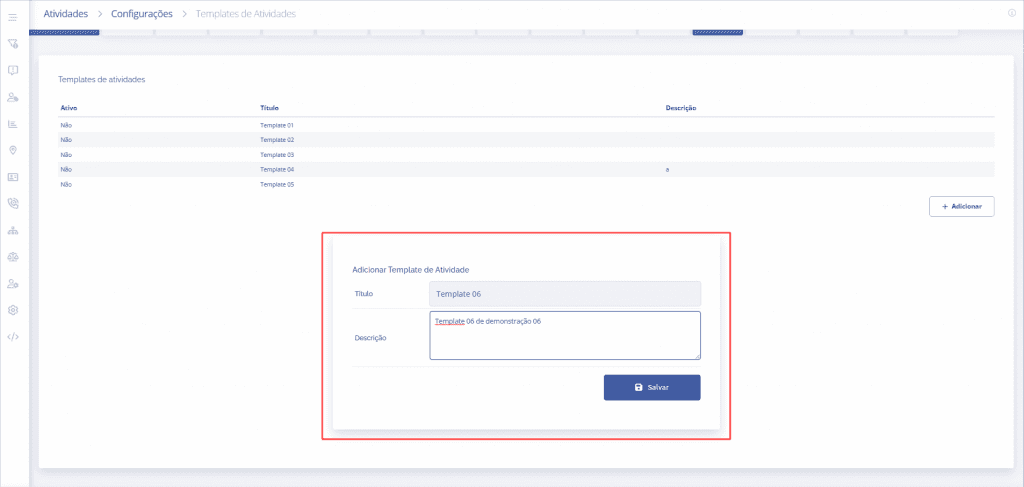
The template has then been created.
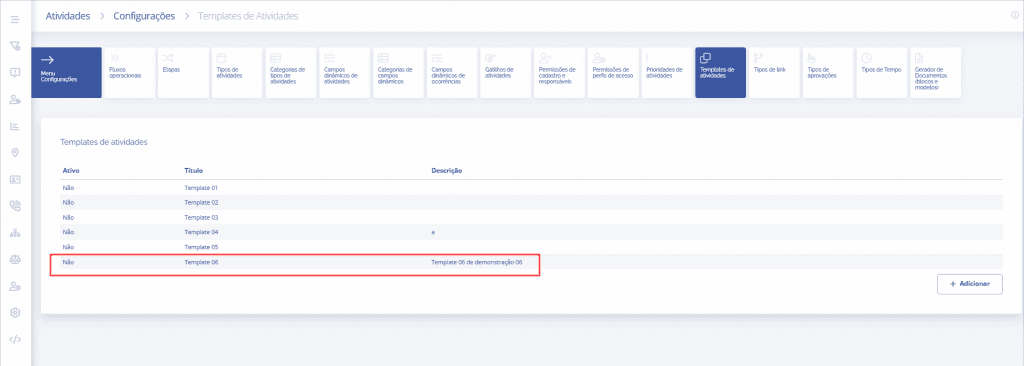
Template editing
This is the template editing form:
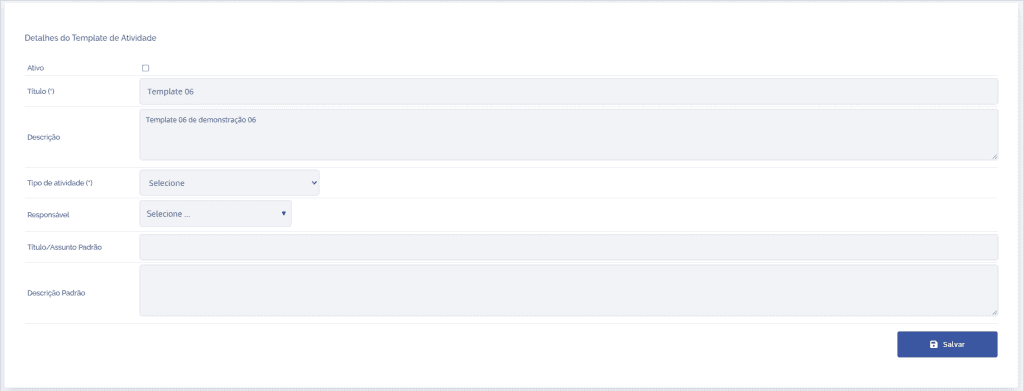
Active
Active is a checkbox to activate (enable) or deactivate (disable).

Title
In this field, you define the template name.

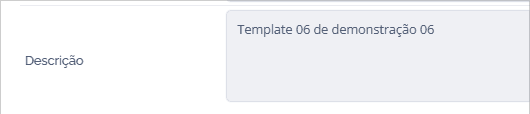
Description
In this field, you enter the template description.
Activity type
You define the template's activity type.

Owner
Here you define the owner of the activity template.

Default title/subject
In this field, you define the template's default title.

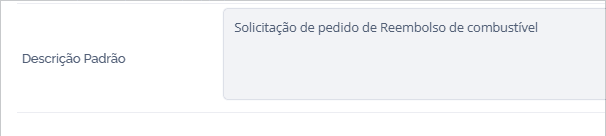
Default description
In this field, you briefly describe information about the template.
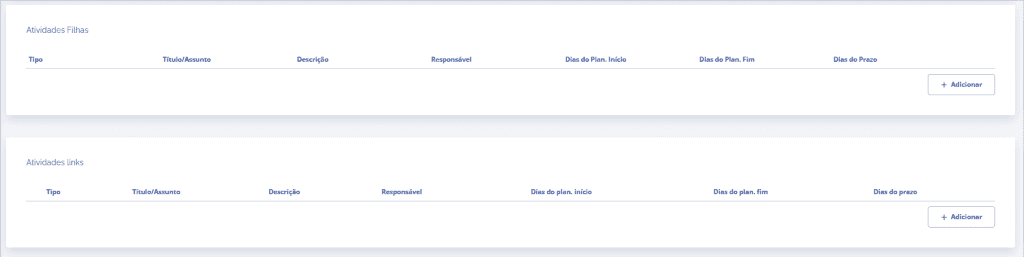
In addition, you have the option to add child activities or associated activities.