
Types of link
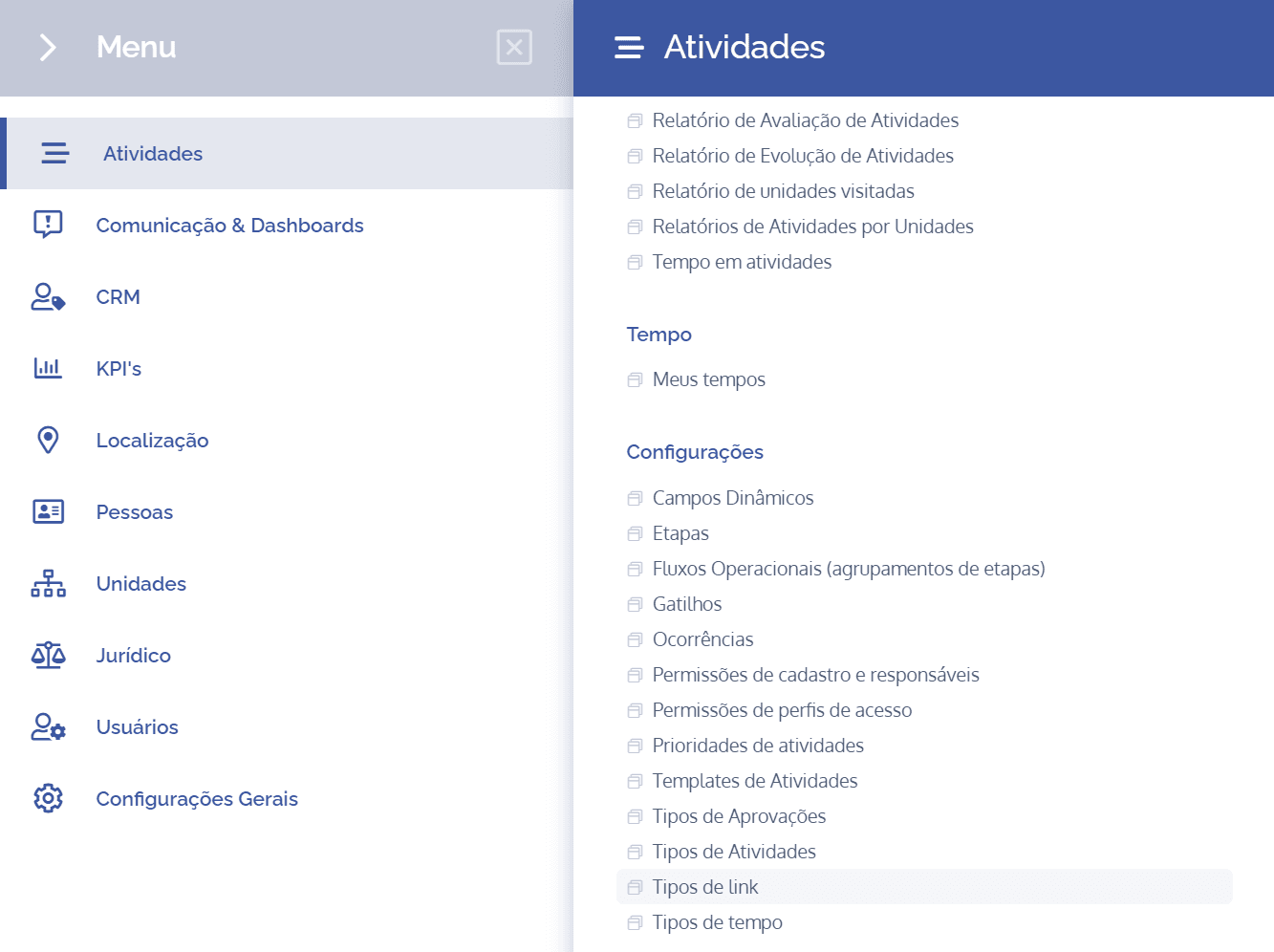
To add link types, open the main menu, select the Activities module, Settings, and click the Link type option.
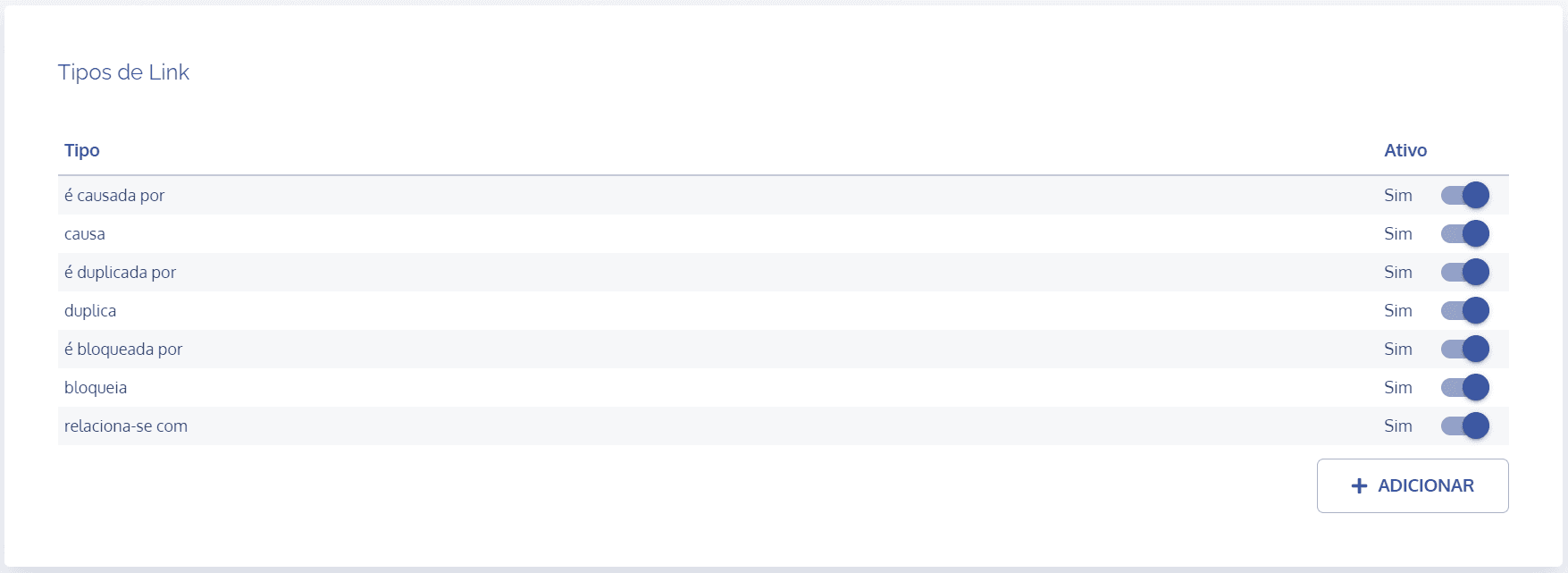
In the Link types block, click the Add: button
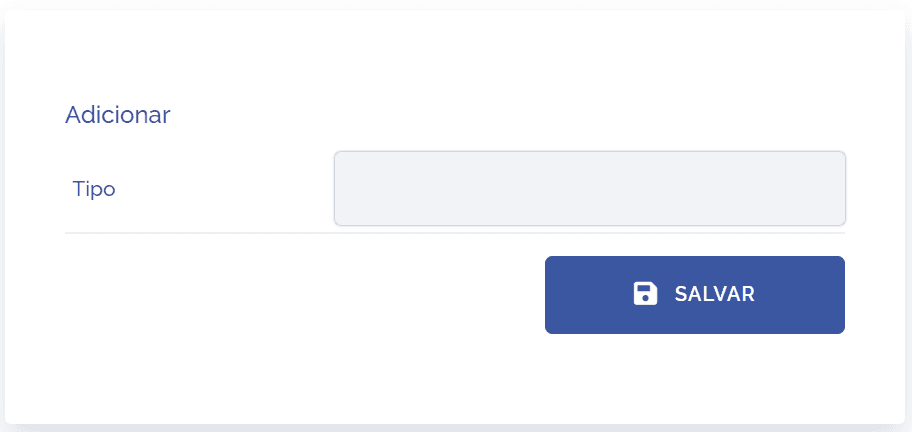
The Add block will be displayed:
Type
Fill in the type field to define the role (name) it can receive.
Note: Notice that when accessing Link types, the system brings seven possible links (is caused by, causes, is duplicated by, duplicates, is blocked by, blocks, and relates to) by default. Also, all of them are active.
Activate/Deactivate
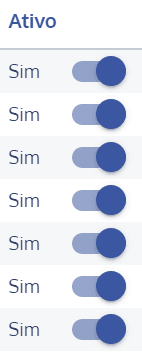
To deactivate a link type, click the toggle () in the Active column, and likewise if you want to activate it.