
Activity priorities
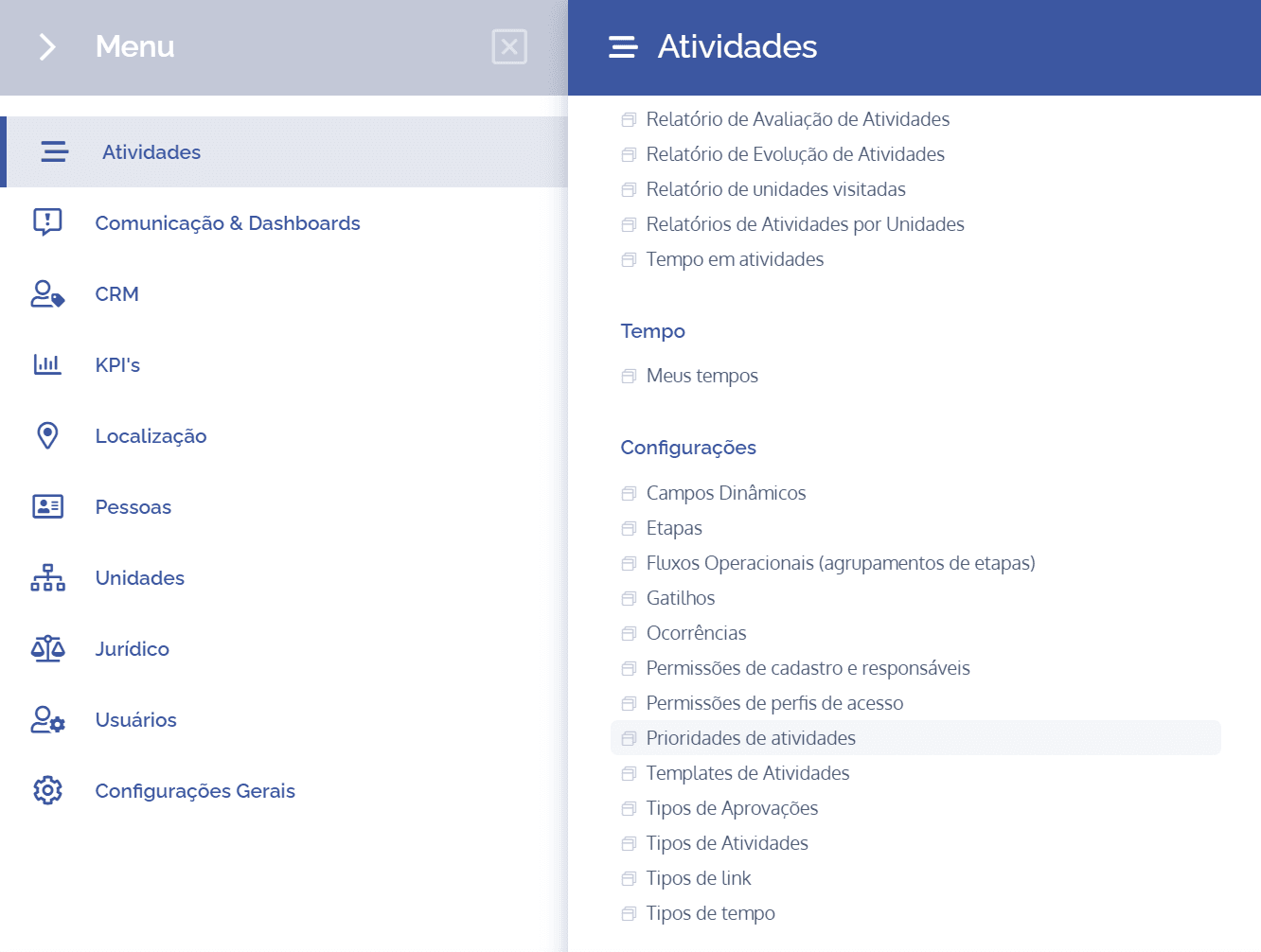
To add activity priorities, open the main menu, select the Activities module, Settings, and click the Activity priorities option.
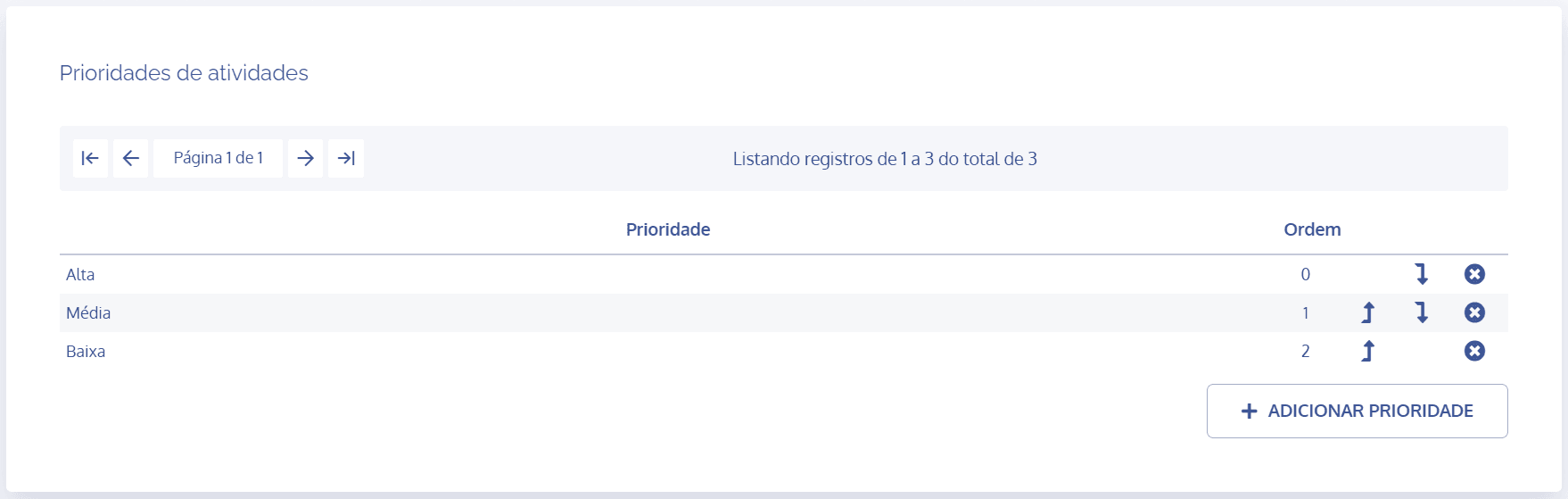
In the Activity priorities block, click the Add priority button
The Add priority block will be displayed:
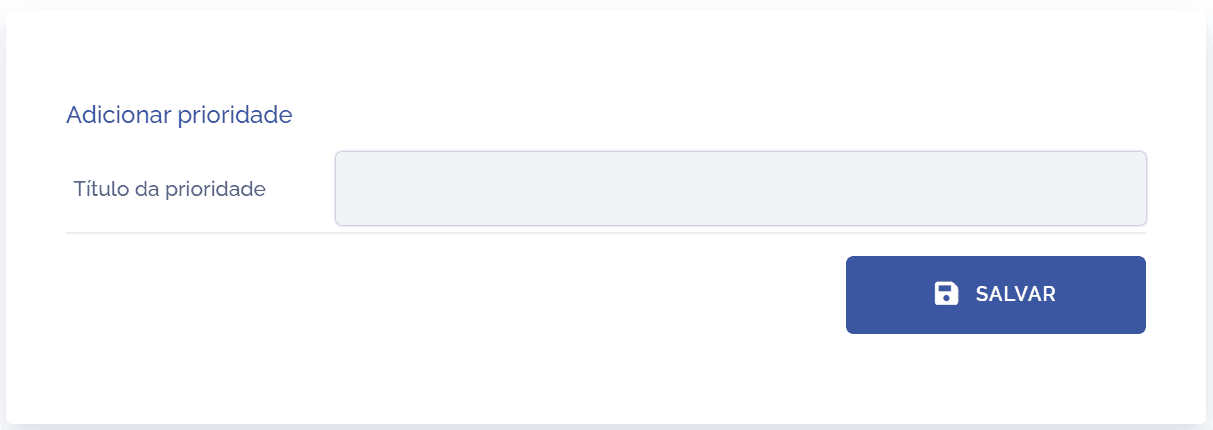
Priority title
Fill in the Title (name) field of the priority that can be assigned to an activity. After filling it in, click the Save button to record the information in the system.
Note: When accessing Activity priorities, the system brings three priorities (High, Medium, and Low) by default.
Sort priority
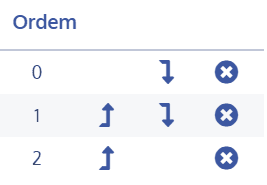
To sort priority, click the arrows in the Order column, moving up or down.
Remove priority
To remove a priority, click the remove icon in the Order column.