
Phone tags
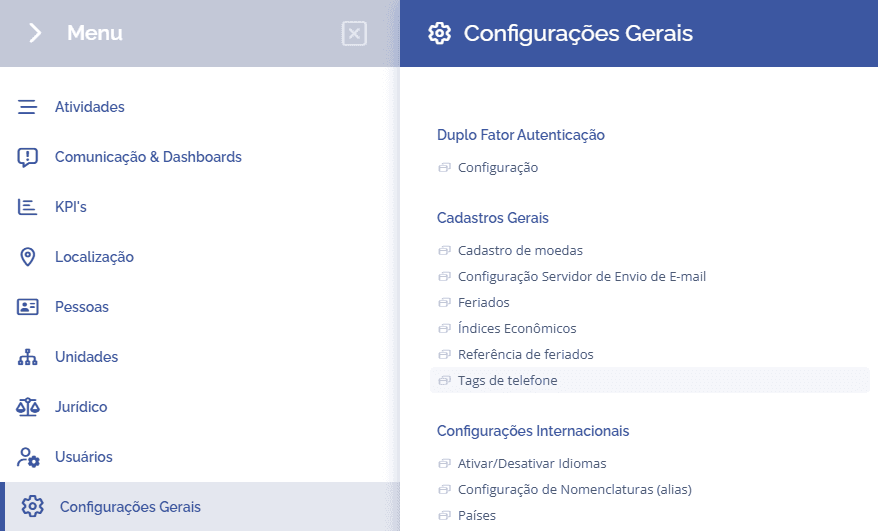
To configure phone tags, you need to access General Settings > General Registrations > Phone tags:
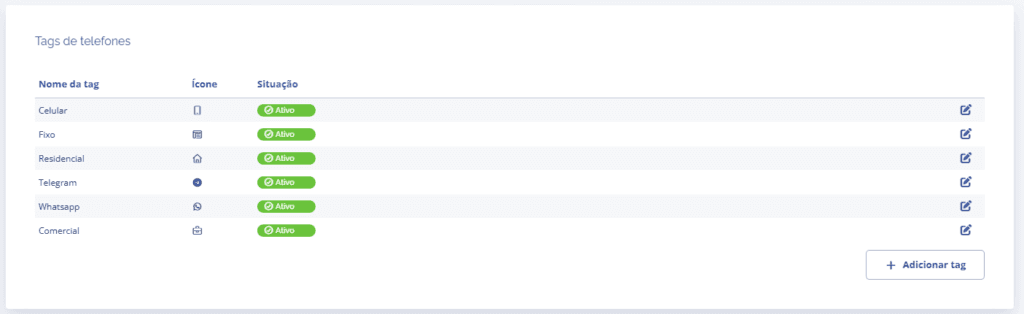
Next, you will be redirected to the Phone tags section, where you can add new tags by clicking the Add tag button:
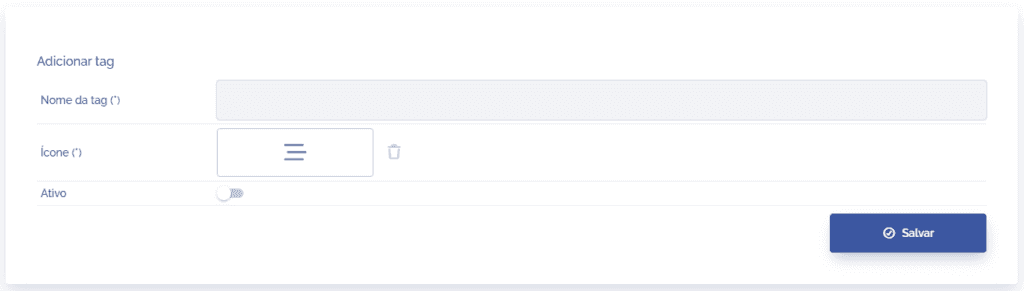
When you click Add tag, a new section will be displayed, allowing you to define the tag name, the icon, and the status.
Clicking the Save button will add the tag to the phone tags list, where you can edit and deactivate the tag if necessary.