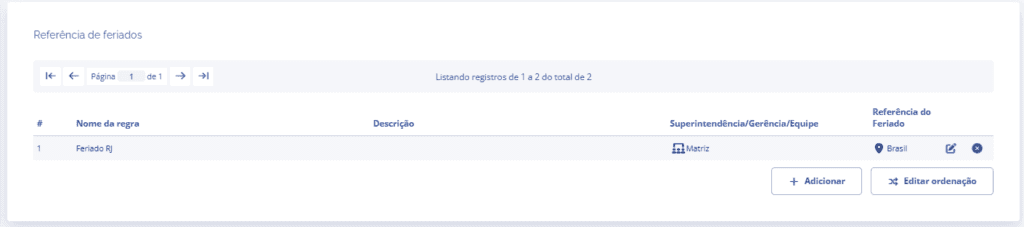
Holiday reference
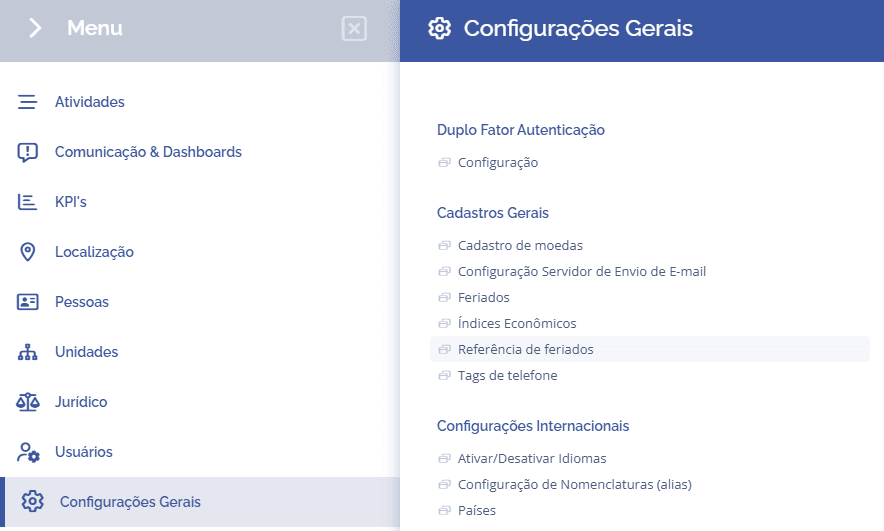
Holiday references are used to calculate the business days in the deadline field. To configure them, access General Settings > General Registrations > Holiday Reference:
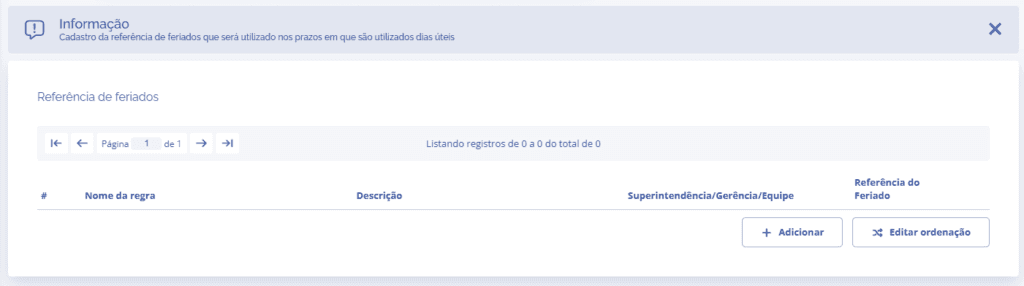
Next, you will be redirected to the holiday references block, where you can configure the references by clicking the Add button:
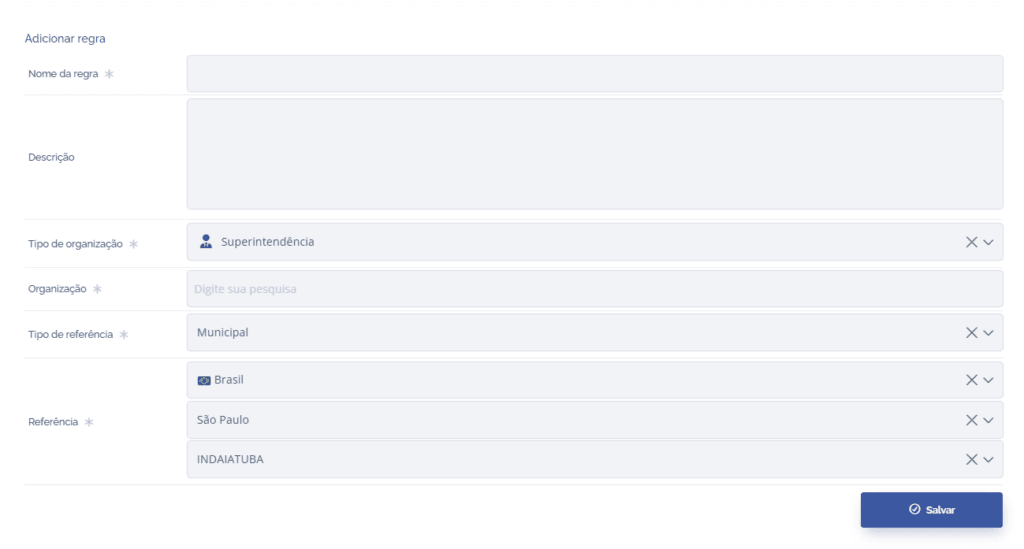
When you click the Add button, a new block will be displayed to define the reference rule, defining the name, description, which organizational level and organizations will be affected, the type of reference (municipal, national, state), and the location.
By clicking the Save button, the reference will be added to the list, and you can edit or remove the reference if necessary.