Enable/disable languages
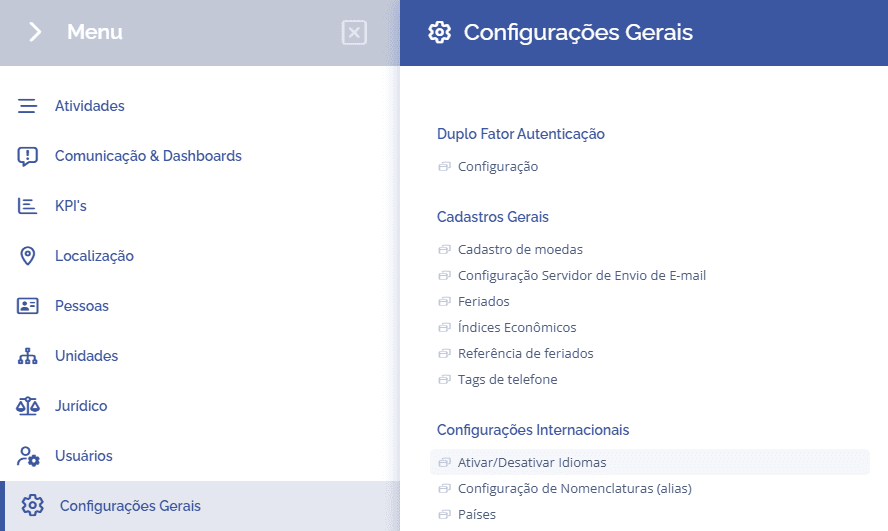
To configure the system languages, open the main menu, select the module General Settings, International Settings and click the option Enable/Disable Languages:
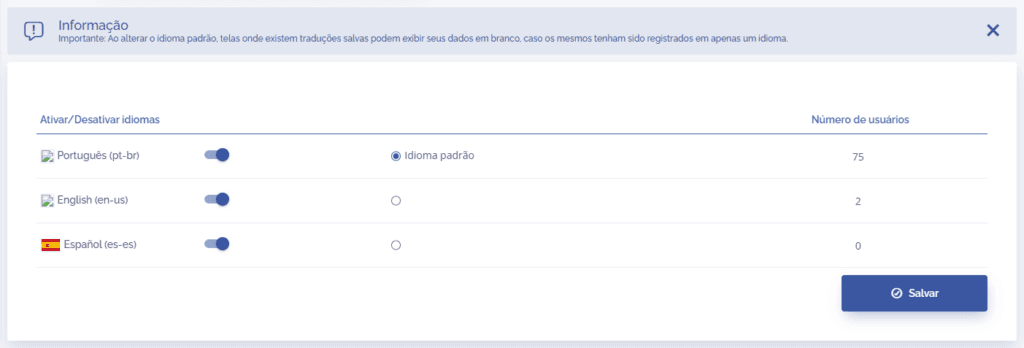
In this section, it will be possible to enable/disable the system languages, select the default language, and check the number of users who use each language: