Title suggestions
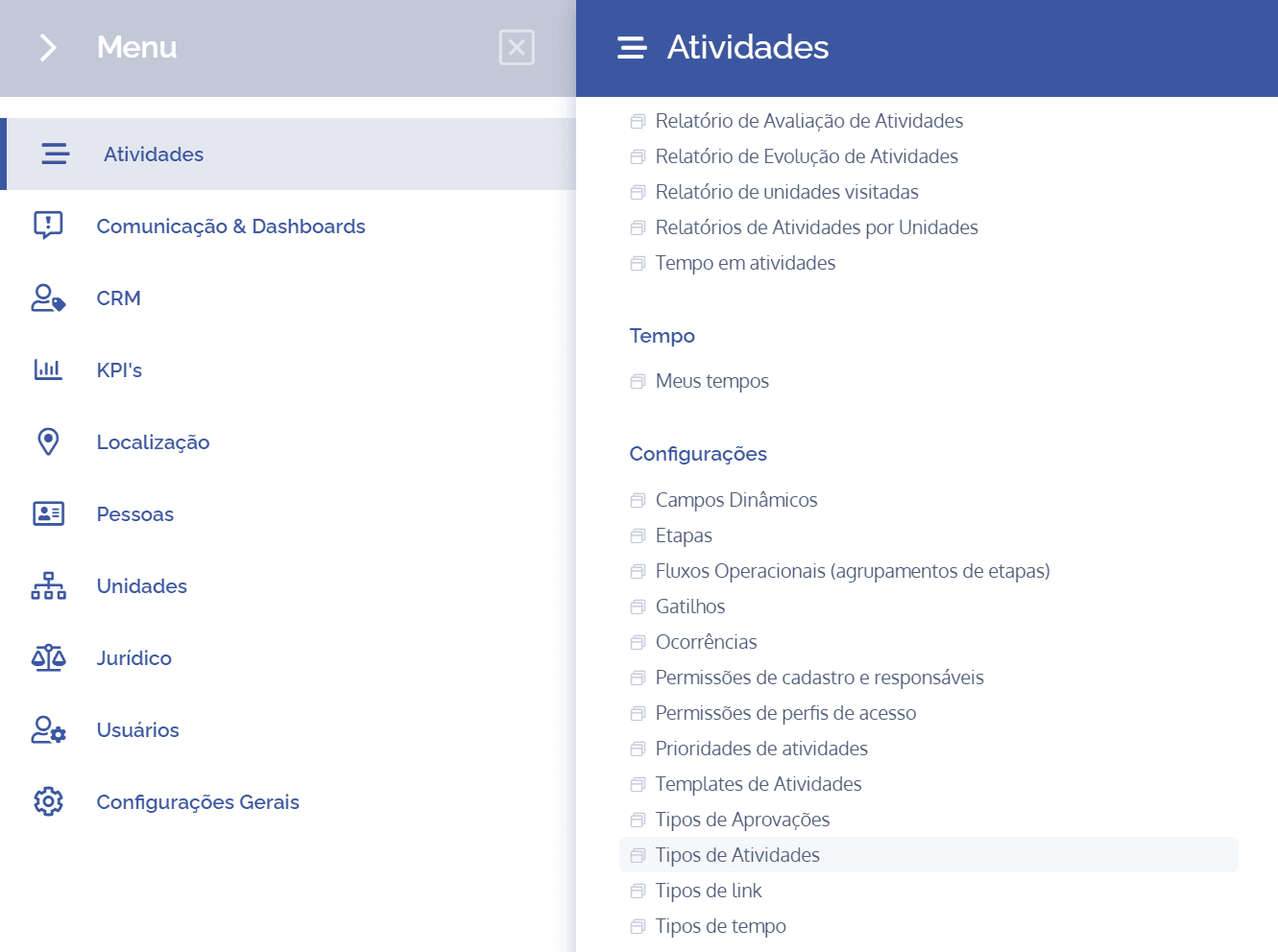
To add steps in an activity type, open the main menu, select the Activities module, Settings and click the Title suggestions option.
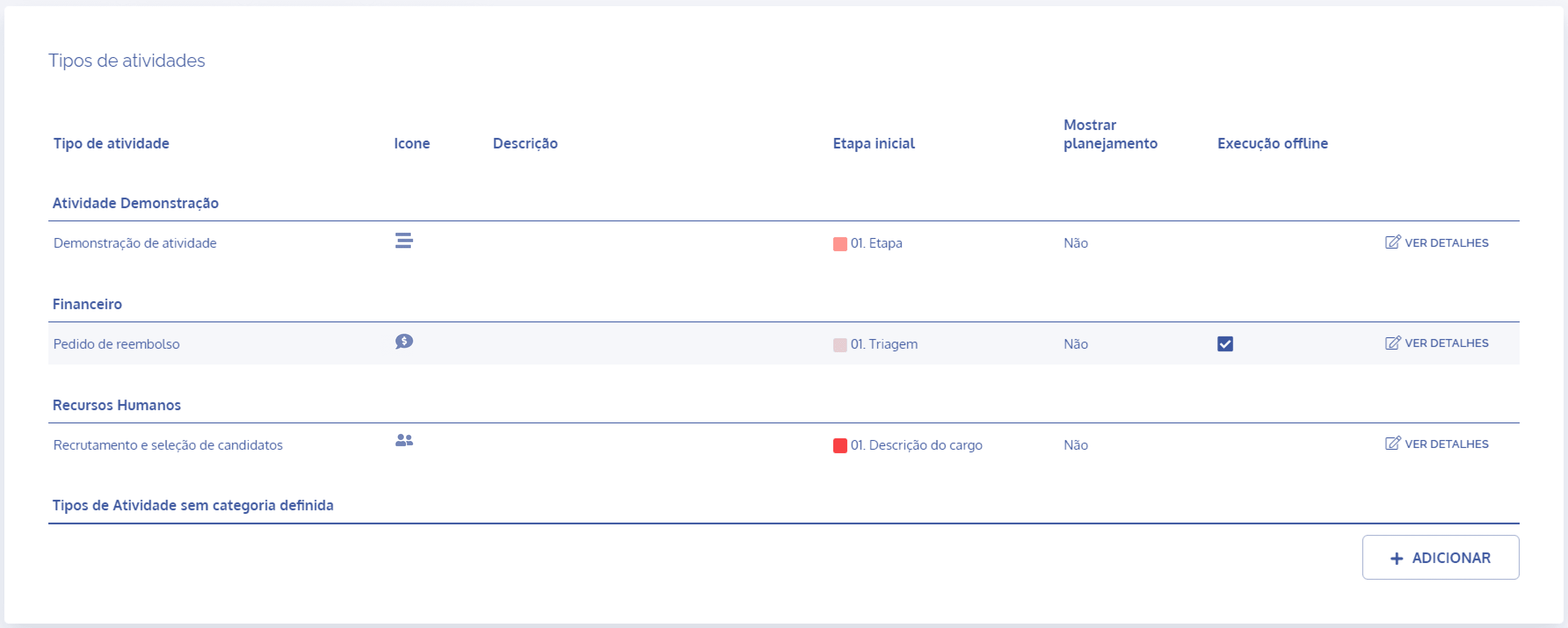
In the Activity types block, click the View details button to display the details of the desired activity:
Then, click the Title suggestions card

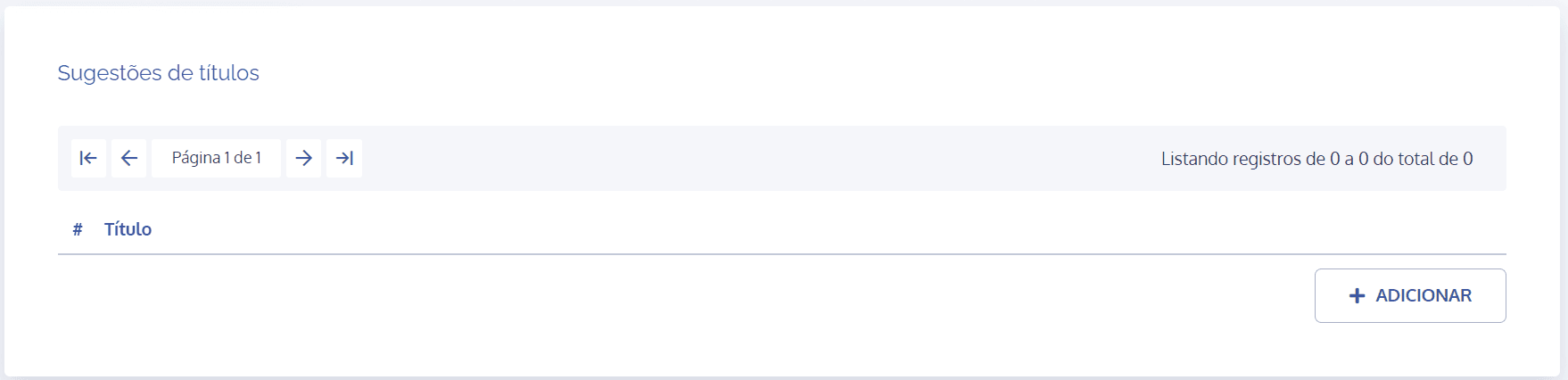
In the Title suggestions block, click the Add button:
A new block will be displayed to add a title suggestion:
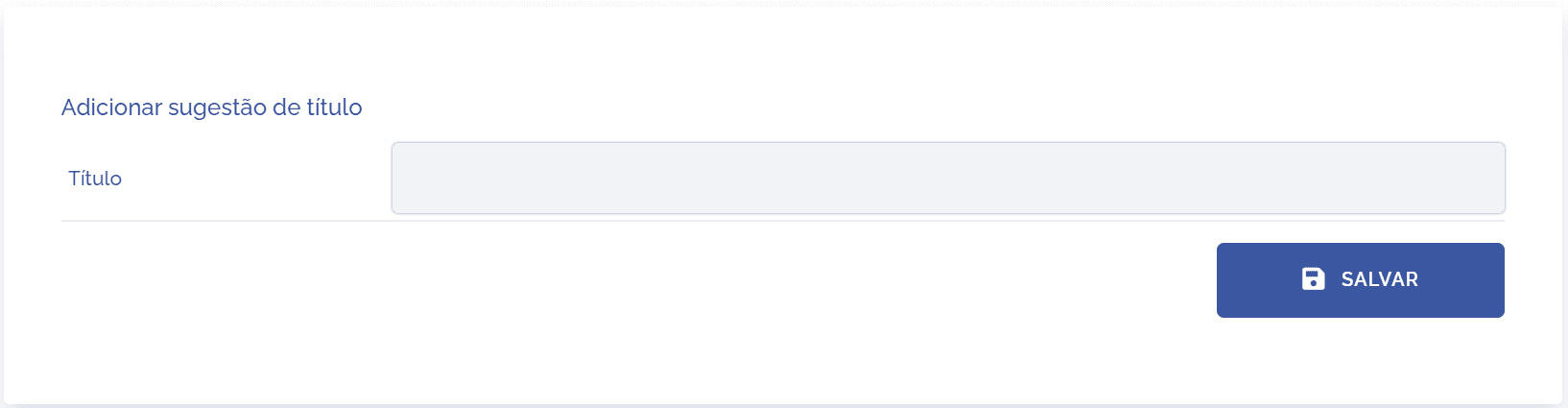
When selecting the Title field, you will be able to register suggestions that will be displayed when creating an activity, through a list:
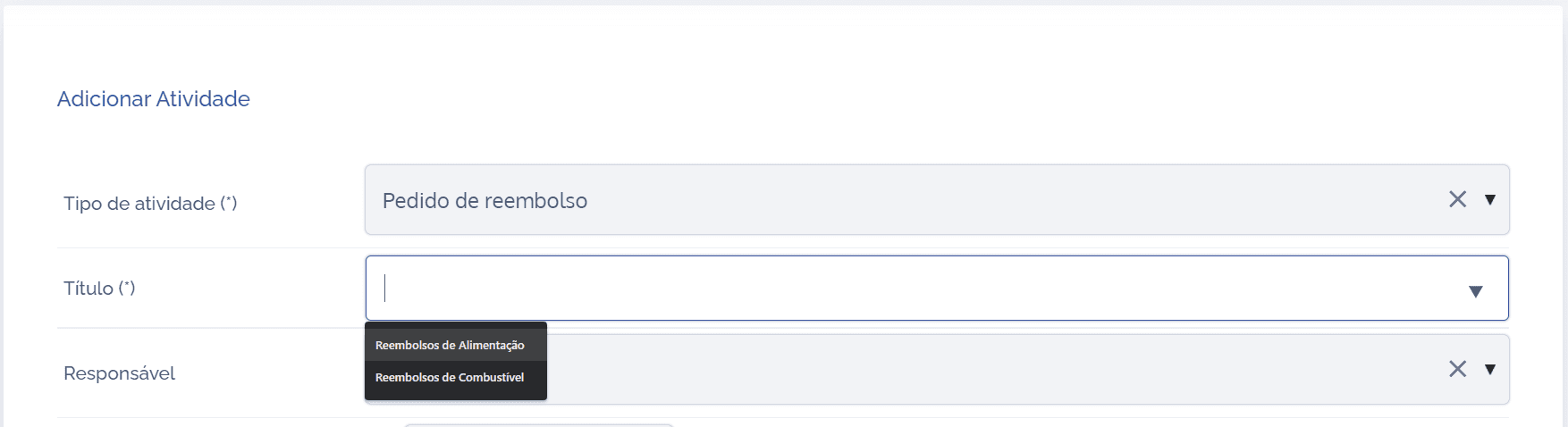
When clicking the Title field, a list with pre-defined suggestions will be displayed. The idea is to bring speed, agility, and simplification to the activity-adding process.
With this process in mind, and after adding the title suggestion, click Save.
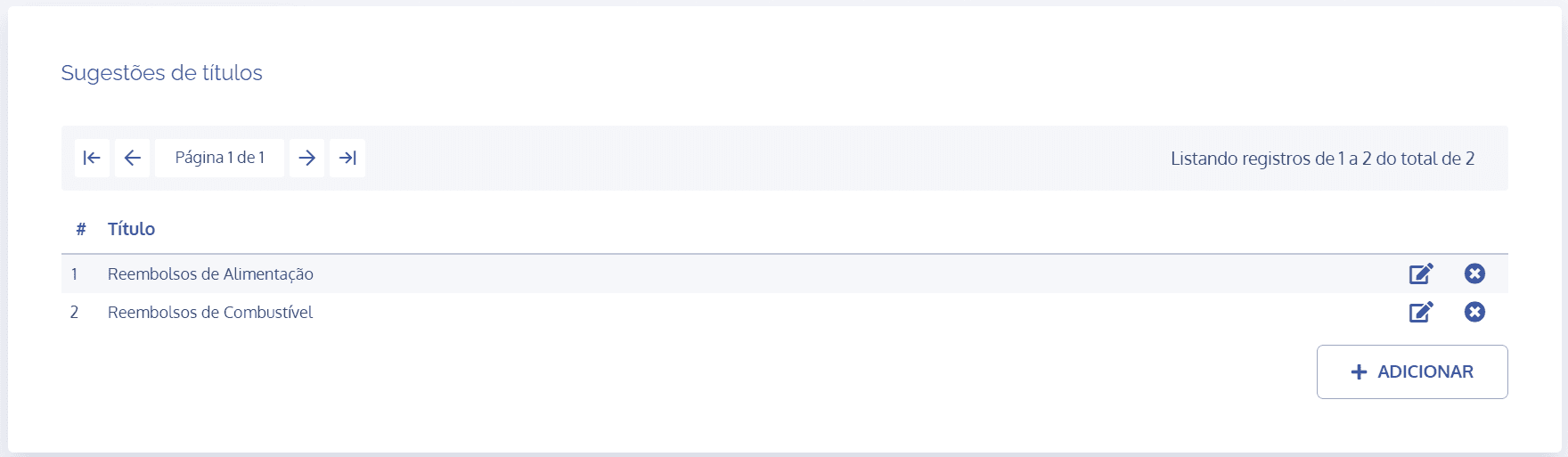
The titles will be listed, and it will be possible to edit and delete them.
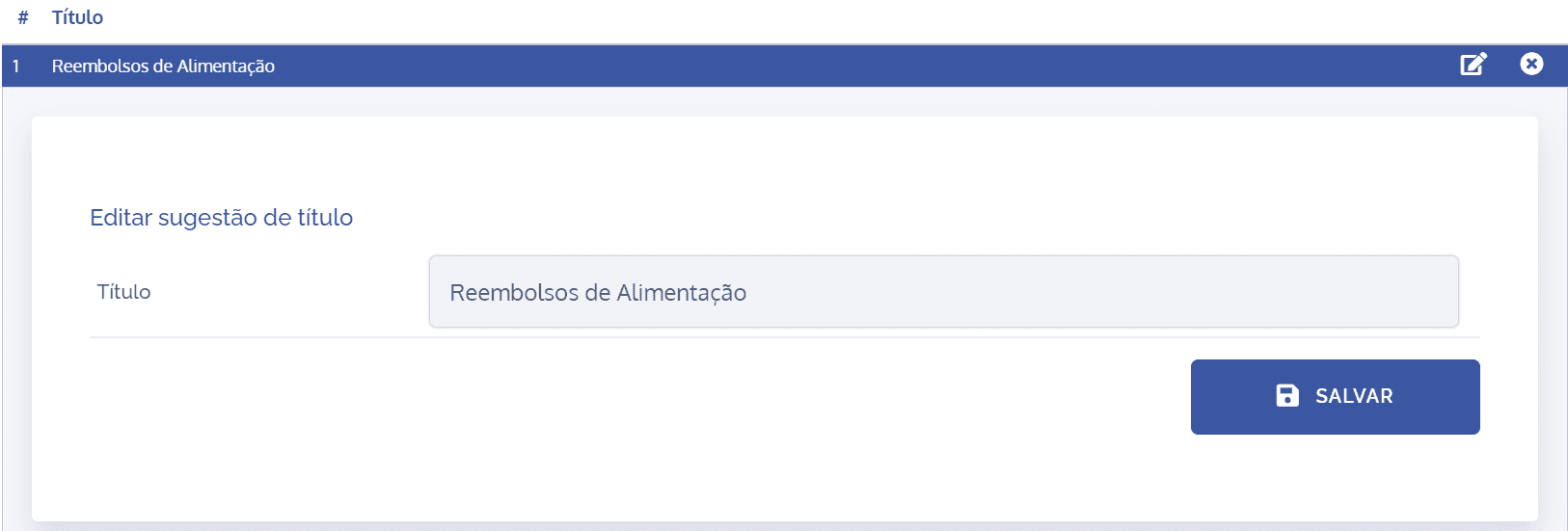
Edit title
When clicking the edit icon, a block will be displayed to edit the title in question:
Remove suggestion
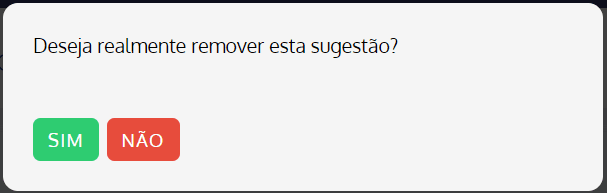
When clicking the remove icon, a confirmation dialog for removing the suggestion will be displayed: