
Data display in the activity
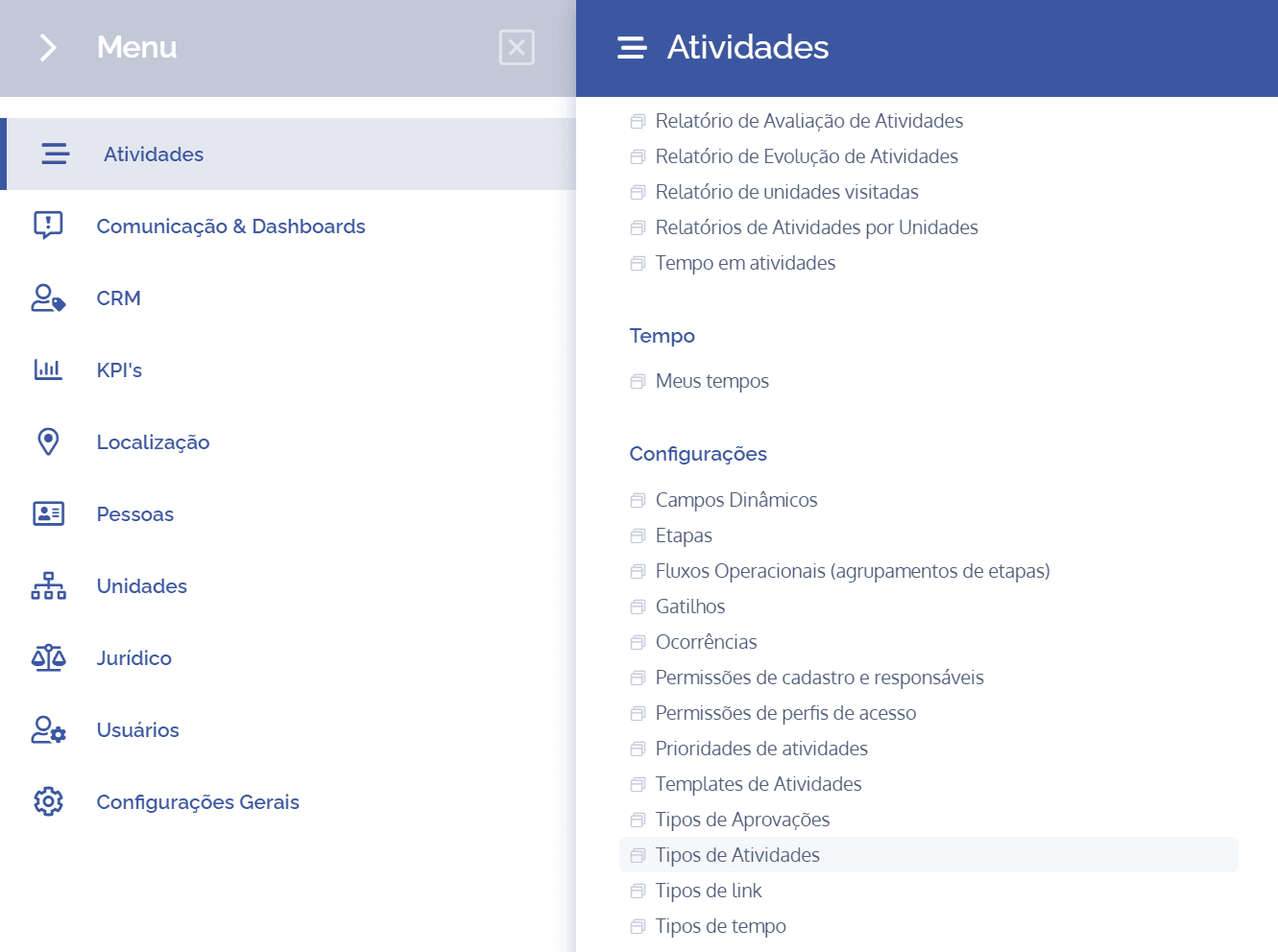
To add data display fields to an activity type, open the main menu, select the Activities module, Settings, and click the Data display in activity option.
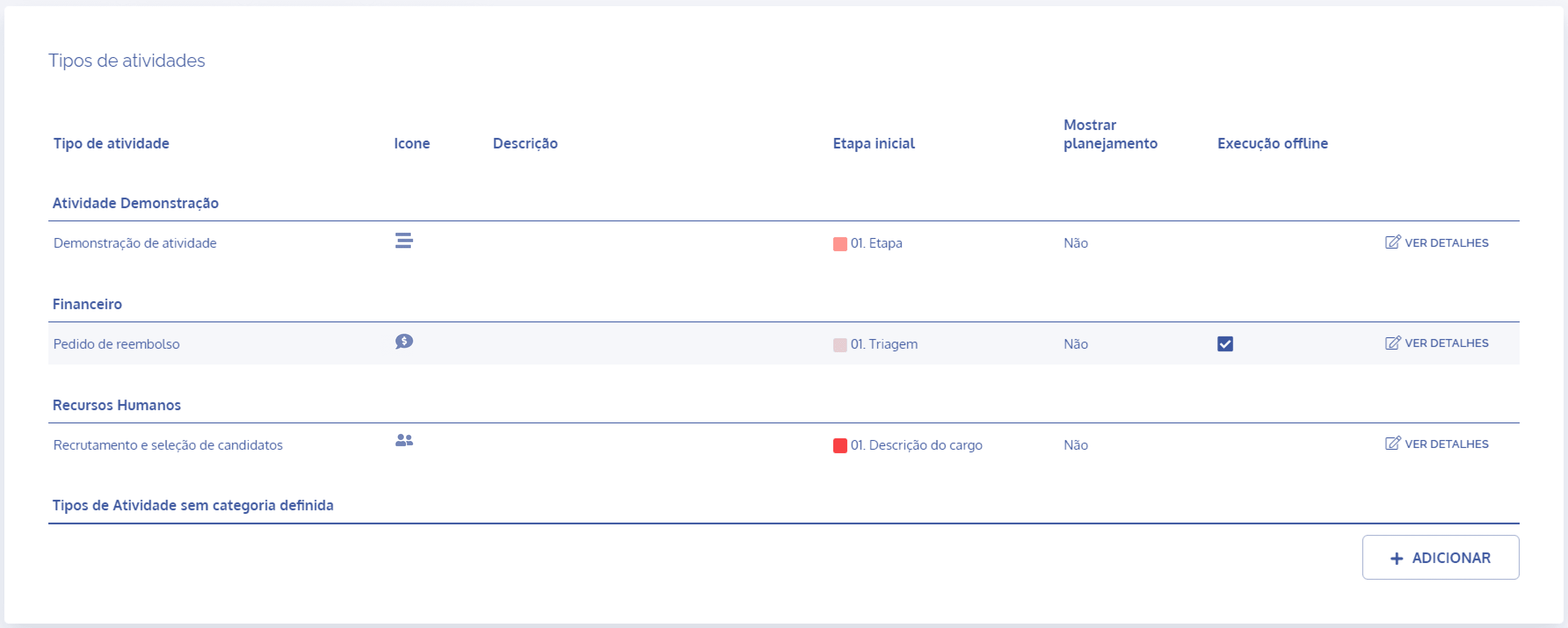
In the Activity types block, click the View details button to display the details of the desired activity:
Then, click the Data display in activity card

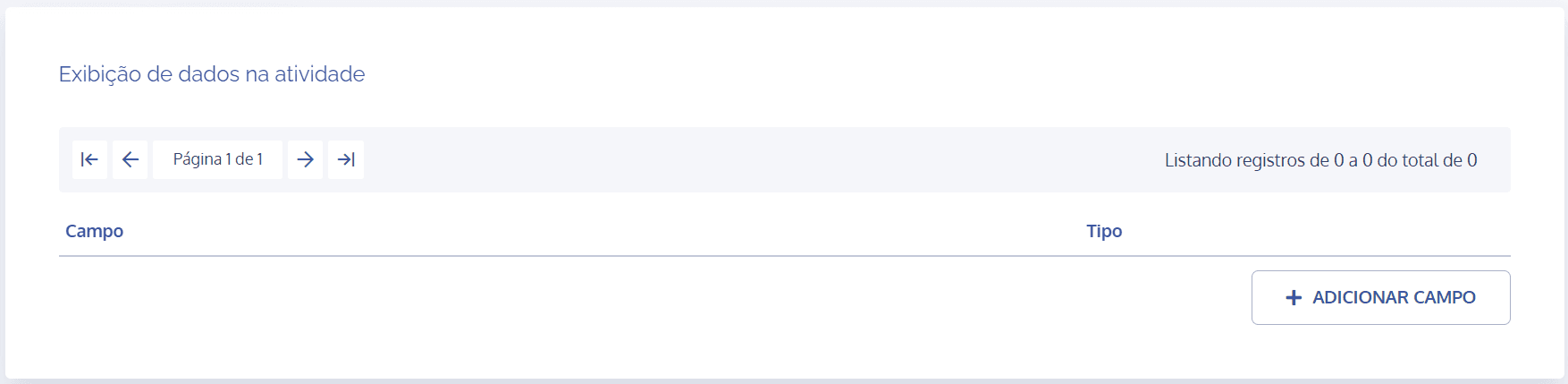
In the Data display in activity block, click the Add field button:
A new block will be displayed to add field display:
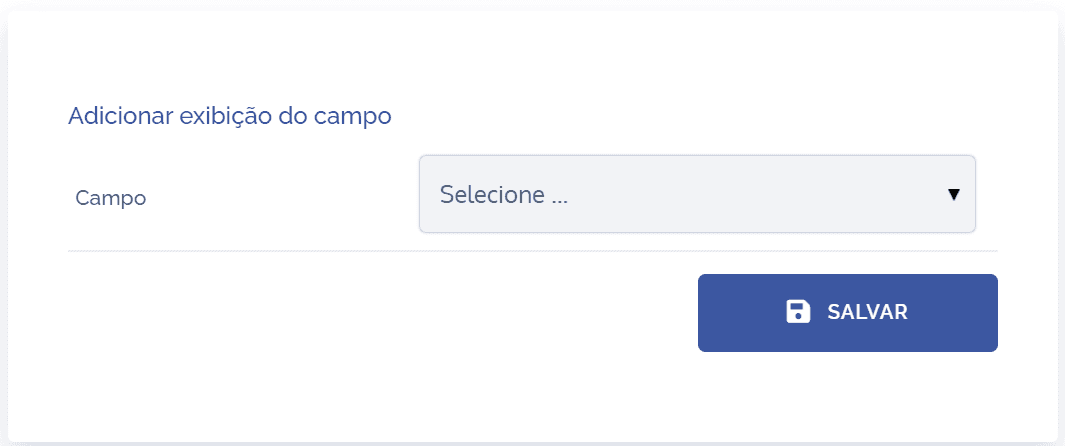
When selecting the desired field, it will be possible to bring unit data into the activity, as long as the unit is associated with the activity in question:
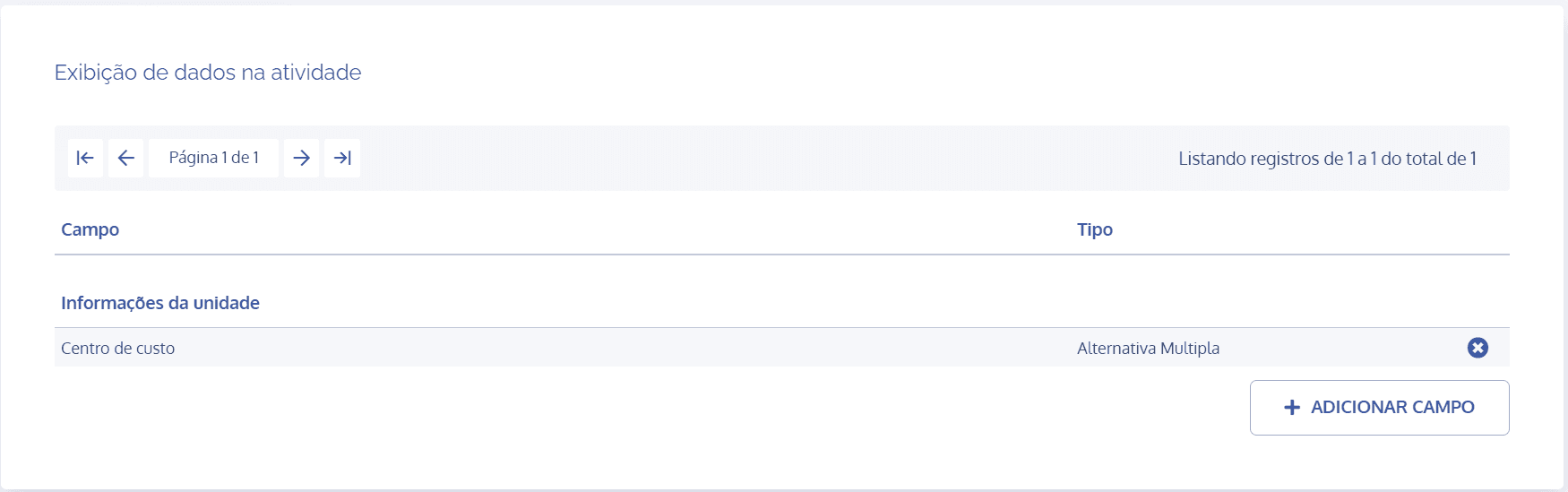
This allows these fields to be presented in the activity overview:
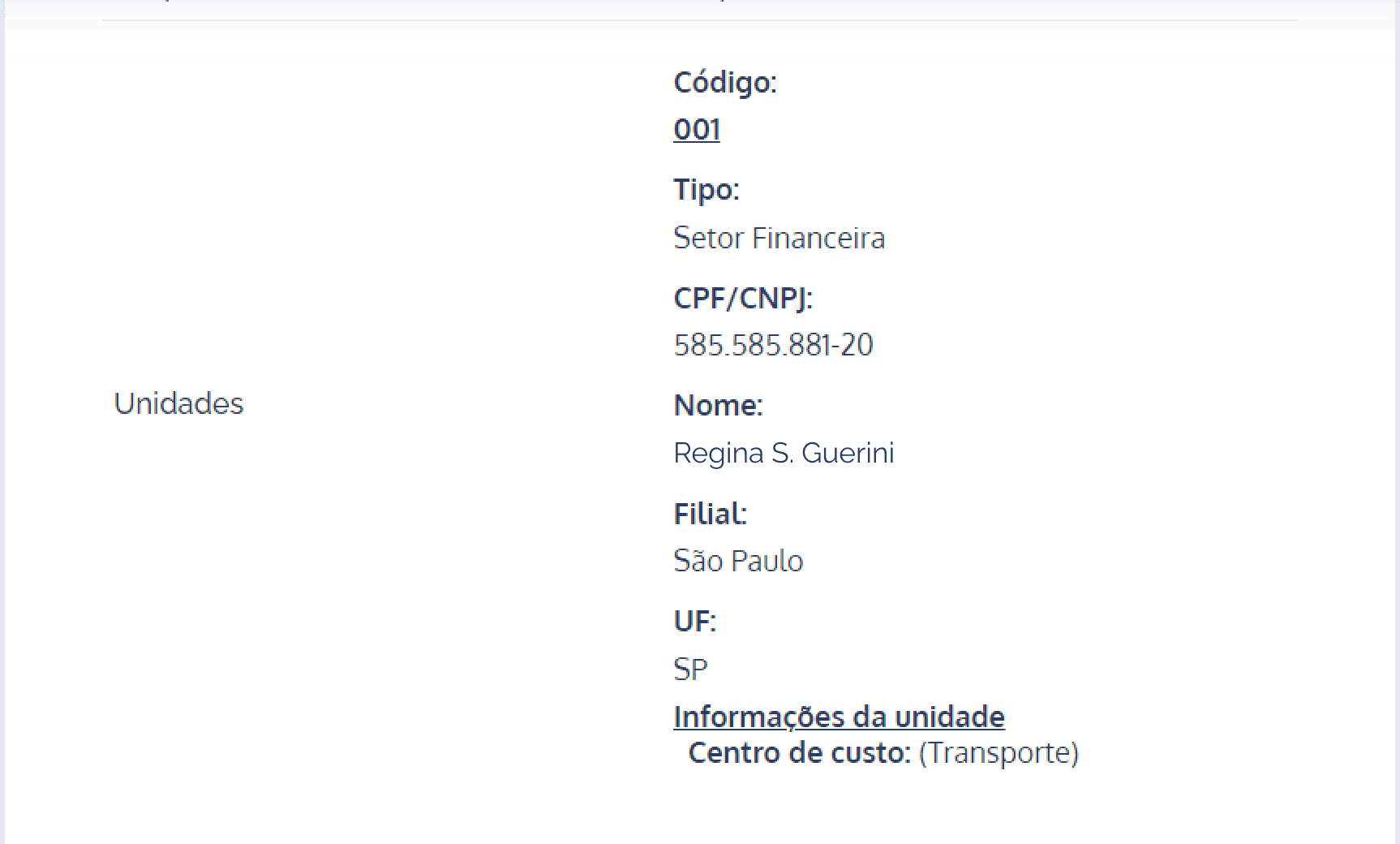
If the selected field is a dynamic unit field, it must be associated with the unit type and filled in on the unit linked to the activity.