Email sending report
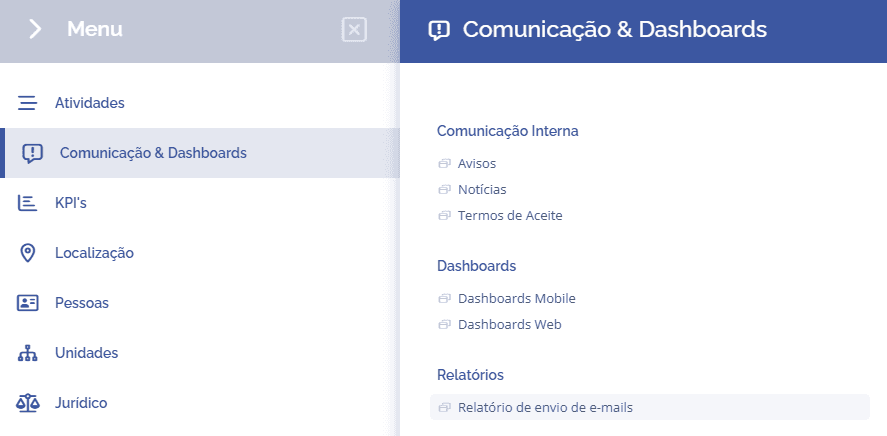
To view the email sending report, you need to access Communication & Dashboards > Reports > Email sending report:
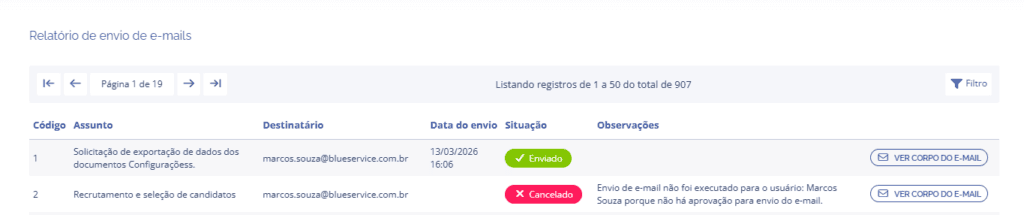
Next, you will be redirected to the email sending block, where you can check the subject, recipient, sending date, status, and notes (when canceled).
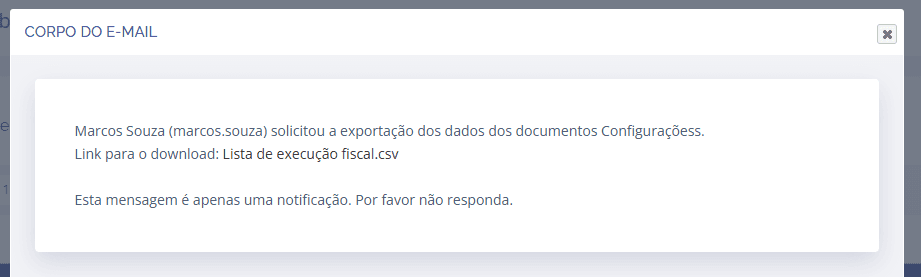
When you click the View email body button, a floating window will be displayed, showing the email content.
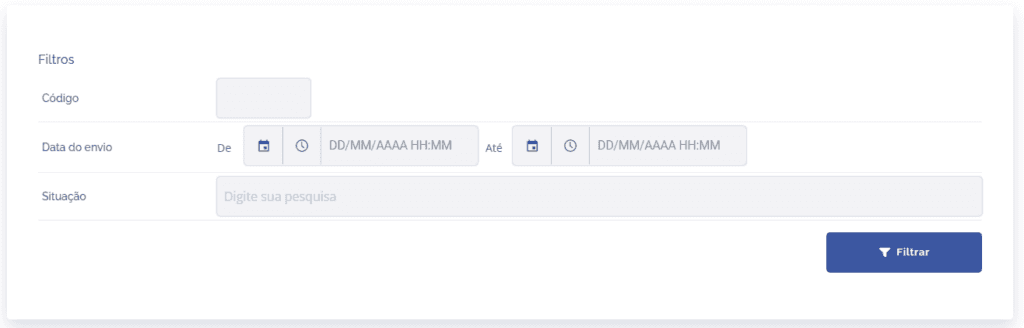
If necessary, you can filter emails by clicking the filter button in the list, using the email code, date, and email sending status.