
Planning – Selection of Units
Next to the General settings tab, we have the Unit Selection tab. Here you can Add or Remove Units from the plan.
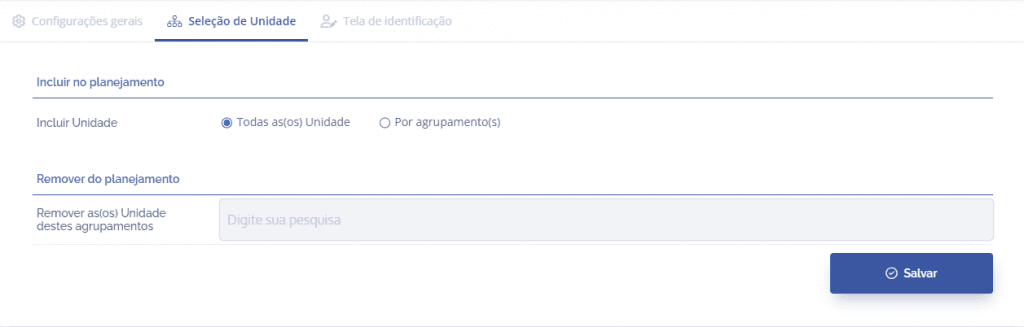
Add Unit
Here you can select:
All Units
In this option, all registered units in the environment will be included in the configured Plan, EXCEPT those included in the Remove units from these groupings field, which will be specified in the next section.

By grouping(s)
When this option is enabled, a new field is opened:

Include the units from this grouping Here you can enter the unit groupings that are in your Plan.

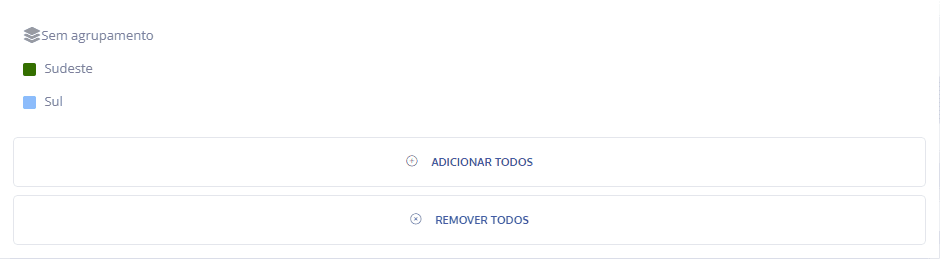
These options are displayed when selecting the field Include the Unit(s) from these groupings
Remove units from these groupings
Here you can include the unit groupings that SHOULD NOT be considered in the Plan.
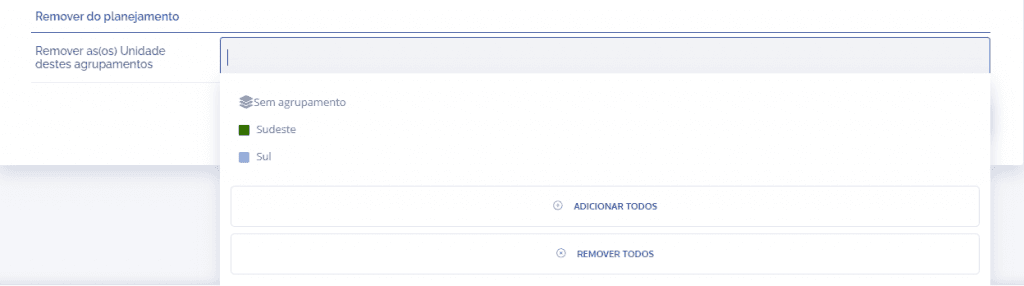
After configuring Unit Selection, click the Save button.