
Planning - Set up identification screen
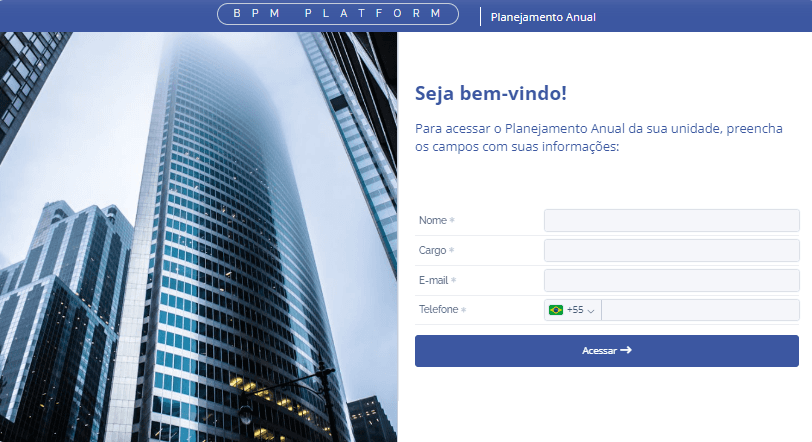
Next to the Unit Selection tab, we have the Identification Screen tab, where you can configure the login screen for your Annual Planning.
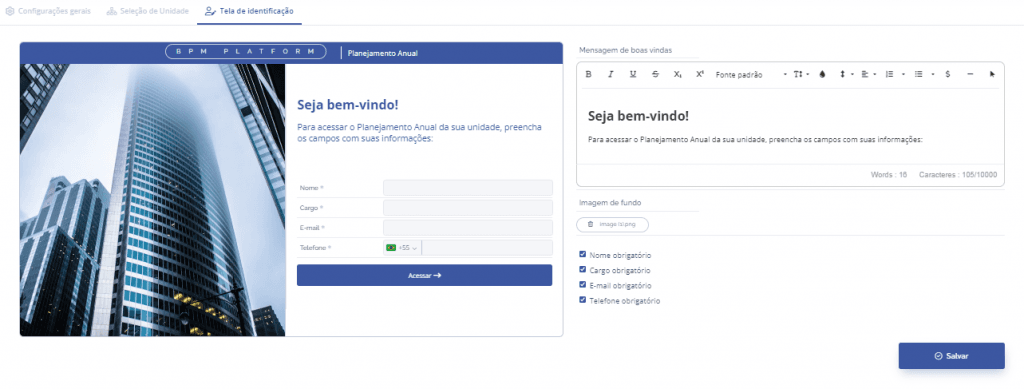
Settings
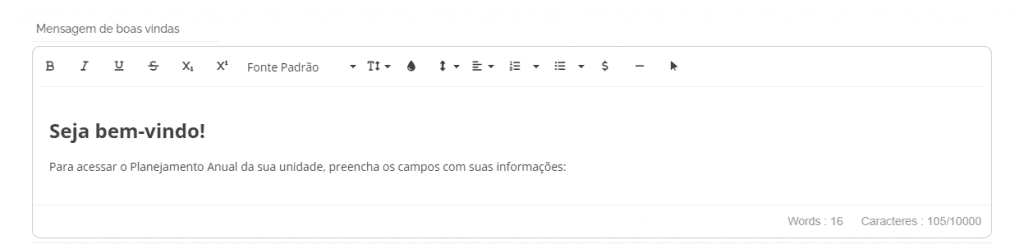
Welcome message: By typing in this field, the message will be displayed on the login screen.
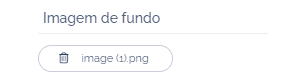
Background image: It is possible to select an image to be displayed on the login screen.
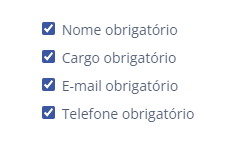
Checklist: The fields that will be required to be filled in on the login screen must be selected (Name, Role, Email, and Phone).
Finally, you will have your Identification Screen configured and customized for use.
After configuring the Identification Screen, click the Save button.