Loaded files (global)
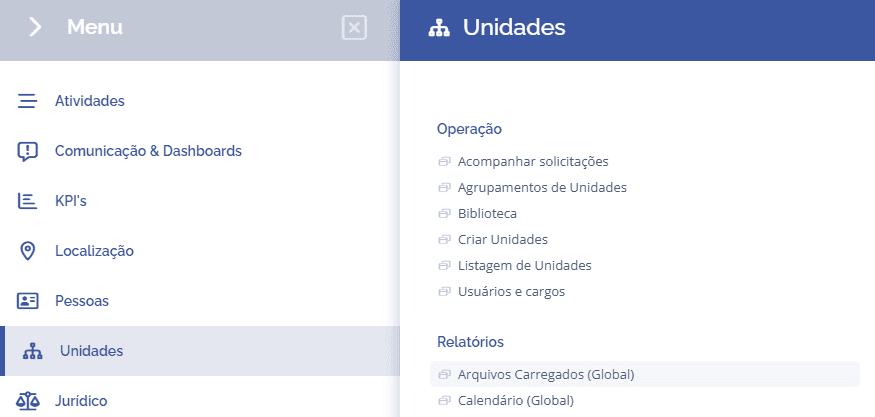
To access the report of all system files, open the main menu, select the Units, Reports module, and click the Files (Global) option.
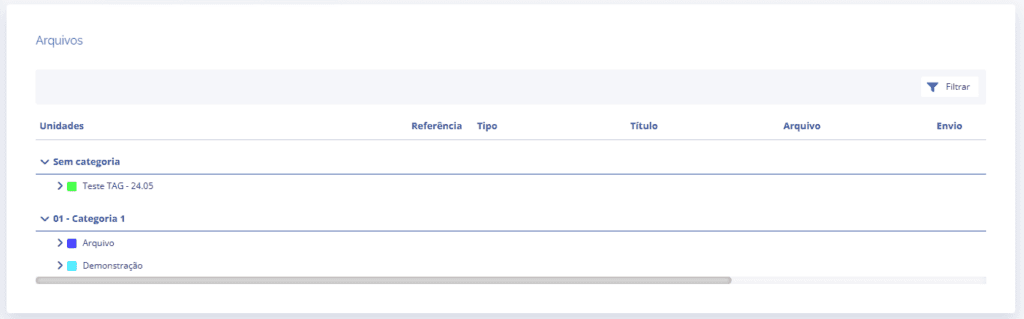
Next, the Files block will be displayed, listing all files by tag:
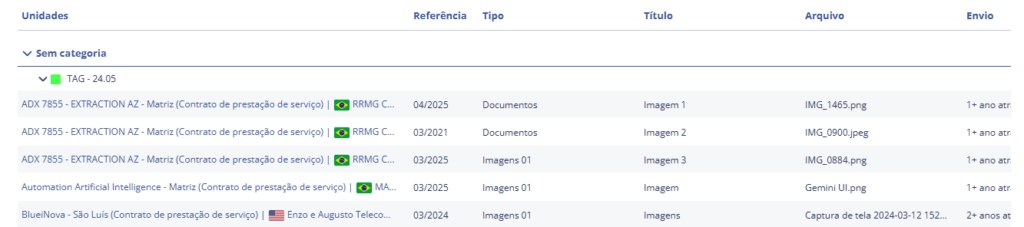
When a tag is selected, the units will be listed, showing the file upload history, and it will be possible to download the file at the end of the list and access the unit by clicking the unit name.
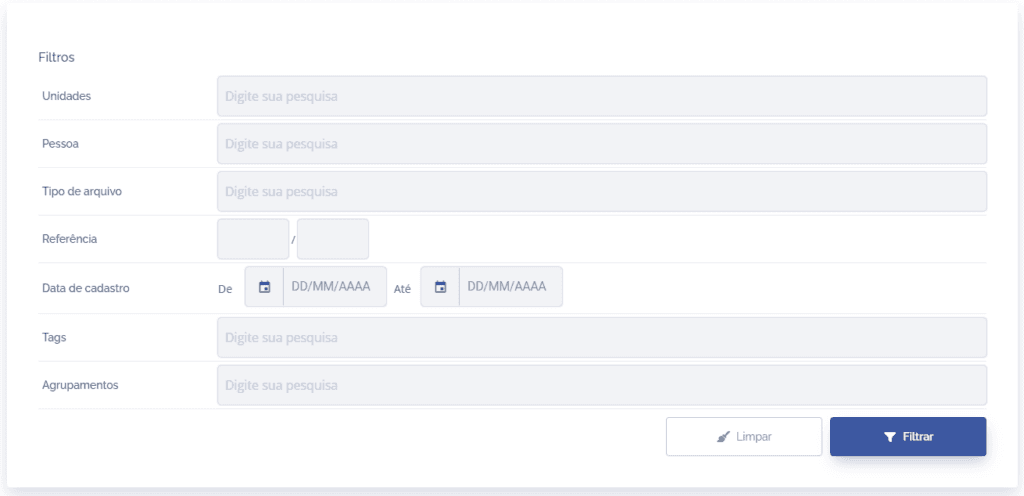
If necessary, the system allows you to search for a specific file by clicking the Filter button in the list.