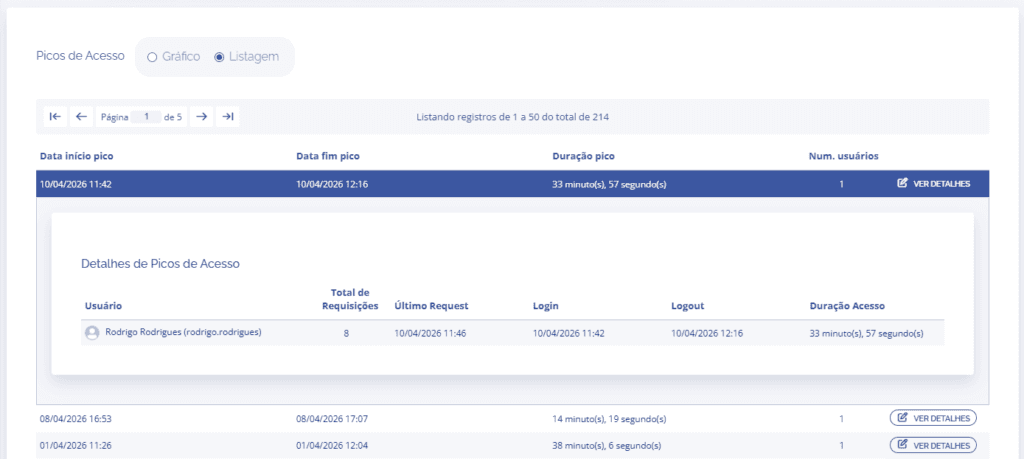
Access spikes
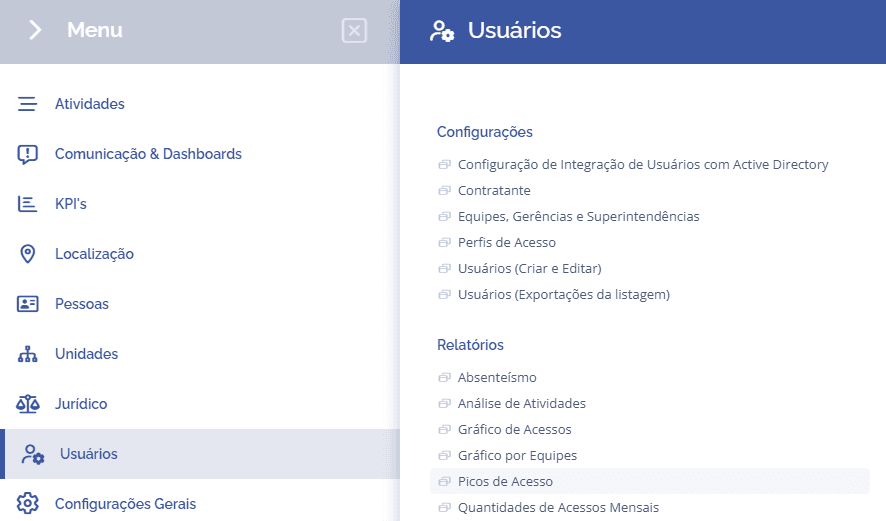
To check the access peaks chart in the system, it is necessary to access Users > Reports > Access Peaks:
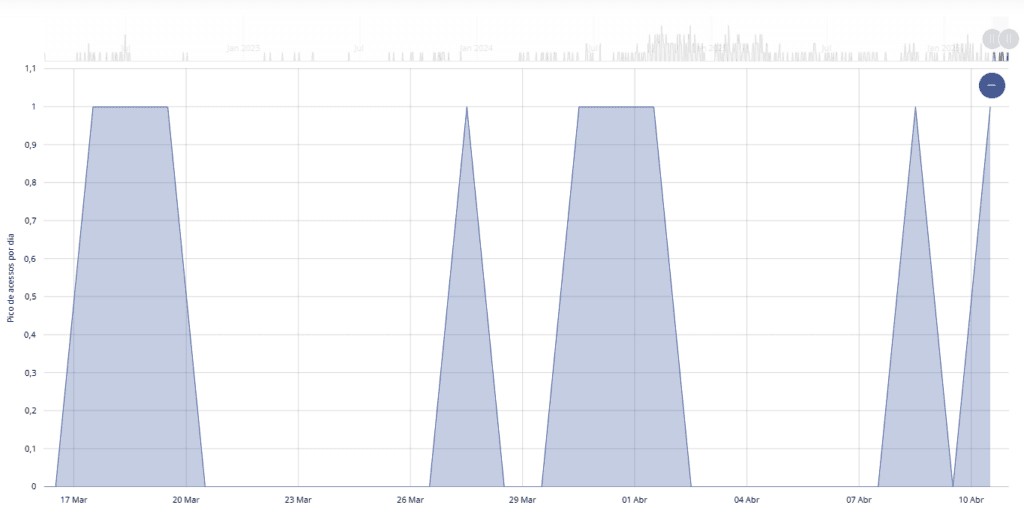
When selecting the access peaks report, the user can define the report view type, either chart or list.

By default, the chart view is selected by default, and just below it is possible to see the access peak by day.
When switching to the list view, it is possible to see the peak start and end date, the duration, and a view details button to check more complete access data, such as the users who accessed it.