Team chart
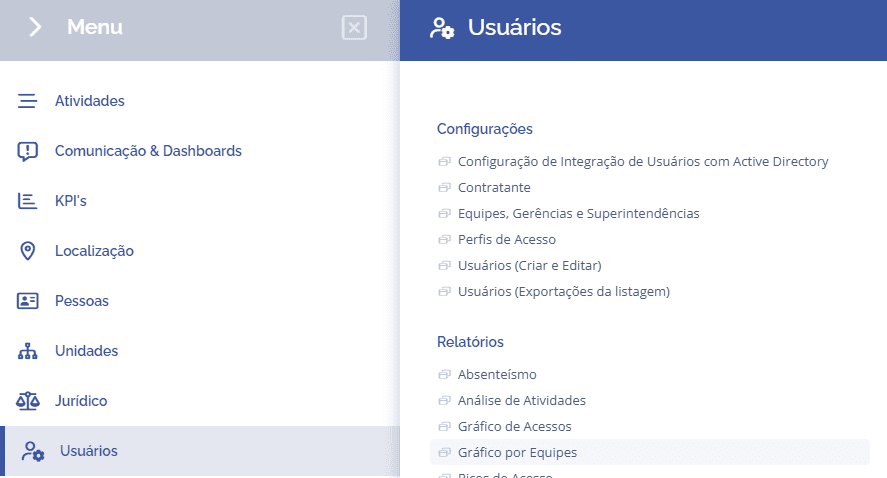
To check the user access chart in the system, it is necessary to access Users > Reports > Chart by Teams:
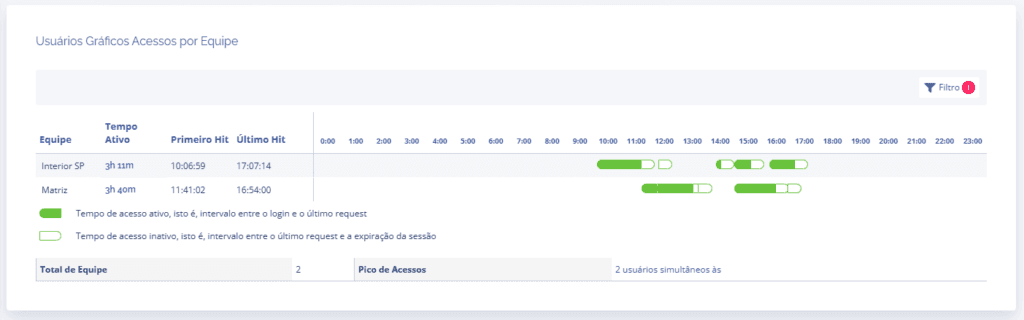
In this block, it is possible to check the access time of the teams in the system on the day in question, showing in green the active time and in white the inactive time in the system.
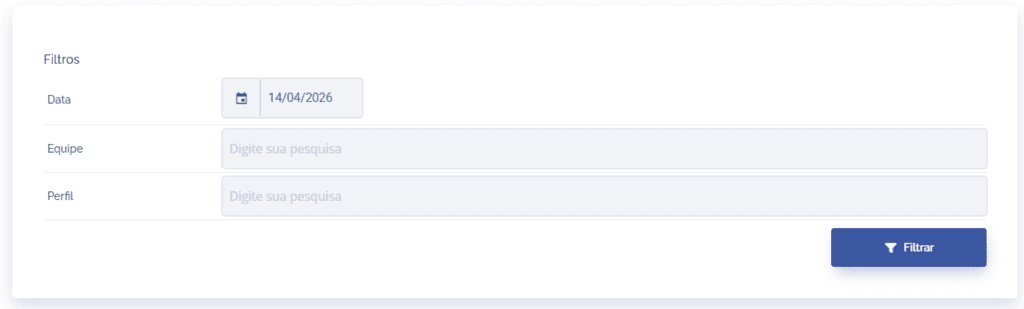
By clicking the Filter button, it is possible to search by a specific date, team, and access profile.
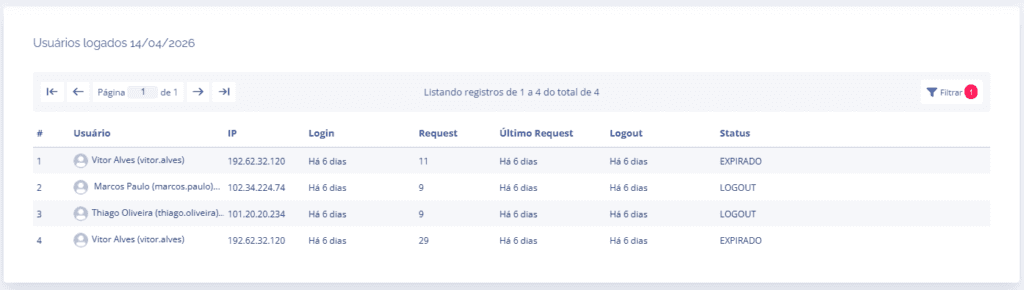
By clicking the number of simultaneous users in the Access Peak of the chart, the user can view the details of each access by team user.