
Registration permissions and responsible parties
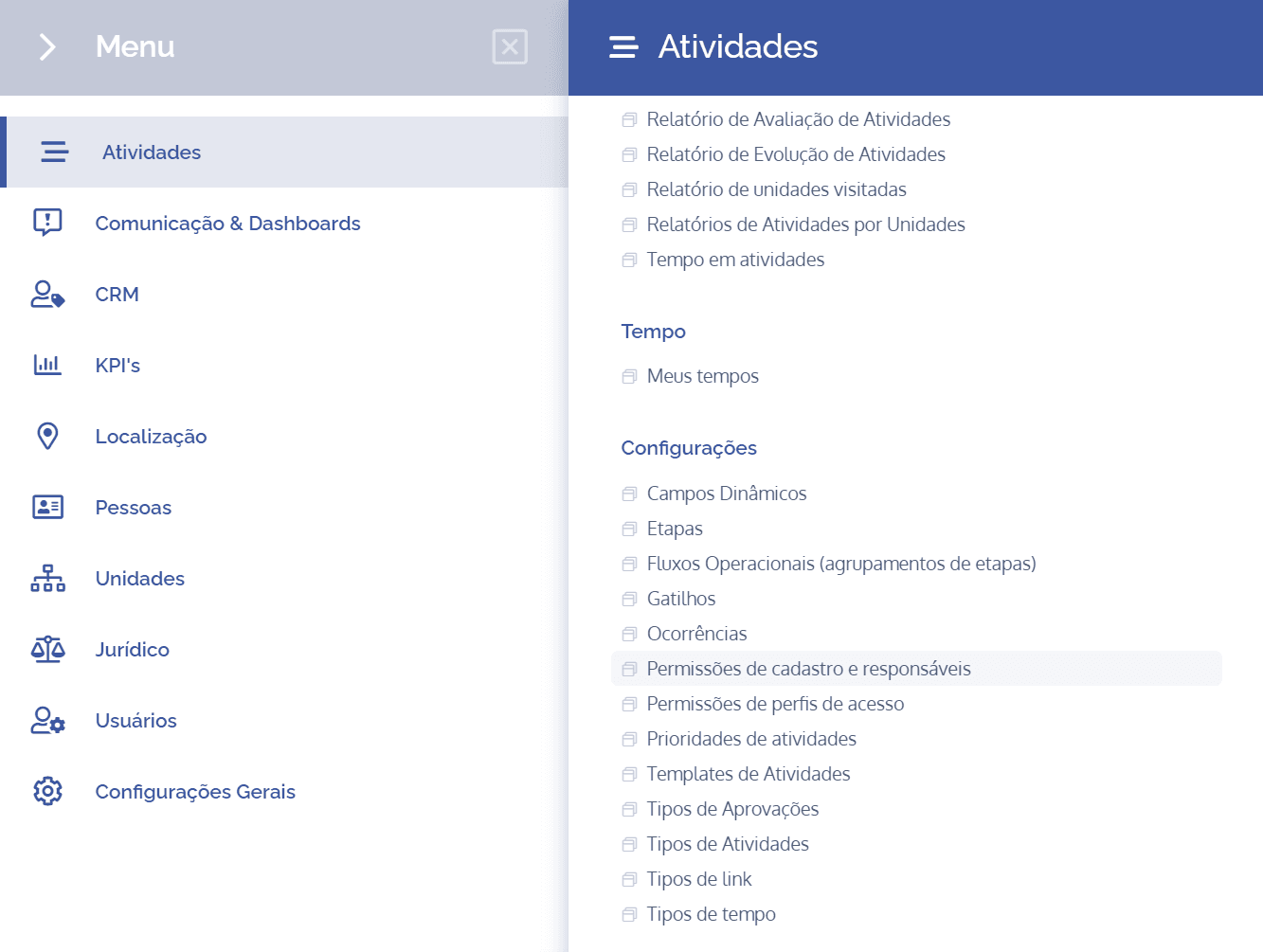
To enable activity registration permissions and define assignees, open the main menu, select the Activities module, Settings, and click the Registration permissions and assignees option.
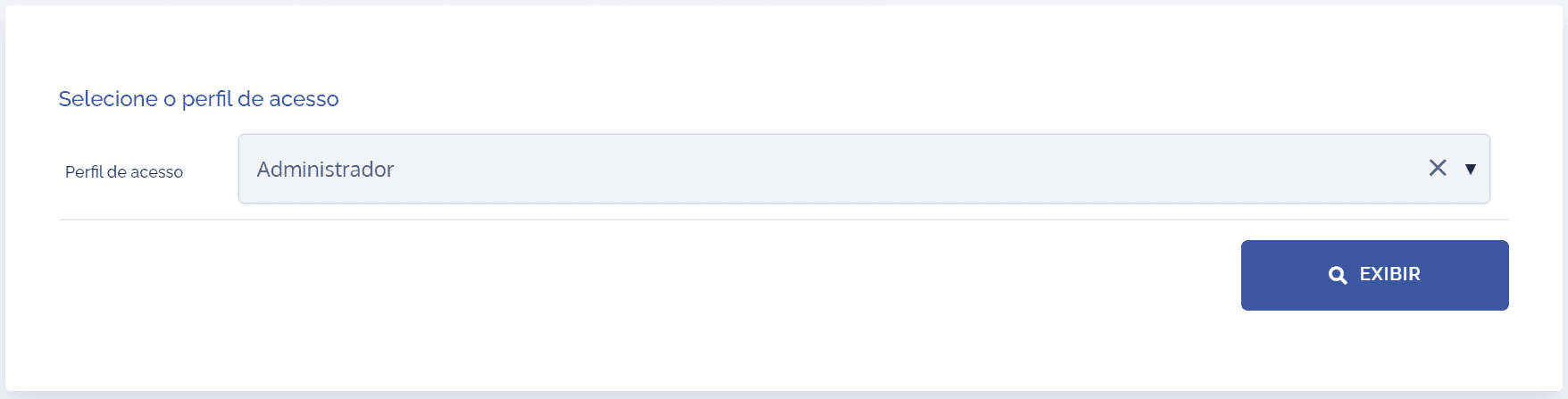
Select the desired access profile and click the Display button.
Next, a new block will be displayed:
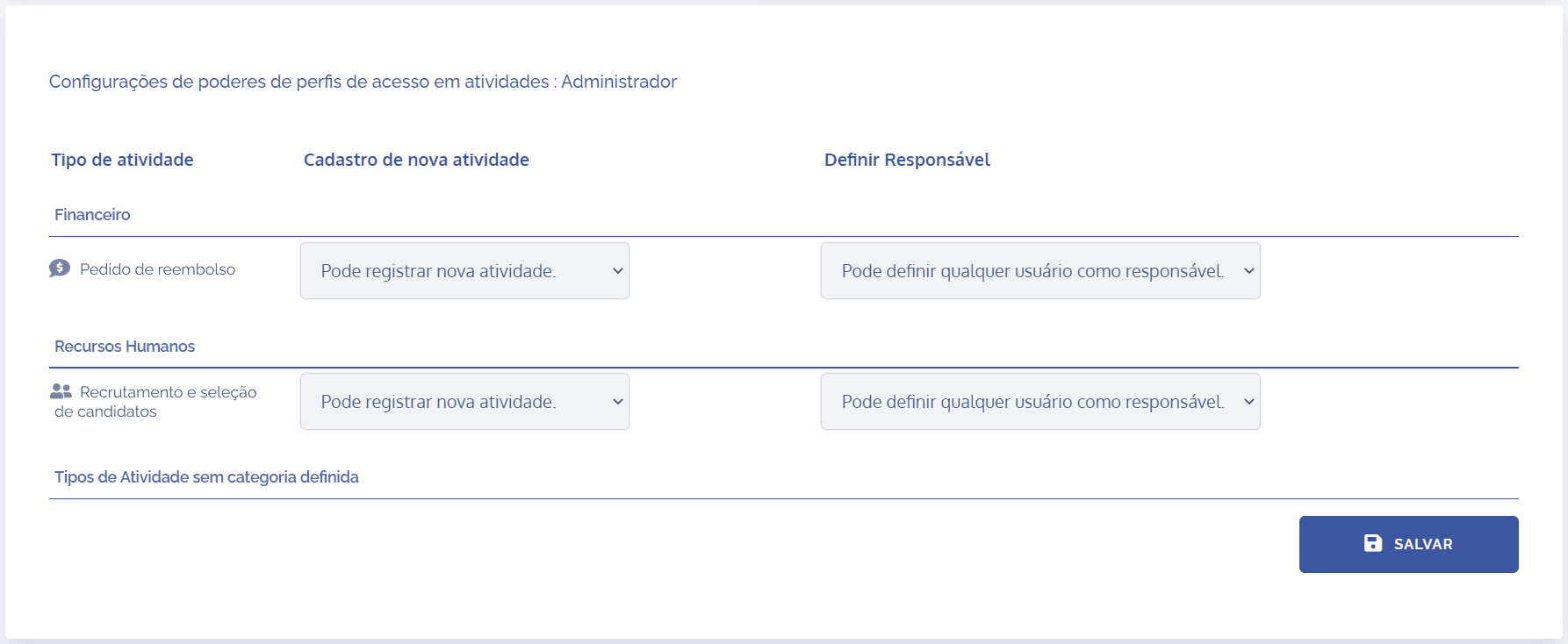
Notice that there are three columns to be configured for each activity type:
Activity type
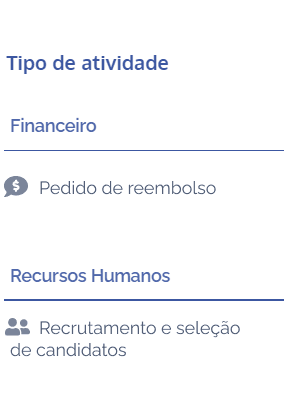
The activity types shown are those linked to the access profile.
New activity registration
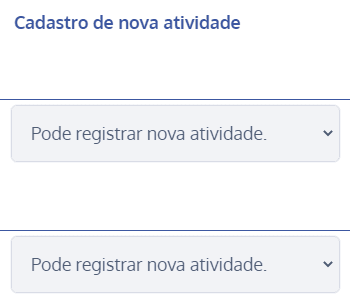
In the new activity registration column, two options are presented:
Cannot register a new activity: By choosing this option, users in the selected profile will not be able to register new activities that are in this activity type.
Can register a new activity: By choosing this option, users in the selected profile will be able to register new activities that are in this activity type.
Define assignee
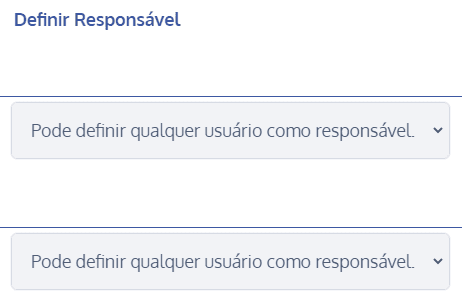
In the define assignee column, three options are presented:
Cannot define assignee: By choosing this option, users in the selected profile will not be able to define assignees that are in this activity type.
Can only assign themselves as assignee: By choosing this option, users in the selected profile will only be able to assign themselves as assignees that are in this activity type.
Can assign any user as assignee: By choosing this option, users in the selected profile will be able to define any assignees that are in this activity type.
After completing the settings, click the Save button.