Models
In the document generator, it is possible to create document templates that will be used to create documents through the generator.
To create a document, access the left menu and click on document generator
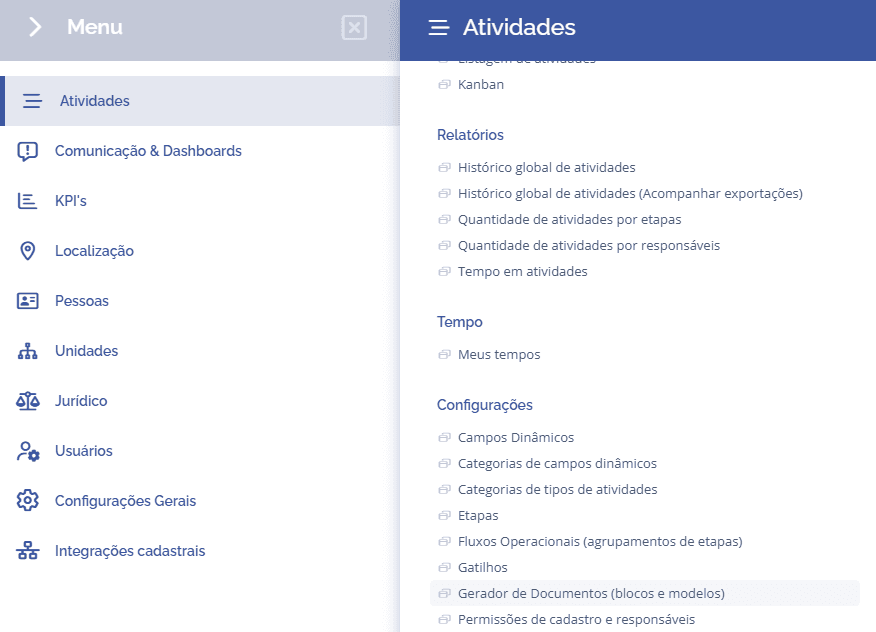
Next, click on templates:
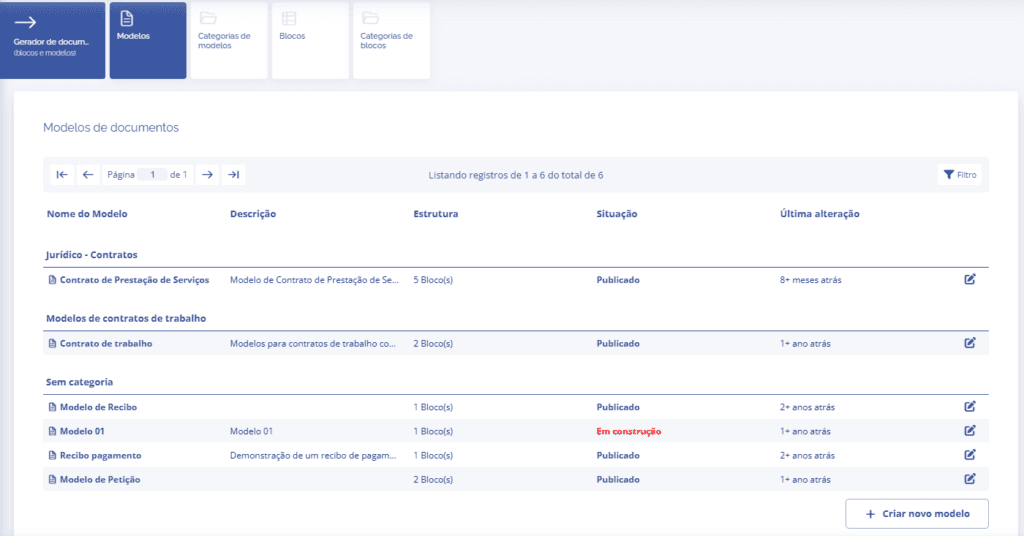
To create a new template, click the Create new template button at the end of the block.
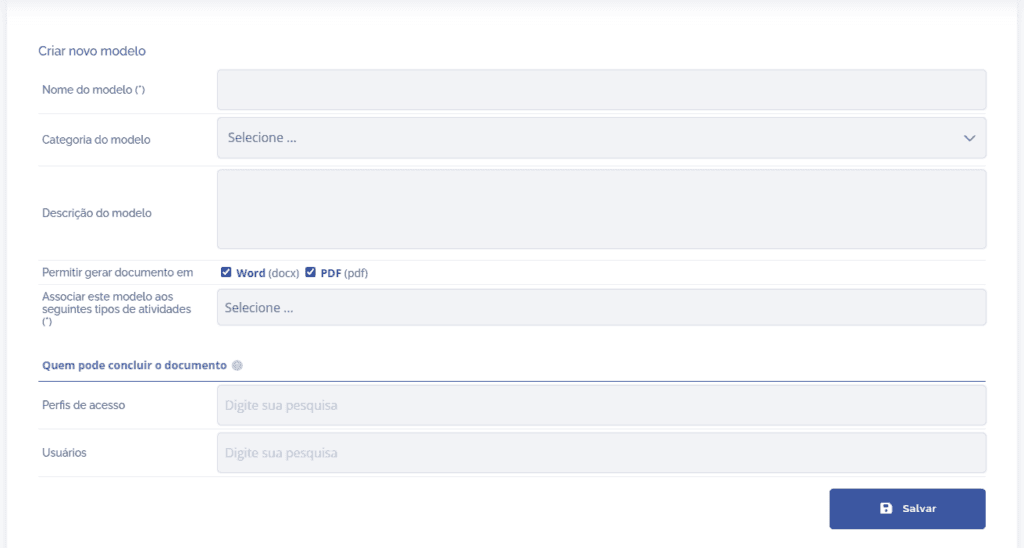
Next, fill out the template form with the following fields: template name, template category, template description, permission to generate the document in Word or PDF, associate it with activity type(s), and select access profiles and users who can generate the document.
Note: If you want to associate the template with a category, you must register the category in the card Template categories before creating the template.
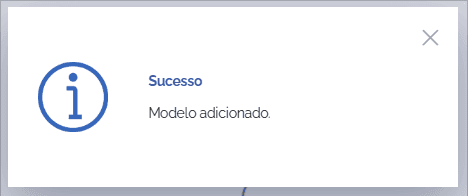
When you click Save, the template will be created.