Holidays
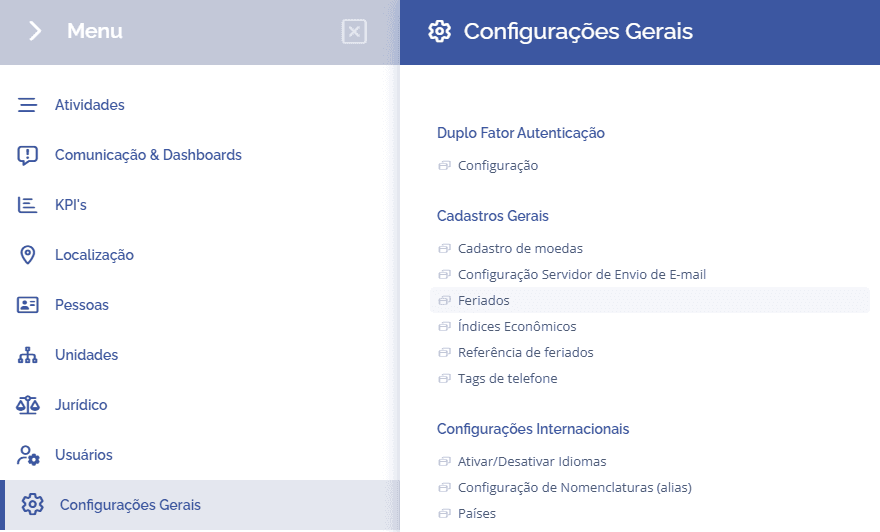
To configure holidays in the system, you need to access General Settings > General Registrations > Holidays:
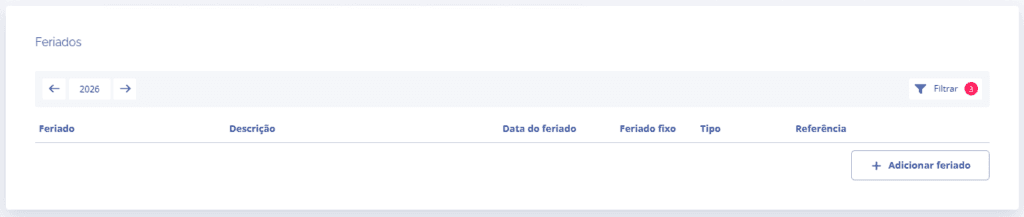
Next, you will be redirected to the holidays section, where you can configure holidays by clicking the Add Holiday button:
When you click Add Holiday, a new section will be displayed, allowing you to define the holiday and its type (municipal, state, or national), the reference location, indicate whether it is a recurring holiday, and its date.
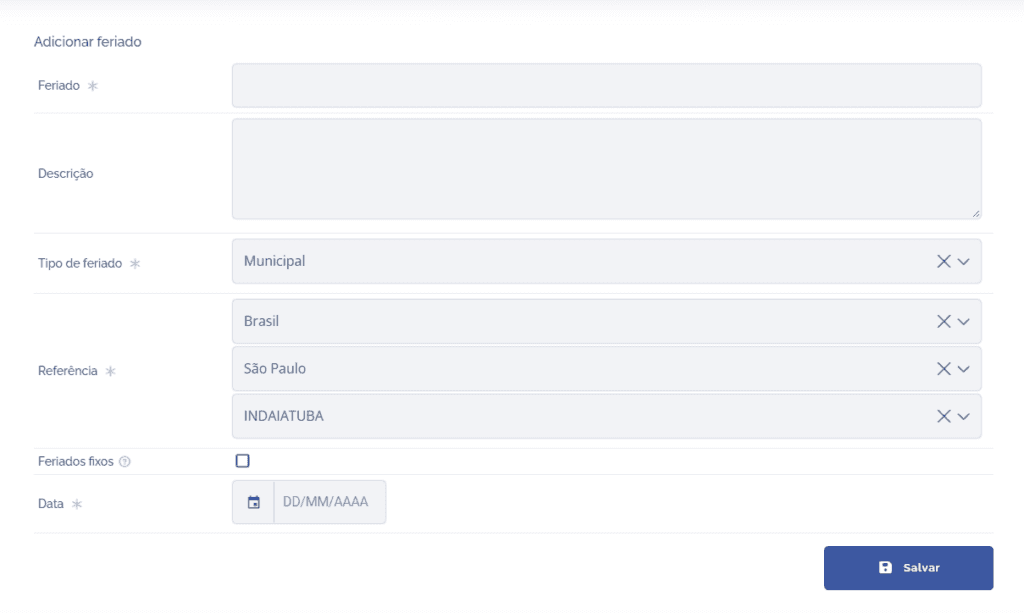
When you click the Save button, the holiday will be added to the system, and you can edit it or delete it later.
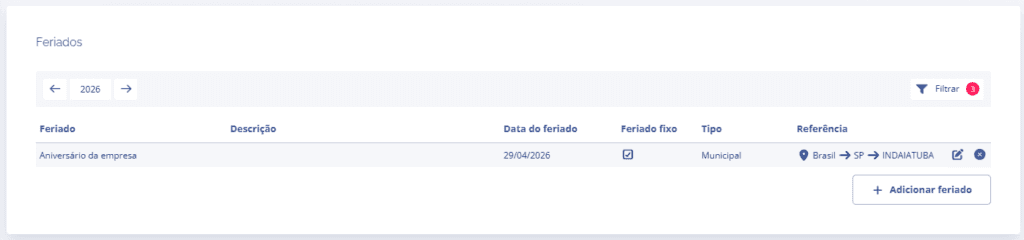
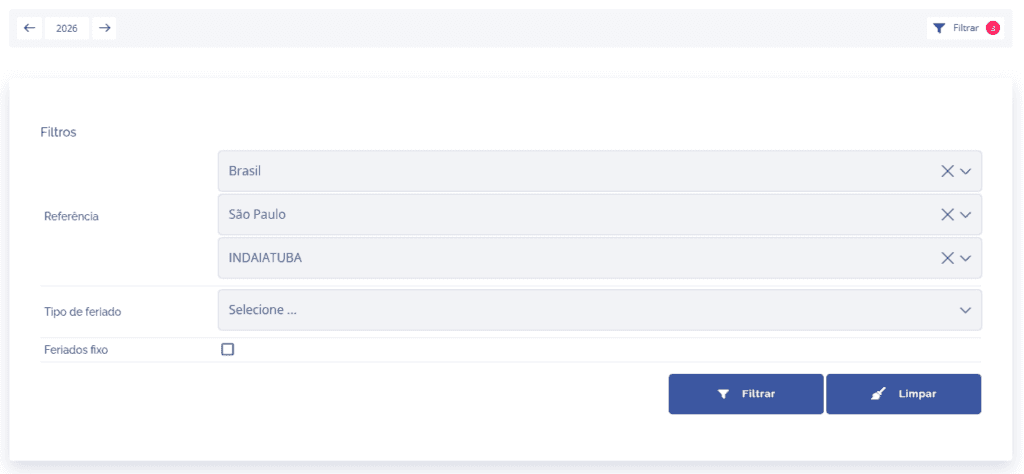
If you need to filter specific holidays, click the Filter button in the list, and you can search by reference, holiday type, and recurring holidays.