
Delete list
In the activity listing, it is possible to delete an activity list. To perform this operation, click the Lists icon, and immediately afterward new icons related to the list will appear below, including the Delete icon:

When clicking the Delete icon, a confirmation window (pop-up) for deleting the list will be displayed:
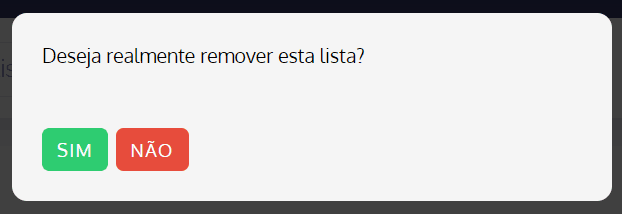
To confirm, click the Yes button.