
Edit list
In the activity listing, it is possible to edit a list. To perform this configuration, click the Lists icon and immediately afterward new icons related to the list will appear below, among them the Edit list icon:

When clicking the Edit list icon, a floating window will open:
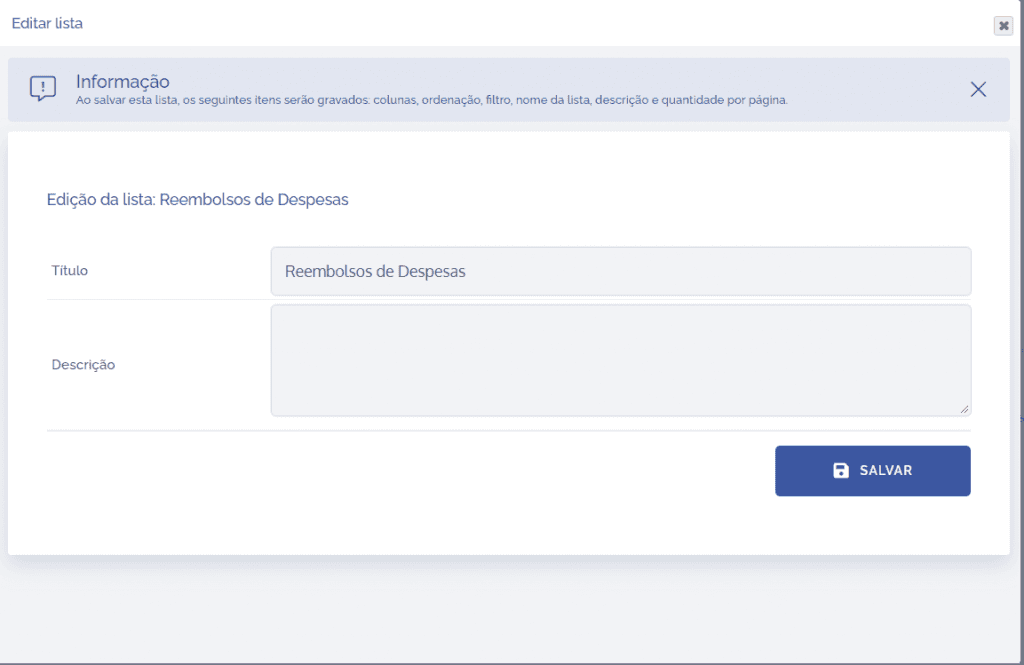
After editing the list, click the Save button.