
Share list
In the activity listing, it is possible to share an activity list. To perform this operation, click the Lists icon, and immediately afterward new icons related to the list will be opened below, including the Share icon:

When you click the Share icon, a floating window will open:
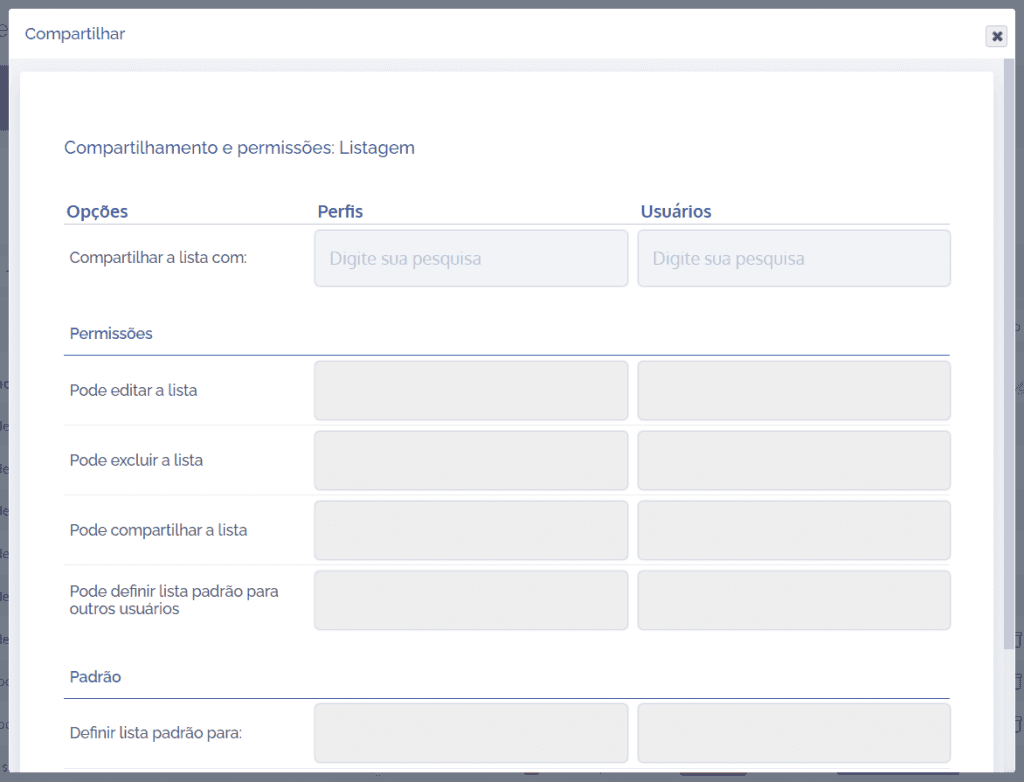
In this window, it is possible to add access profiles and users for sharing the list. In addition, permissions for creation, editing, deletion, sharing with other users, and setting a default list can be assigned.
After configuring the sharing and permission fields, click the Save button.