
Events in the activity
In an activity's details, click the Events card

On this screen, you can view existing events and add new events. To do this:
When you click the Add event button, the system will open a pop-up window.
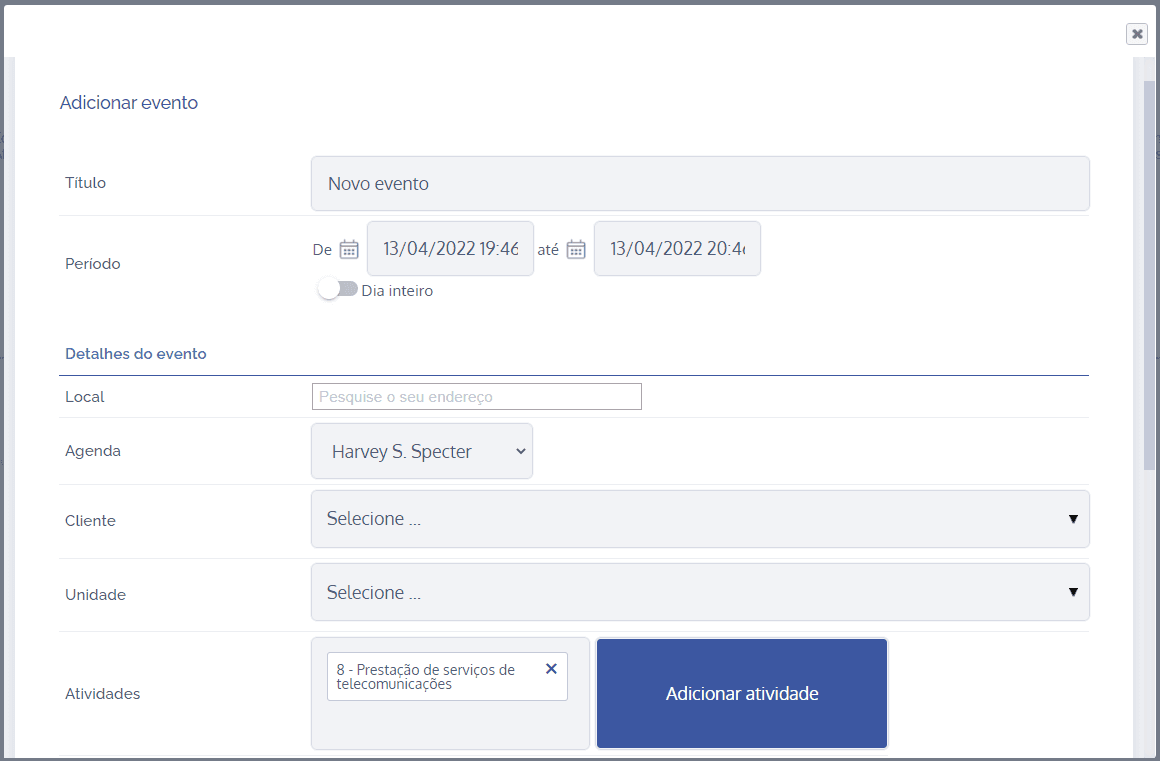
After filling in the fields, click the Save button to record the information.