
Print activity
In the details of an activity, click the Print activity card:

In this block, it is possible to configure which fields will be included in the activity printout, and you can select all, some, or none.
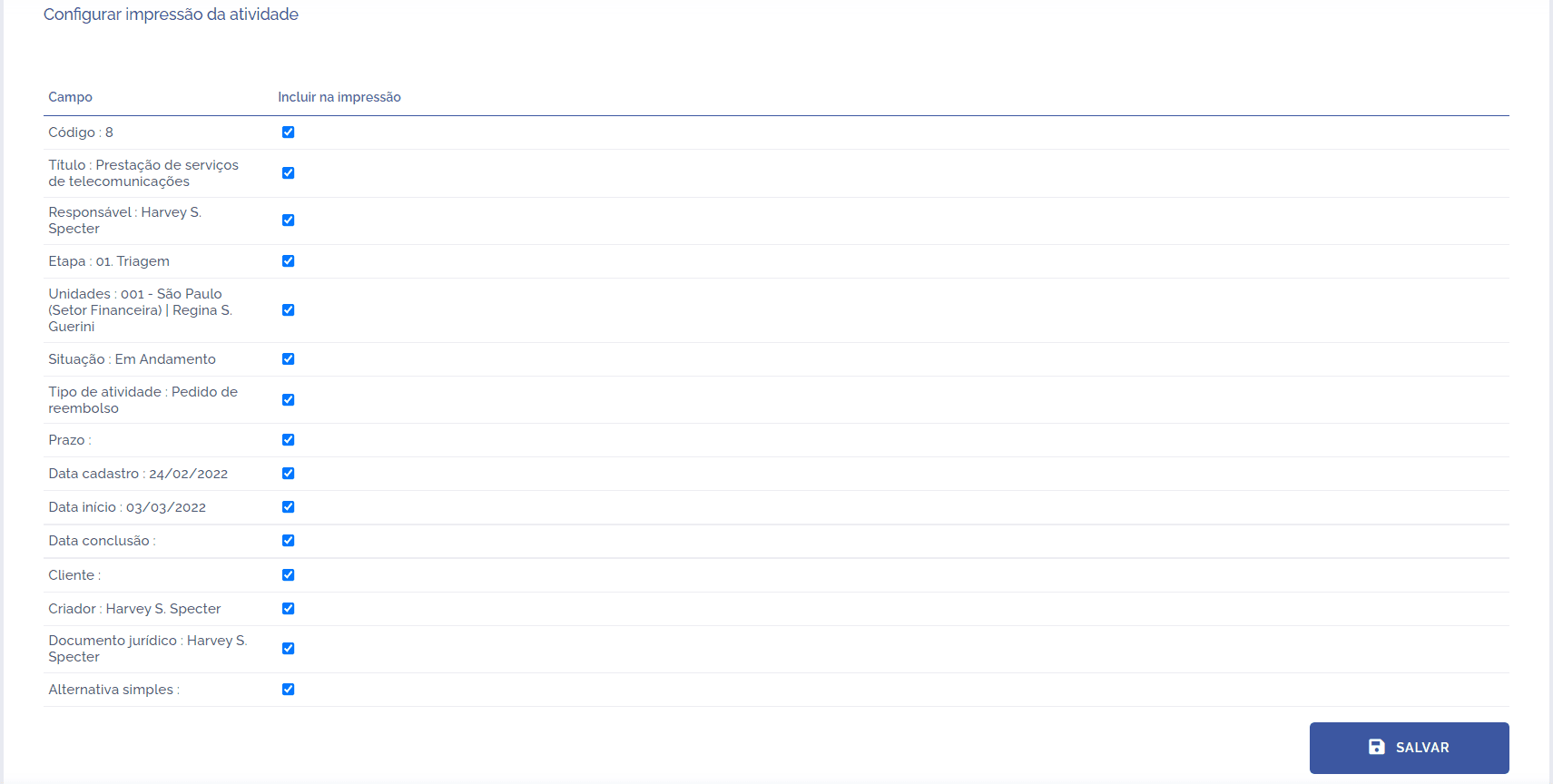
After selecting what will be printed and clicking the Save button, the print settings will be saved.