Create new list
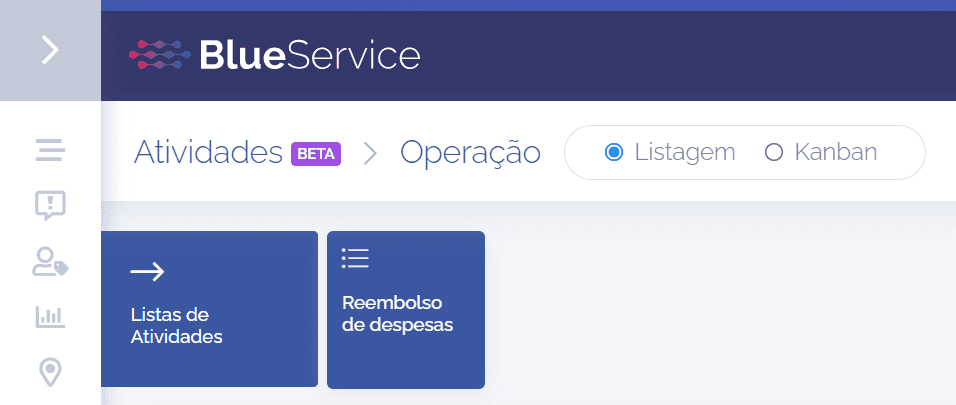
In the activity listing, it is possible to create a new list. To perform this operation, click the Lists icon, and right after that, new icons will open below, including the Create new list icon:

When clicking the Create new list icon, a floating window will open:
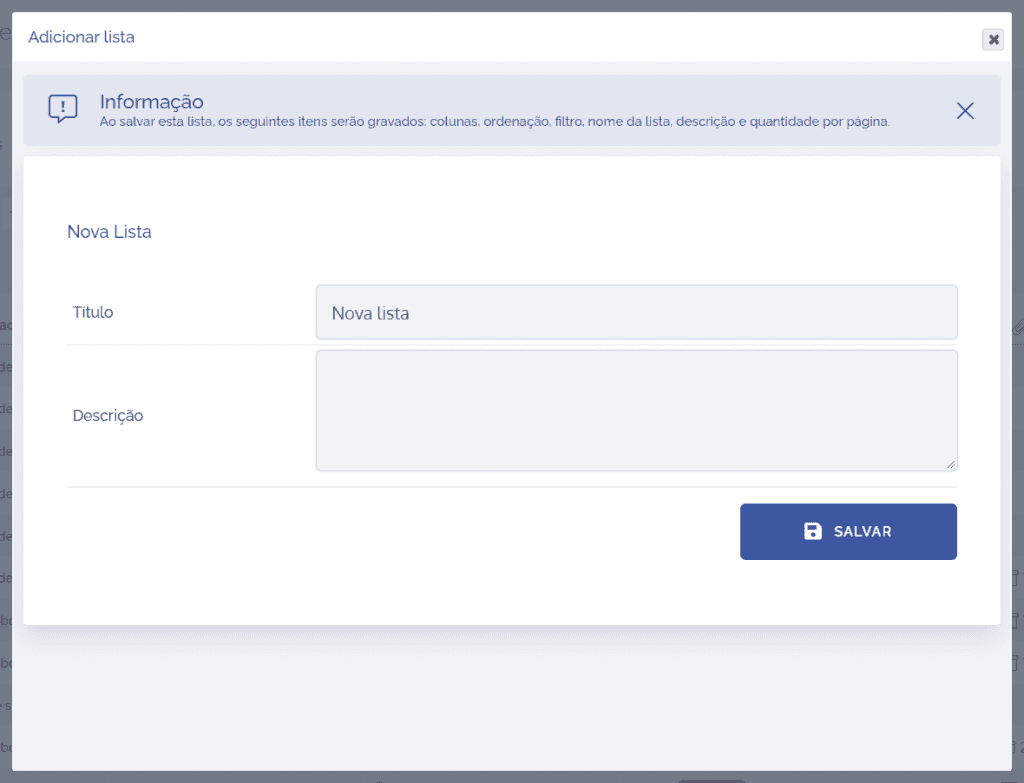
In this window, it is necessary to define a title for the new list. If needed, there is a description field in case you want to briefly describe the function of the new list. After that, click the “SAVE” button to save the configured settings.
After saving, the system will create a card in the activity lists with the title defined by the user.