Edit block
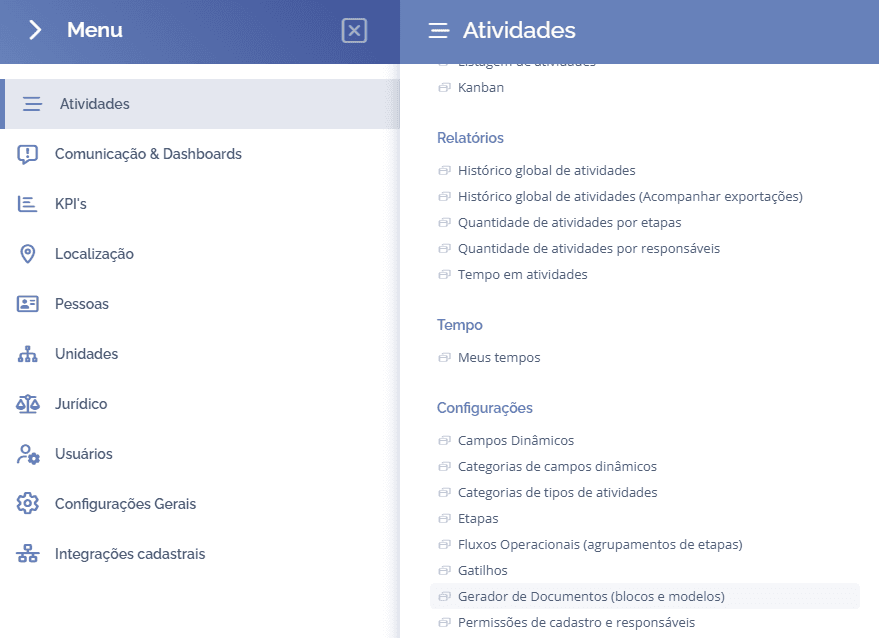
To create blocks, open the main menu, select the module Activities, Settings and click the option Document Generator (blocks and templates).
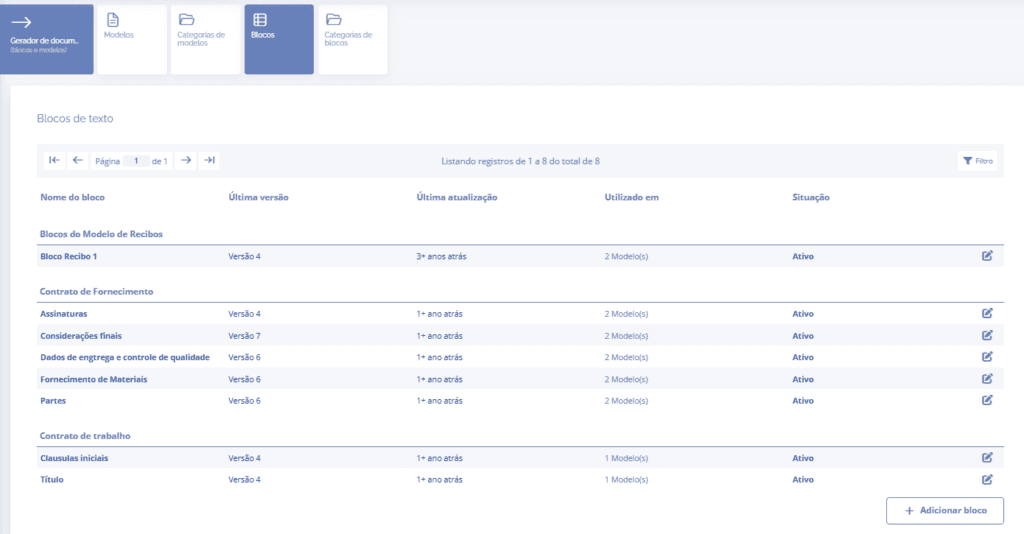
Then, select the Blocks card and click the Edit icon for the block you want to change:
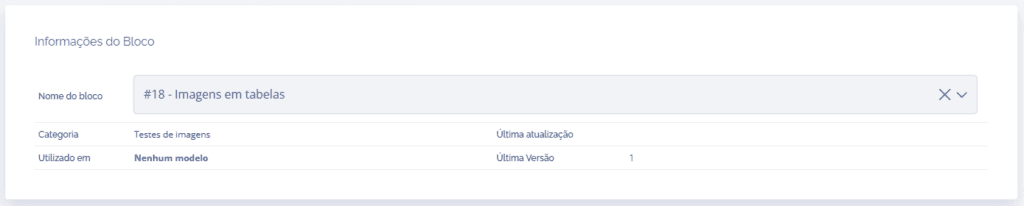
In the block details, the block's main information will be displayed.
Below the block information, the following edit cards will be displayed:
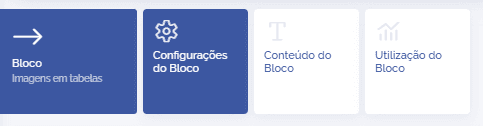
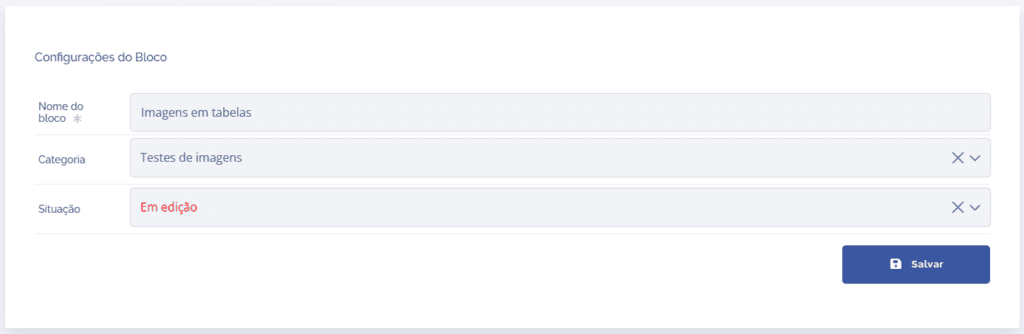
Block Settings
In the block settings, it is possible to change the block name, category, and status.
Note: Edit the card Block Content when the block status is In editing; after finishing the changes, change the status to Active, and you can change it to Inactive if you do not want to use the block.
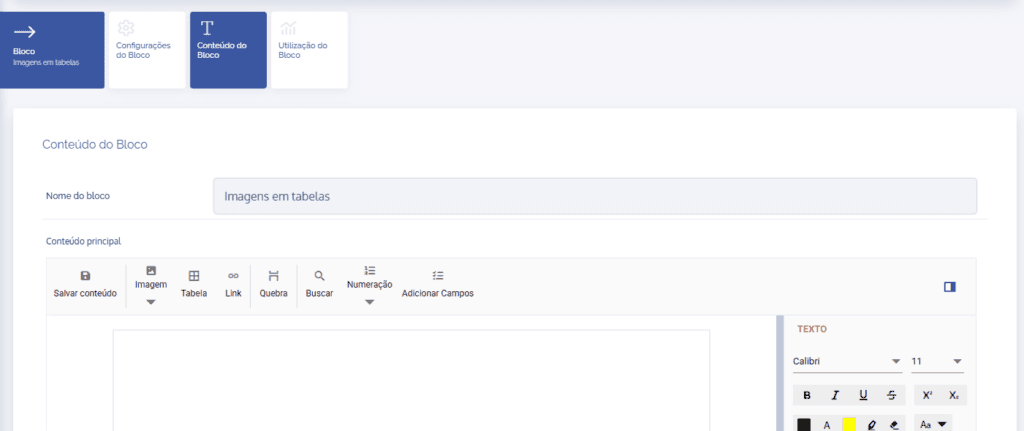
Block Content
In the block content, you can create the block content, and you can insert tables, images, add fields such as variables, create alternative text (block content variations), etc.
Block Usage
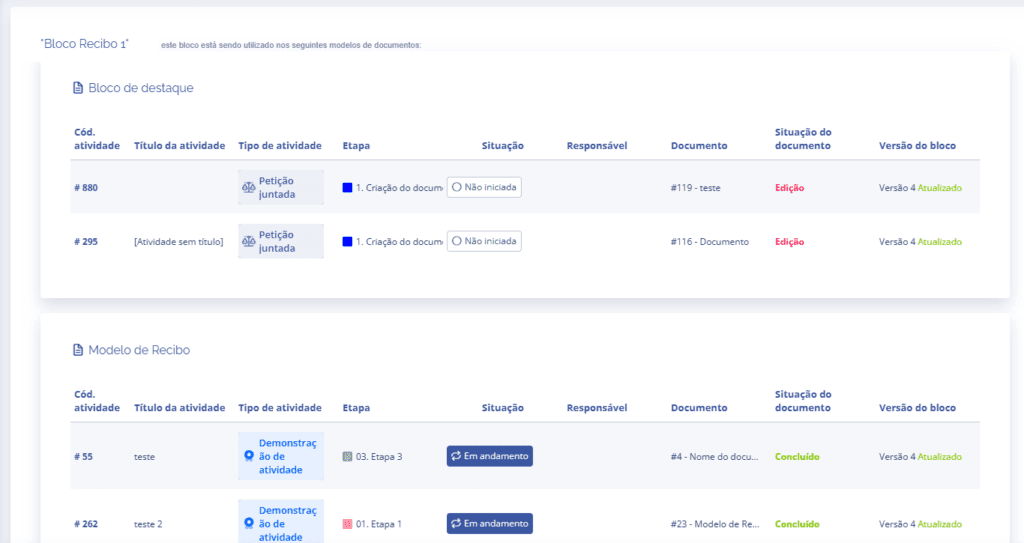
In the Block Usage card, you can see which templates are using the block.