
Create superintendencies, managements, and branches
Create superintendencies, managements, and branches
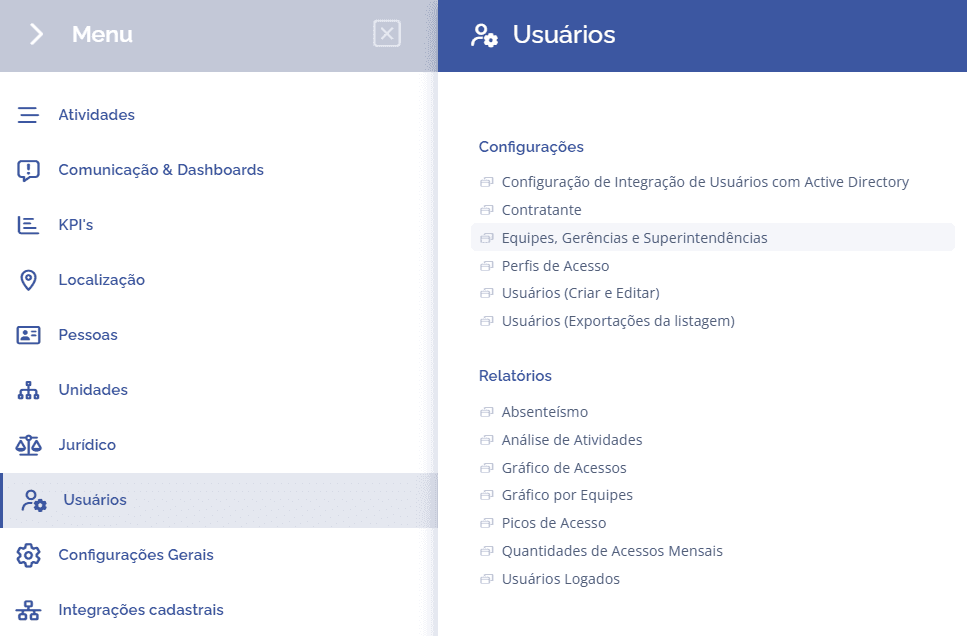
To create teams, managements, and superintendencies, open the main menu, select the Users module, Settings and click the Teams, managements, and superintendencies option.
Important: before proceeding, make sure you understand the concepts covered in the Introduction of this module.
The Superintendencies section will open:
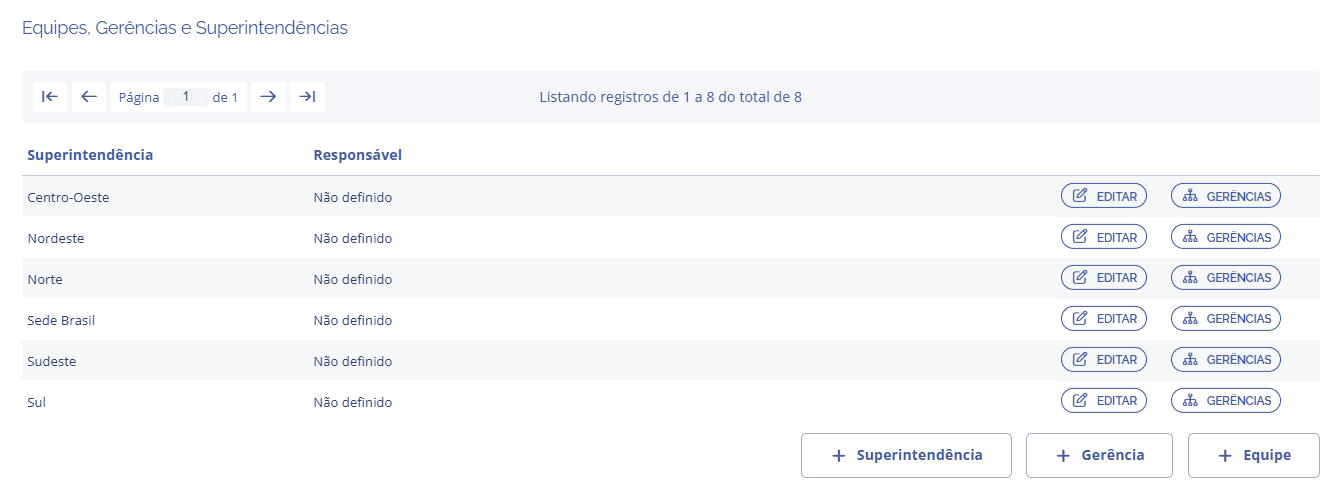
Superintendencies
To create a superintendency, click the Superintendency button.
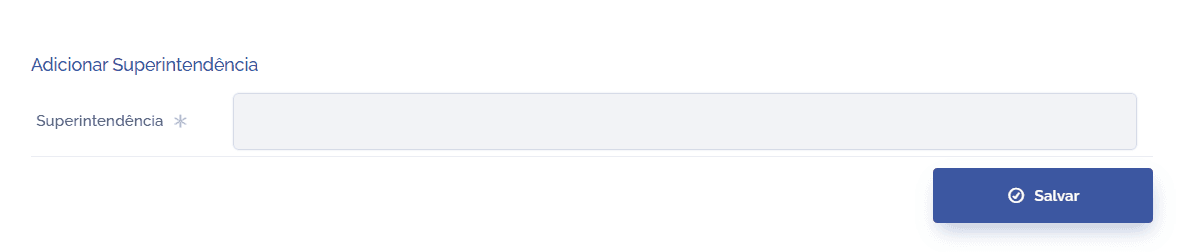
After defining a name for the superintendency, click the Save button to register it in the system.
Managements
To create a management, click the Management button.
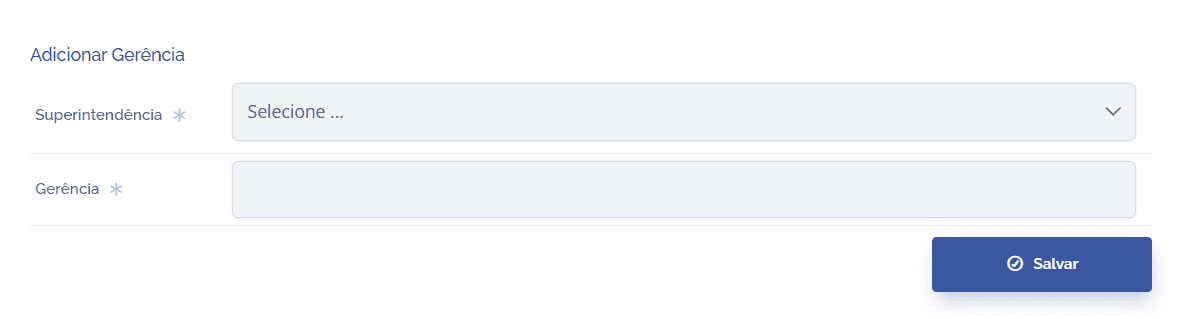
After defining a name for the management and associating it with a superintendency, click the Save button to register it in the system.
Teams
To create a team, click the Team button.
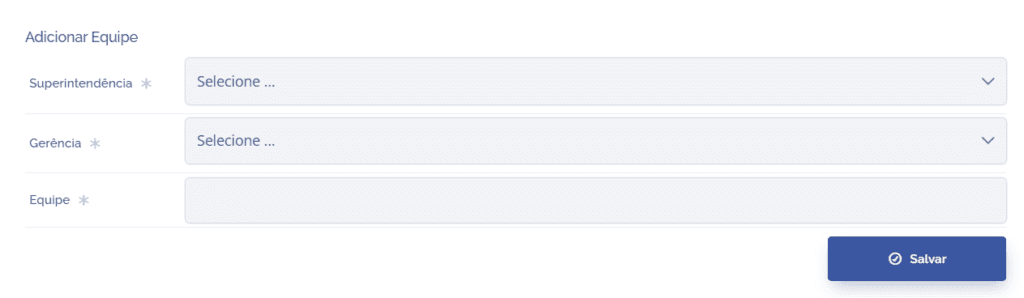
After defining a name for the team, associating it with a management and a superintendency, click the Save button to register it in the system.