Accounts
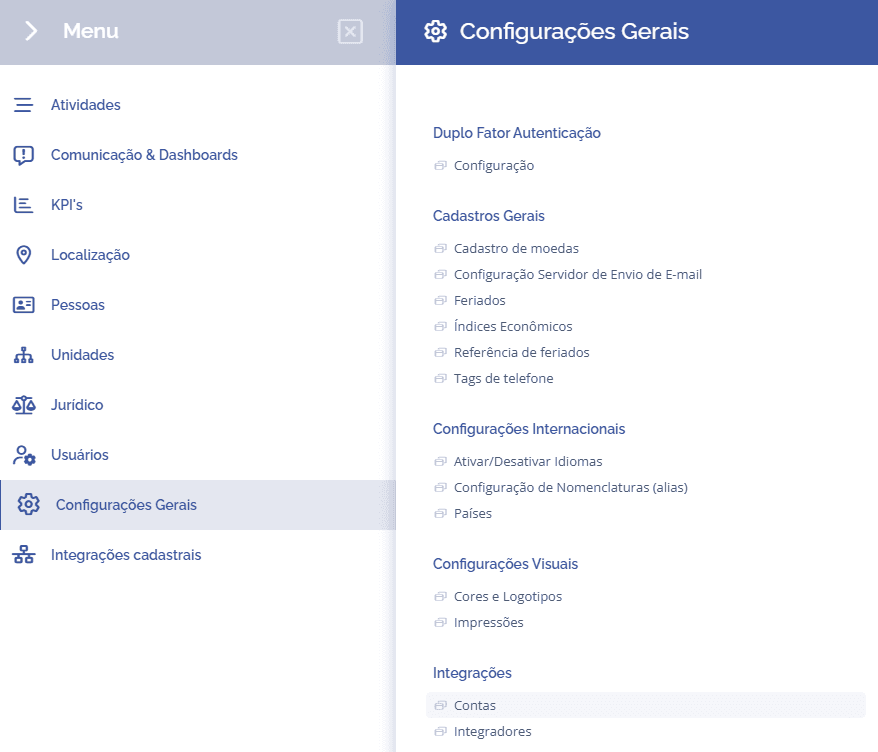
To configure accounts, open the main menu, select the General settings module, Integrations, and click the Accounts: option.
In this section, you can create a new account, edit, and delete:

Create account
To create a new account, click the New account button, then a new section (New account) will be displayed:
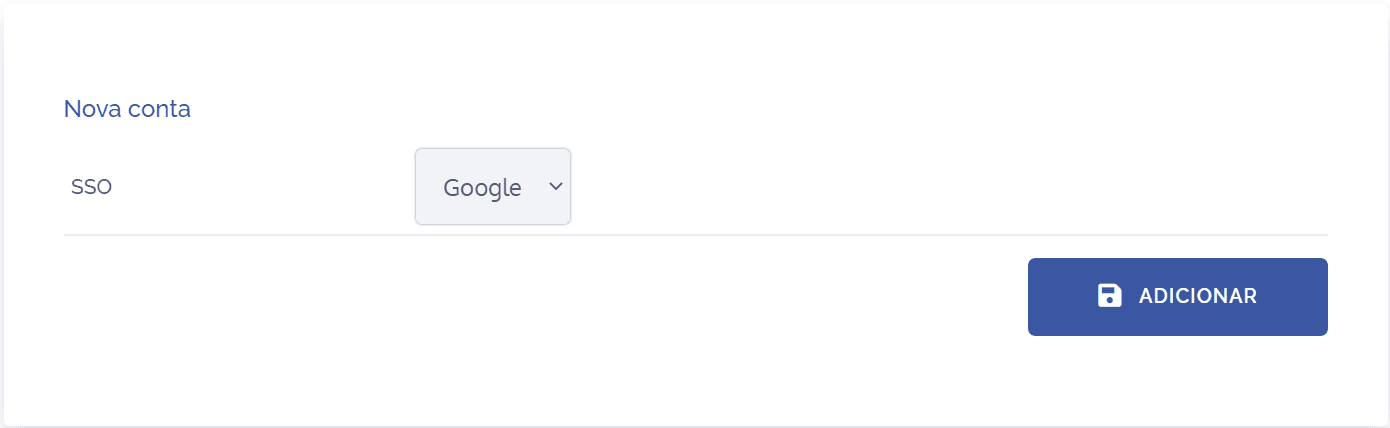
In the SSO field, select the account link type, then click Add. After that, it will be necessary to choose the Services on the next screen:
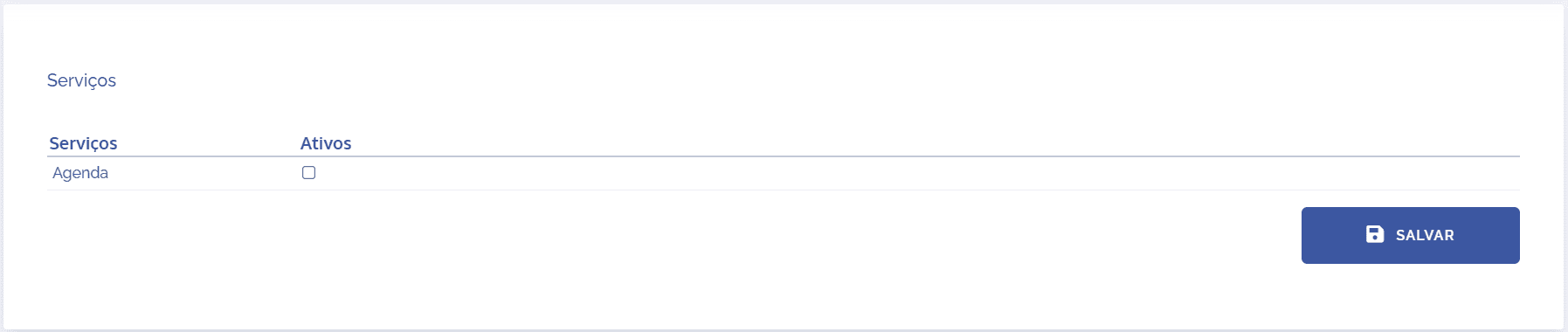
To choose a service, click the single selection in the Active column for each desired item. After configuring, click the Save button.
Edit account
To edit an account, click the edit icon, then a new section (Edit) will be displayed:
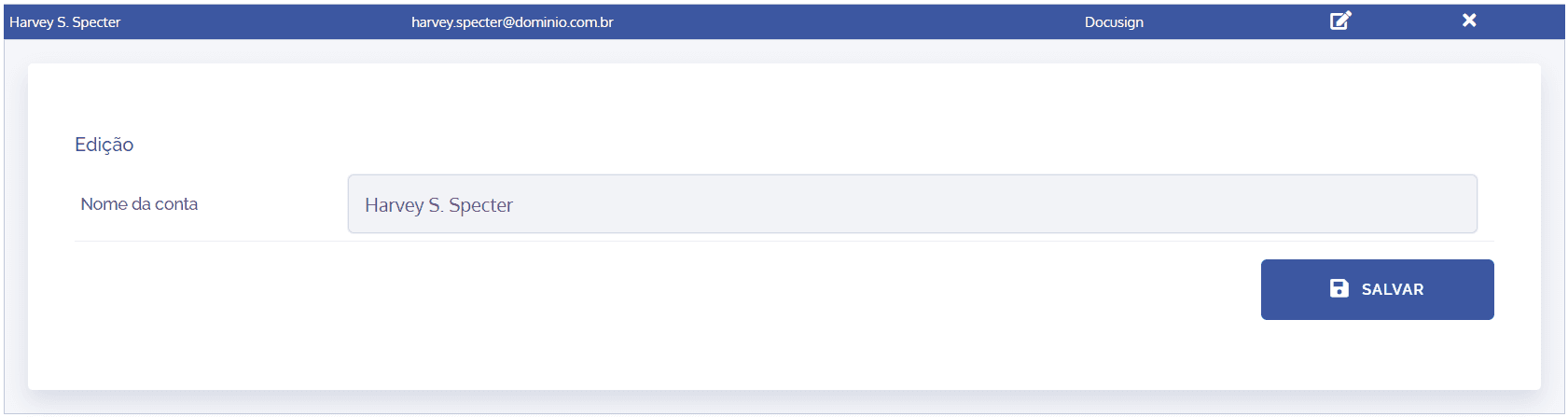
In the Account name field, click the pencil icon to edit. After that, click the Save button.
Delete account
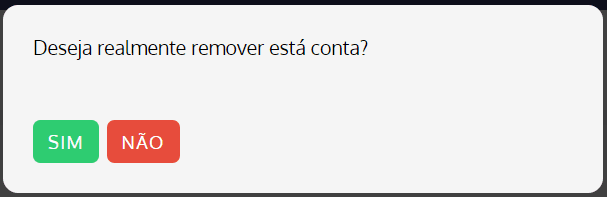
To delete an account, click the delete icon, then a deletion confirmation window will be displayed: