
Impressions
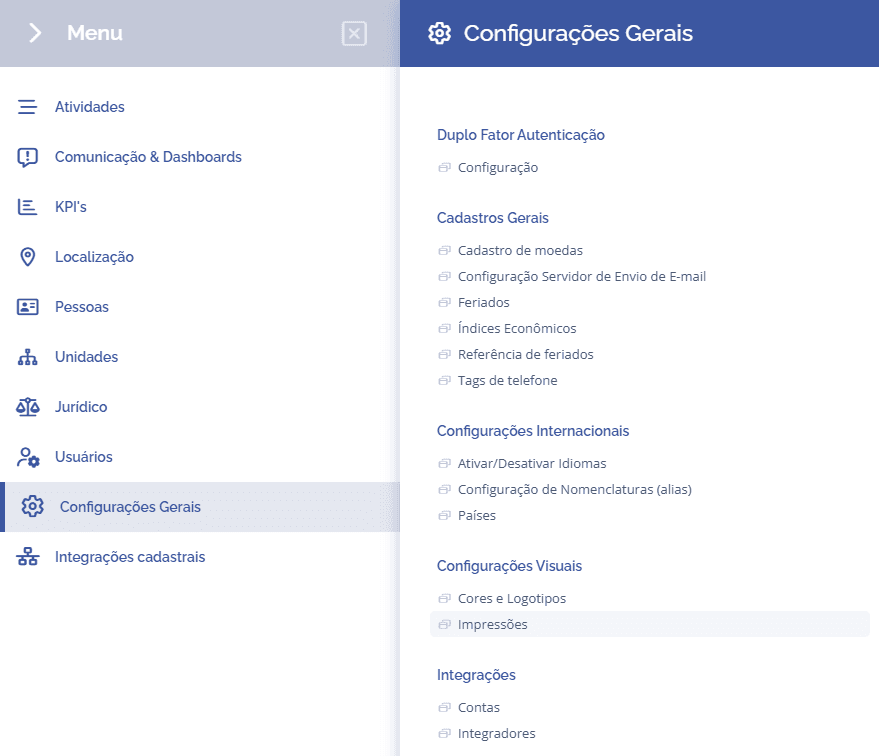
To customize prints, open the main menu, select the module General settings, Visual settings and click the option Prints:
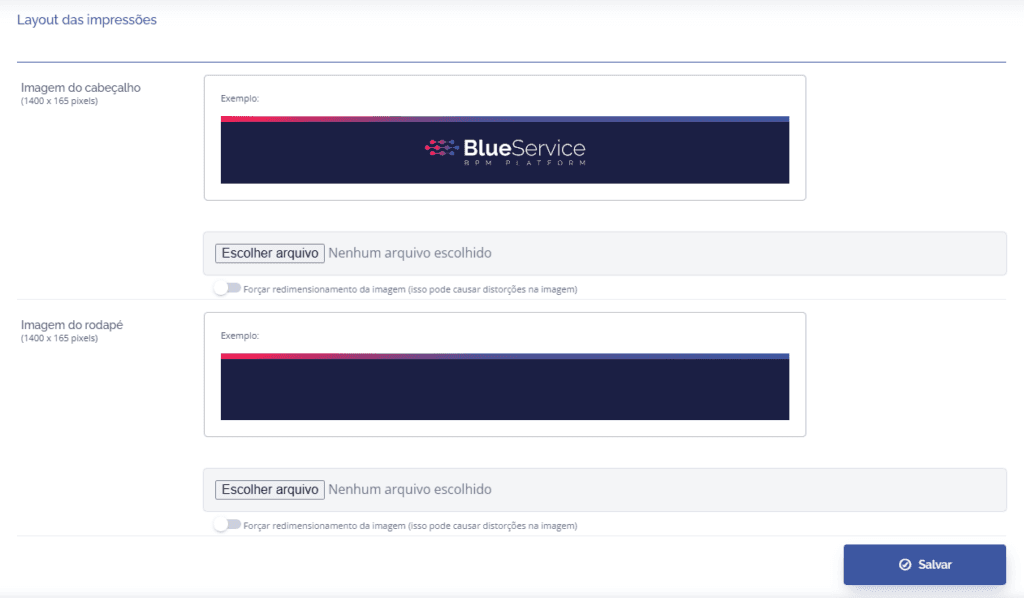
In this block, you can define a header and footer image for printing through the system:
To customize prints, open the main menu, select the module General settings, Visual settings and click the option Prints:
In this block, you can define a header and footer image for printing through the system: