Language settings
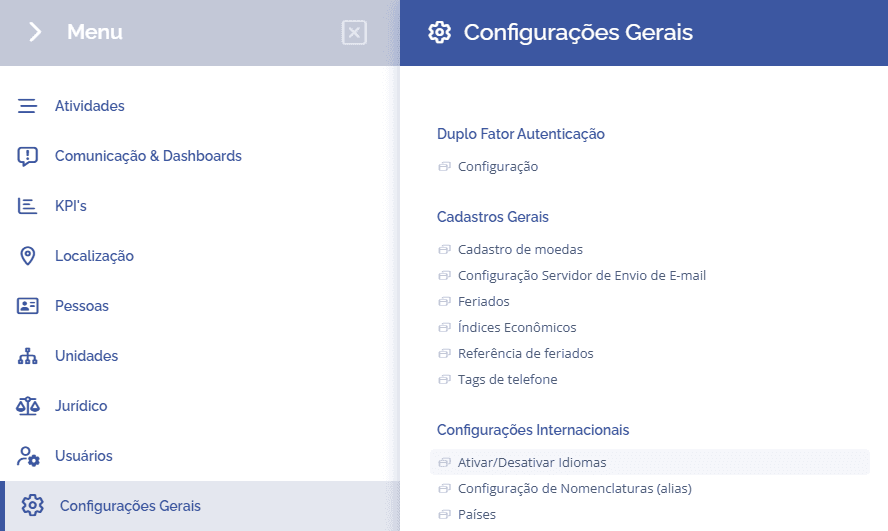
To configure the system languages, open the main menu, select the module General Settings, International Settings and click the option Activate/Deactivate Languages:
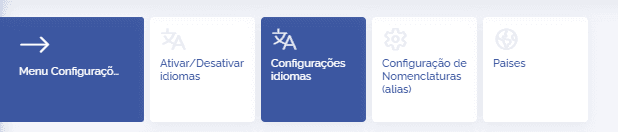
Then click the Language Settings card.
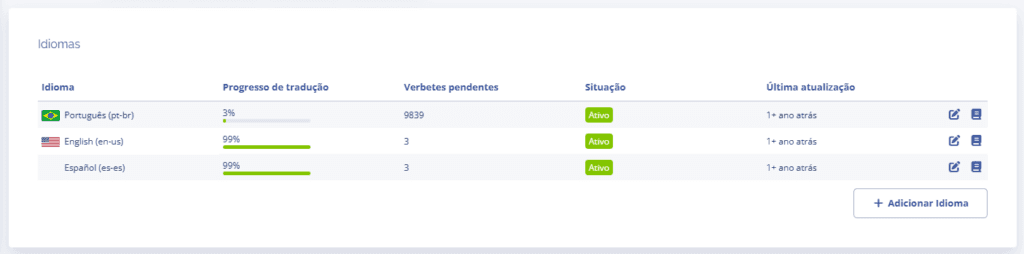
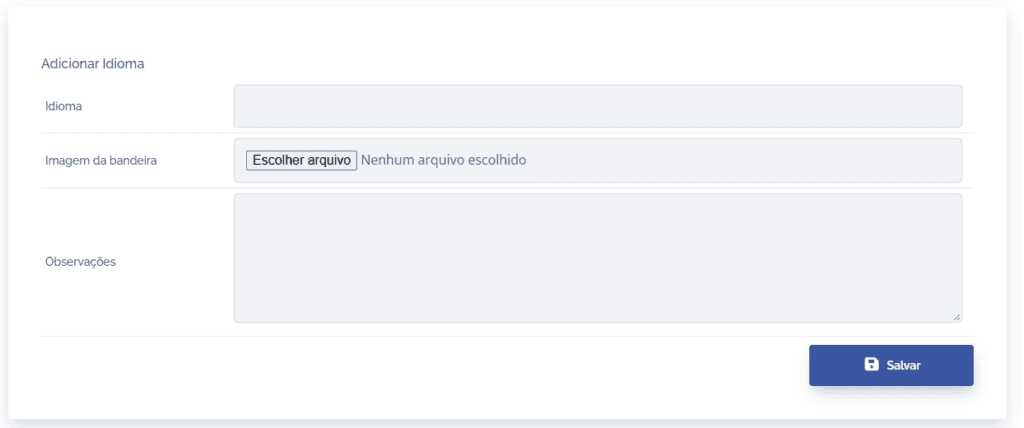
This section will display the languages registered in the system, and you can add another language by clicking the Add Language button:
When clicking Add Language, a new registration block will be displayed, where you can define the language name, the flag image, and a note if necessary. By clicking Save, the language will be added to the language list.
After adding the language, you can define the settings by clicking the edit icon and define the term translations by clicking the book icon in the list.

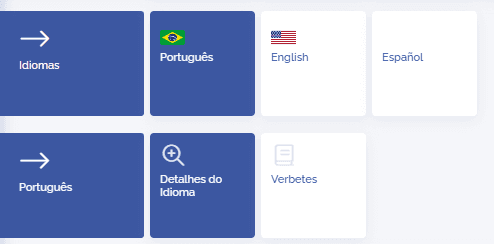
When accessing the language edit page, it will be possible to access the other registered languages, check the details of the selected language, and the term translations.
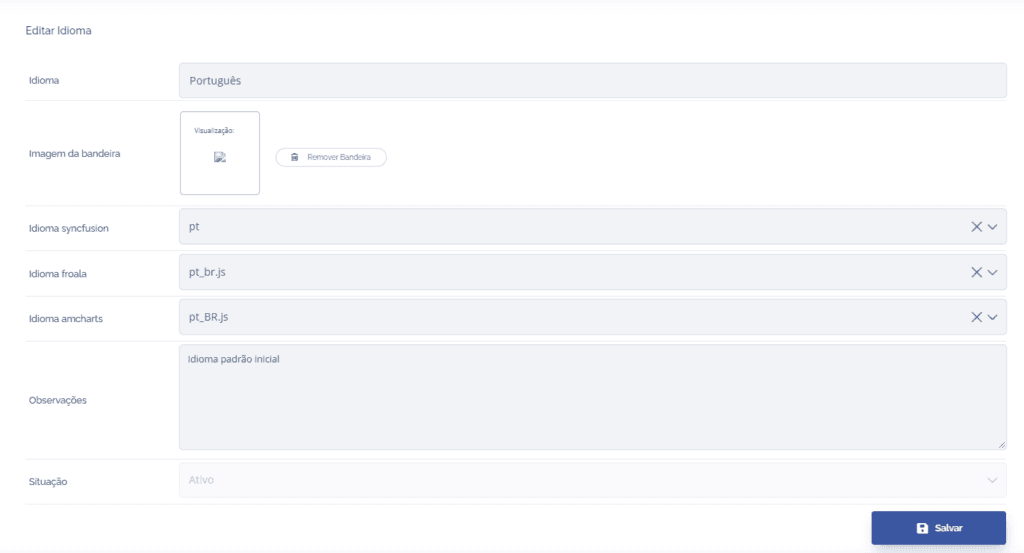
In the Language details, we can define the language parameters for the system forms and charts, such as syncfusion, froala, amcharts. To change the language status, access the settings for activate/deactivate languages.
By clicking the Terms card, the translation block will be displayed, listing all the system phrases and, if necessary, defining what the translation would be for another language.
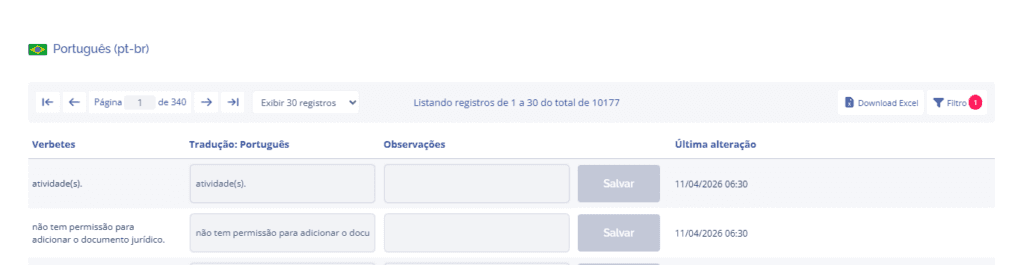
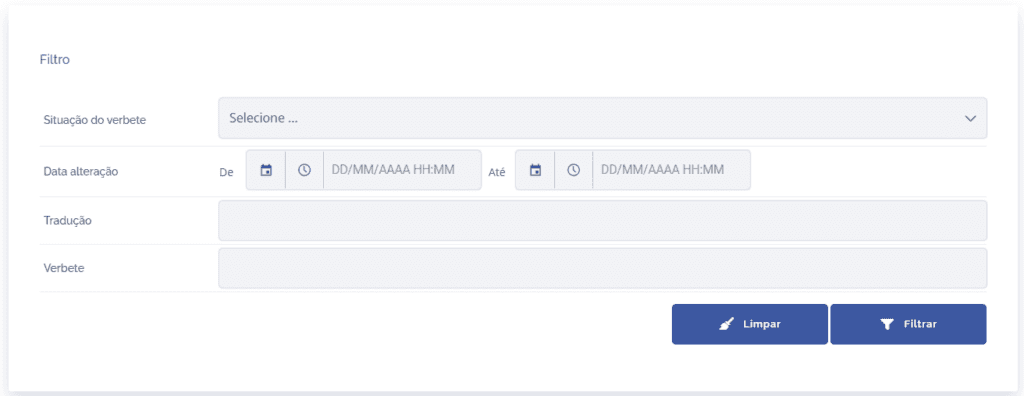
In addition, you can perform an Excel download of all terms by clicking the button in the upper-right corner of the list, and also Filter by translated and untranslated terms, modification date, and search for specific translations/terms.