
Files
In the details of an activity, click the Files card:

You will be able to check the files that have already been added, as well as the possibility of adding more files, listing images, and downloading all files.
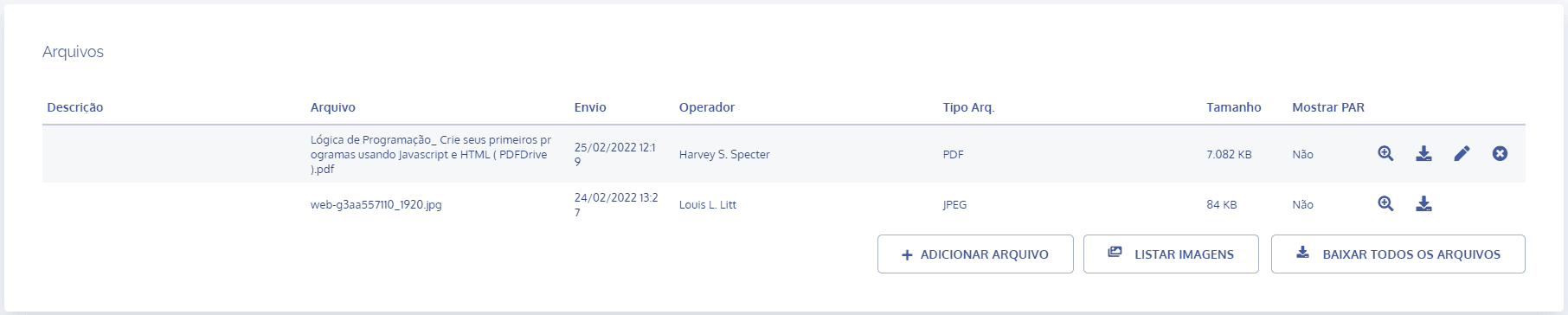
Now see each available function:
View file
When you click the magnifying glass icon, the file preview will be displayed.
Download file
When you click the download icon, the file will be downloaded.
Add files
When you click the Add file button, select a file to upload.
Image preview
When you click the List images button, a preview of the added images will be displayed.
Download all files
When you click the Download all files button, all files will be downloaded.