Custom field categories
To create a dynamic field category, you need to follow the step-by-step instructions below:
In Activities > Settings, when clicking the Dynamic field categories card:
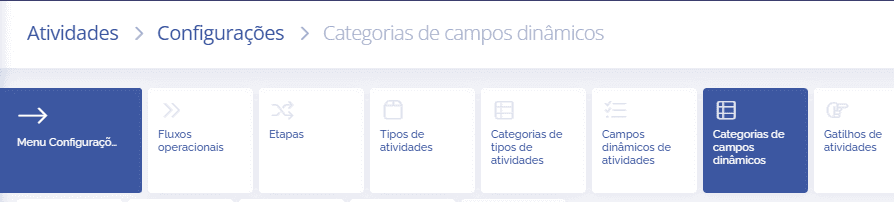
The block below will open:
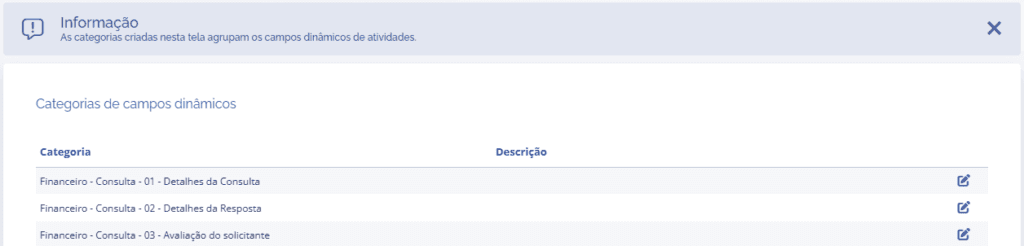

When clicking the “+ADD” button, the block below will open:
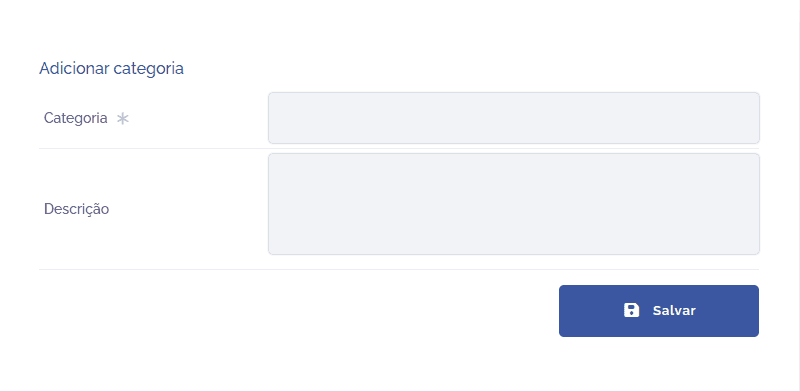
Fields to be filled in
To proceed with creating the dynamic field category, the following fields must be filled in:
Category
Title of the dynamic field category to be defined;

Description
Brief description of the category.

After filling in the fields and clicking the “SAVE” button, the category will be created, allowing dynamic fields to be linked.