
Dynamic person field category
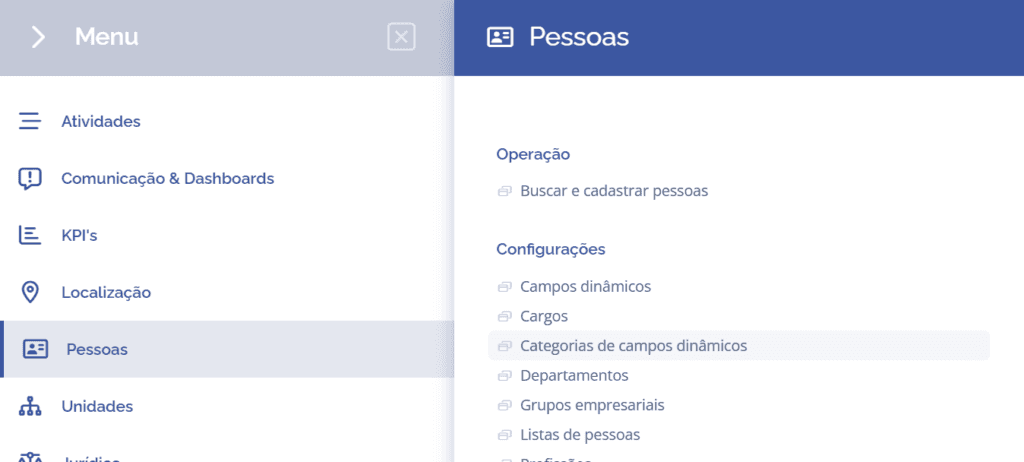
To create dynamic field categories, open the main menu, select the People module, Settings, and click the Dynamic field category option.
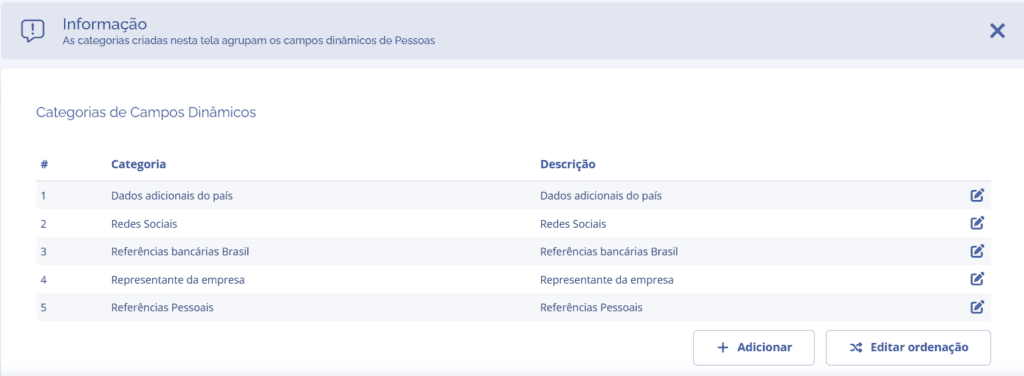
On the next screen, click the Add button:
A new Add category block will be displayed:
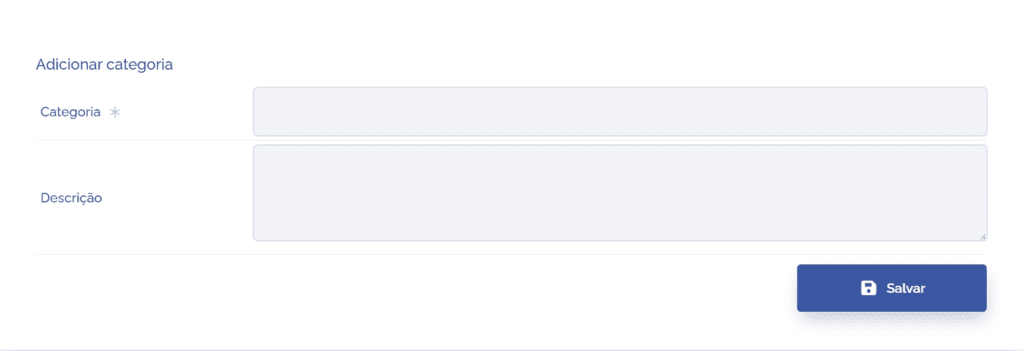
To proceed with creating the dynamic field category, the following items need to be filled in:
Category: When selecting this field, you can define a title for the category, so fill it in with the desired name.
Description: When selecting this field, you can provide a brief description of the category's function, so fill it in with the desired description.
After configuring the Add category fields, click the Save button. The category will be created, allowing dynamic fields to be linked.